2 Overview
TS and Webster
®
There are Many Ways to Use Webster
Use Webster for capturing notes and ideas during a presentation or
meeting with your interactive whiteboard or IP, CL or FSM. Webster
provides the tools you need to write, erase, print, or capture a copy of your
work.
In addition, Webster software records anything you write or draw, so you
can capture a snapshot of your notes on the connected computer. This
enables you to add or erase, save, print, or distribute the snapshot using
the features of the Webster software at any time, even when a PolyVision
product is not turned on or connected to the computer.
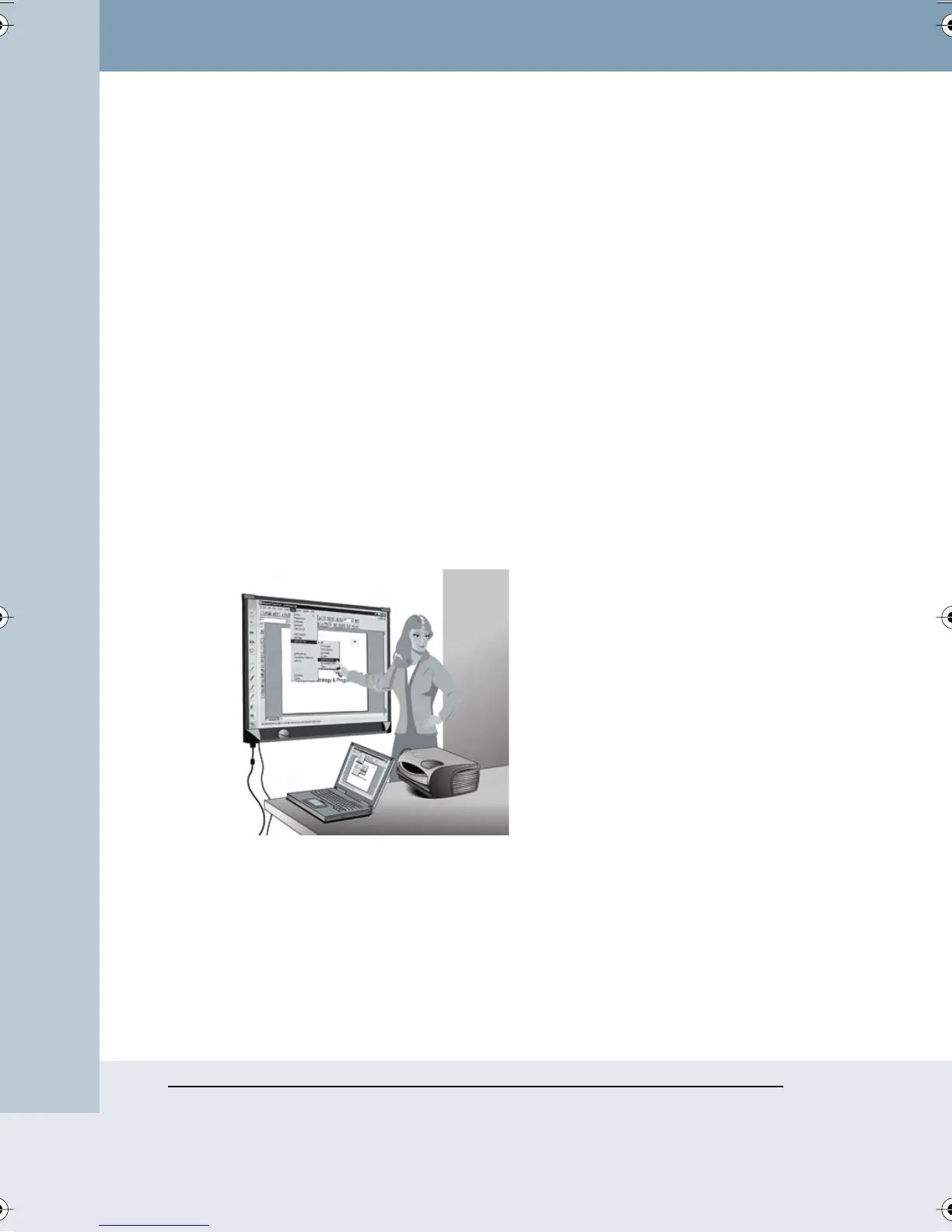
With a projector connected to your computer, your PolyVision product
becomes an interactive touch screen that enables you to operate your
computer from that product. For instance, if your PolyVision product is an
interactive whiteboard, you can control a presentation (using software such
as PowerPoint) on your computer while standing at the whiteboard simply
by using a finger or stylus as the mouse.Webster enables you to make
notes over or beside the projected computer image and capture everything
(both notes and projected image) by printing or saving a file.
In Microsoft Windows, Webster is also compatible with Microsoft
NetMeeting, giving you fully interactive video conferencing capabilities from
your PolyVision product.
Webster_draft2.book Page 2 Friday, November 3, 2006 2:24 PM



 To Next Page