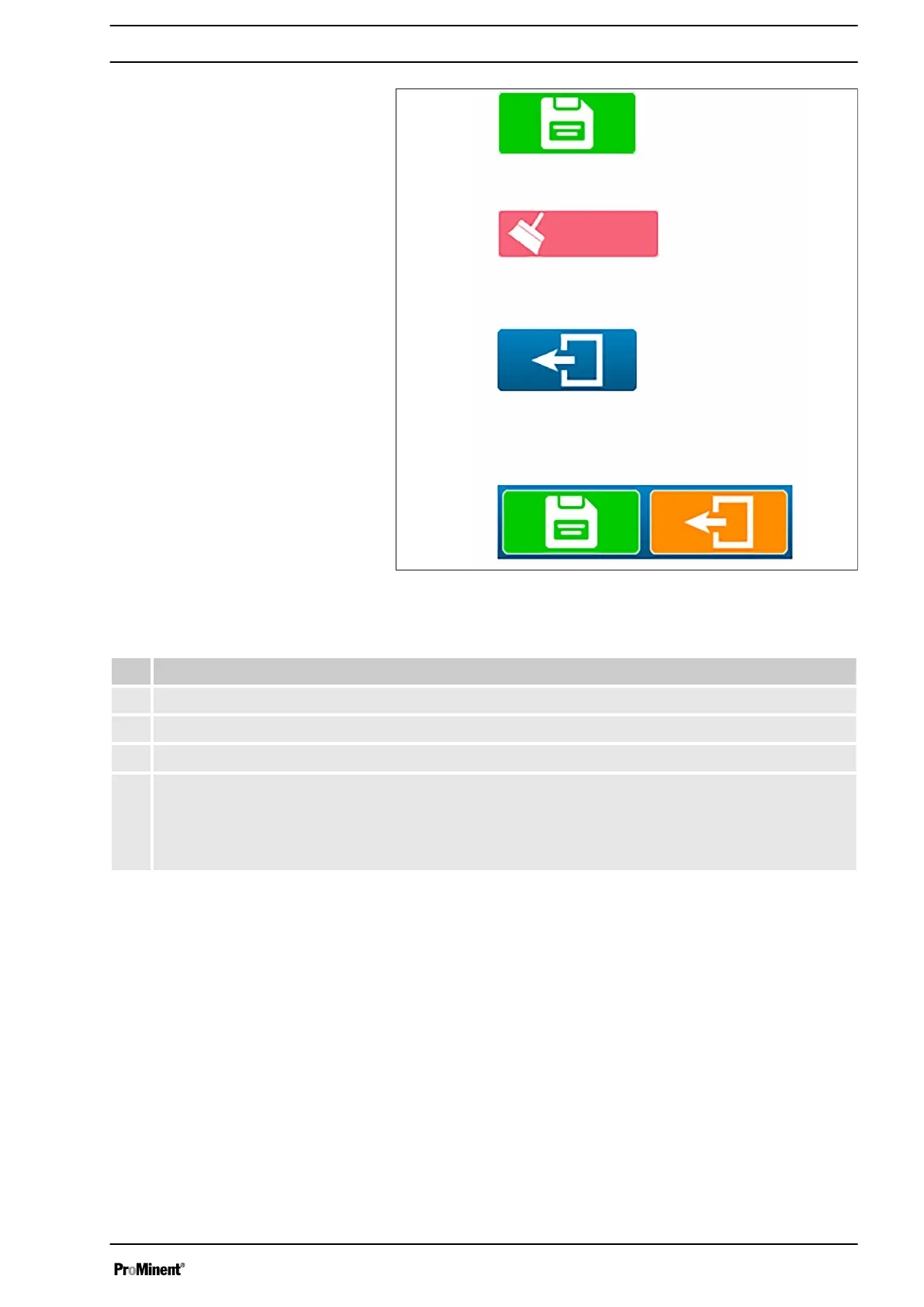
Fig. 51: Action keys
Tab. 10: Action keys
# Function
1 Use this key to save a configuration.
2 Use this key to clear a configuration.
3 Use this key to return to the previous display.
4 With the "Save" and "Back" keys, when a change is made on a screen, the “Back” key appears
orange and the “Save” key appears.
Press “Back” to skip saving the changes.
Press “Save” to complete saving the changes.
Operating concept and operation
55














 To Next Page