A3046
Auswahl
Auswahl
Auswahl
Auswahl
Auf
Ab
Ab
Auf
Element 10
Element 5
Element 4
Element 3
Element 2
Element 1
Element 9
Element 8
Element 7
Element 6
Element 6
Element 5
Element 4
Element 3
Element 2
Element 1
Element 12
Element 11
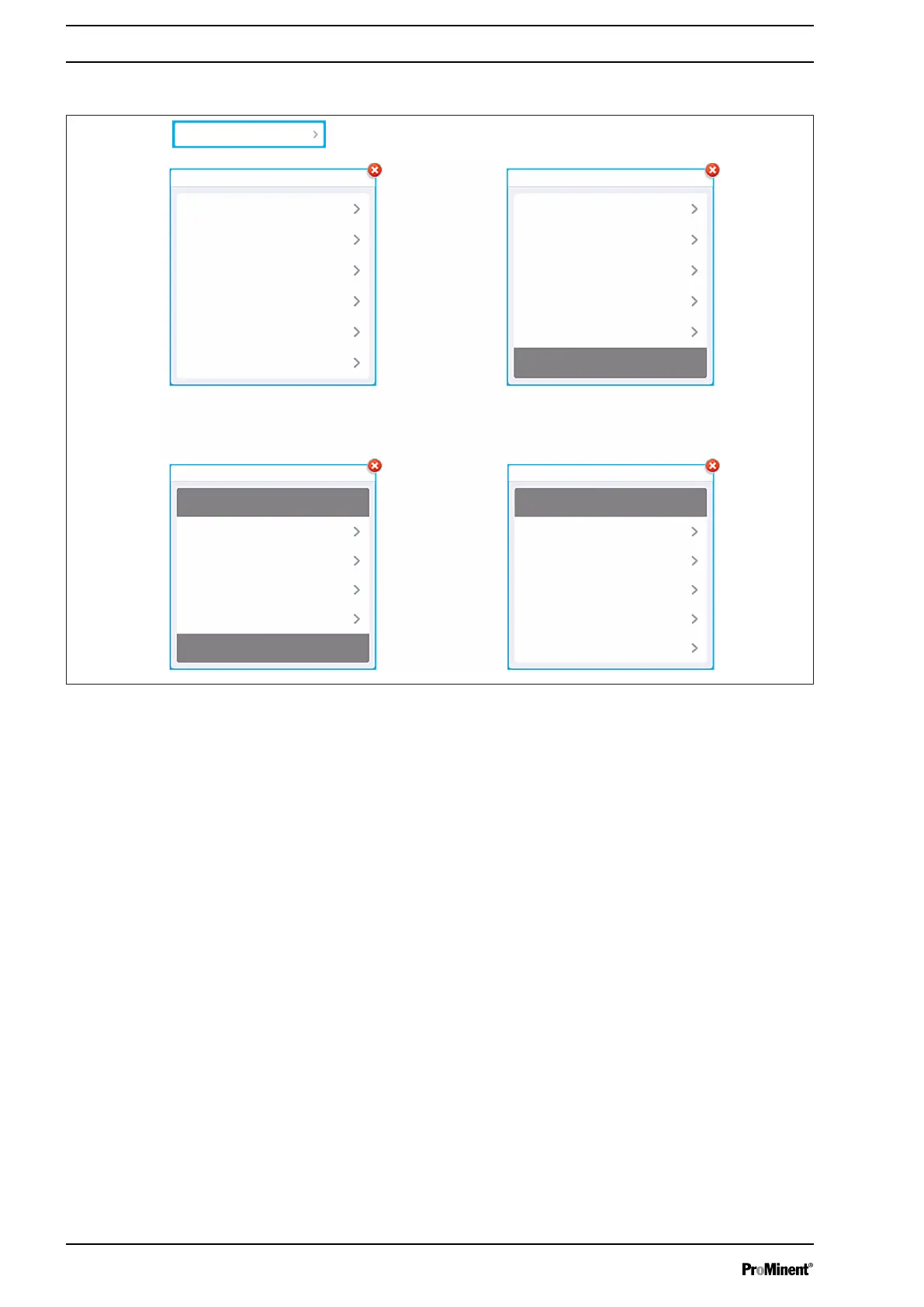
Fig. 52: Selection lists
If an action is symbolised by this type of key
‘Open a list’
, then a
list with the corresponding elements opens. The "simple" list has a
maximum of 6 entries; if the list is longer,
‘Up’
and
‘Down’
naviga‐
tion buttons appear to help you move through the list.
Press on an element to select it.
Selection lists
Operating concept and operation
56














 To Next Page