The sequence of parameters is totally independent of the
sequence of the sensors. If the
‘Automatically create a parameter
for each sensor’
option is enabled, the sequence of the parame‐
ters created corresponds to the sequence in which you have added
and configured your sensors.
A3119
Set parameter
pH value Chlorine
Temperature Not used
Not used Not used
Not usedNot used
Measurements and calculations
Fig. 75: ‘MEASUREMENTS and CALCULATIONS’ configuration
and installation
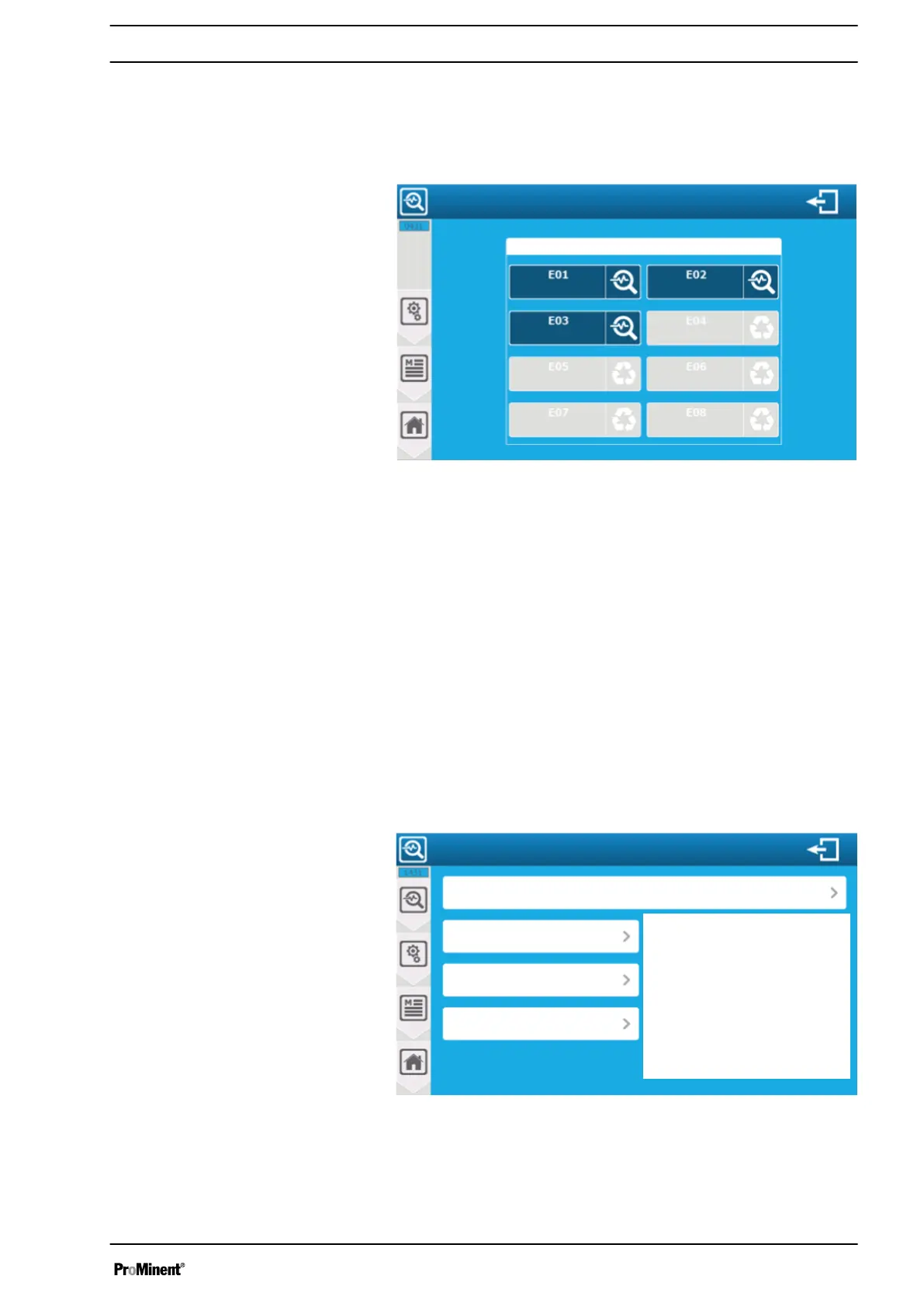
The screen displays the configured and unused parameters. You
can change the configuration of a parameter already configured by
pressing it or configure it by pressing an unused parameter.
E01 ... E08 parameter identification. The parameters are identified
by their EOx code in the screens.
8.1.2.6 Parameter configuration
The selection of the measured variables is directly related to the
sensors installed and configured. The controller only delivers
measurements for the configured sensors.
The controller automatically completes the parameter configuration
fields when selecting the measurements to information from the
first available compatible sensor in its list. You can change this
configuration if you need to.
A3122
Measuring and calculation settings
Options area
E02 measurement: Free chlorine
Decimal: Automatic
Unit: ppm
Sensor: Free chlorine AI2
Fig. 76: Parameter configuration
The basis of parameter configuration. Depending on the selected
parameter (measured, calculated, compensated...), additional con‐
figuration options are added on the right (Options area).
Setting measuring and control parameters
85














 To Next Page