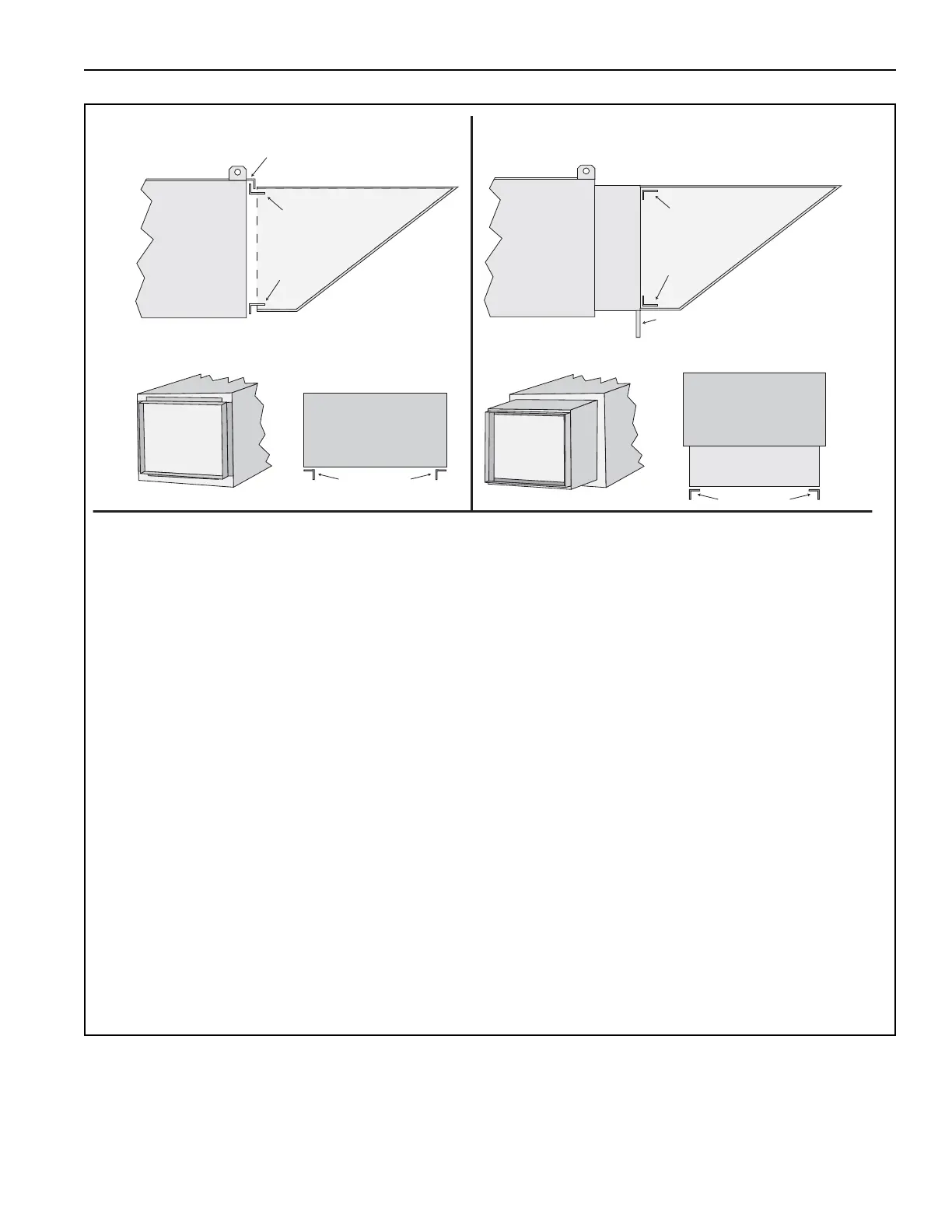
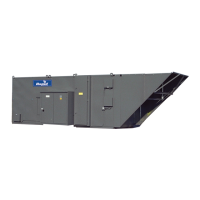
For an air handler without a filter section:On the inlet of the air handler, install horizontal and upright
mounts. The mounts will be installed via angles open towards the outside of the air handler.
For an air handler with a filter section: First, attach the filter section to the air handler. Then, bolt the inlet
hood horizontal and upright mounts to the inlet of the filter section with the angles opening towards the
inside of the filter section.
Upright mounts (P/N 13X05090) are attached with seven 3/8-16 bolts (P/N 20517) and flat washers (P/N
20515) each; the receiving riv-nut (P/N 91120106) will be factory installed on the air handler or filter section.
Horizontal mounts (P/N 13505091) are attached using nine TEK self-tapping screws (P/N 13404).
Prior to installing the mounts, seal the gap between the mating surfaces of the air handler/filter section and
the mounts with the provided foam tape (P/N 92700017).
When installing the top horizontal mount directly to the air handler without a filter section, foam tape should
NOT be used. In this case, the hardware on the lip of the air handler roof panel should be removed, the
mount slid under the lip and hardware re-installed. Foam tape to be used on remaining three sides.
To install inlet hood on an exterior wall, drill holes every 8" (20.3 cm) in the flanges of the inlet hood and
mo
unt with lag bolts (provided by others).



 To Next Page