Icon Description
Loupe
• Used to change the display magnification.
• Used to move a displayed area.
• See page 53 "Changing the display magnification with the pen".
Screen Rotate
• Rotates the screen by 180 degrees.
• This icon appears when using RICOH Interactive Whiteboard D3210 and
[Use Placed Flat] is specified for [Main Unit Setup Method] in the System
Settings.
Switch External
Input
• Displays a screen from a connected device in real time. You can switch the
displayed screen by touching the icon.
• This icon appears when an image from any of the external input terminals
is being displayed.
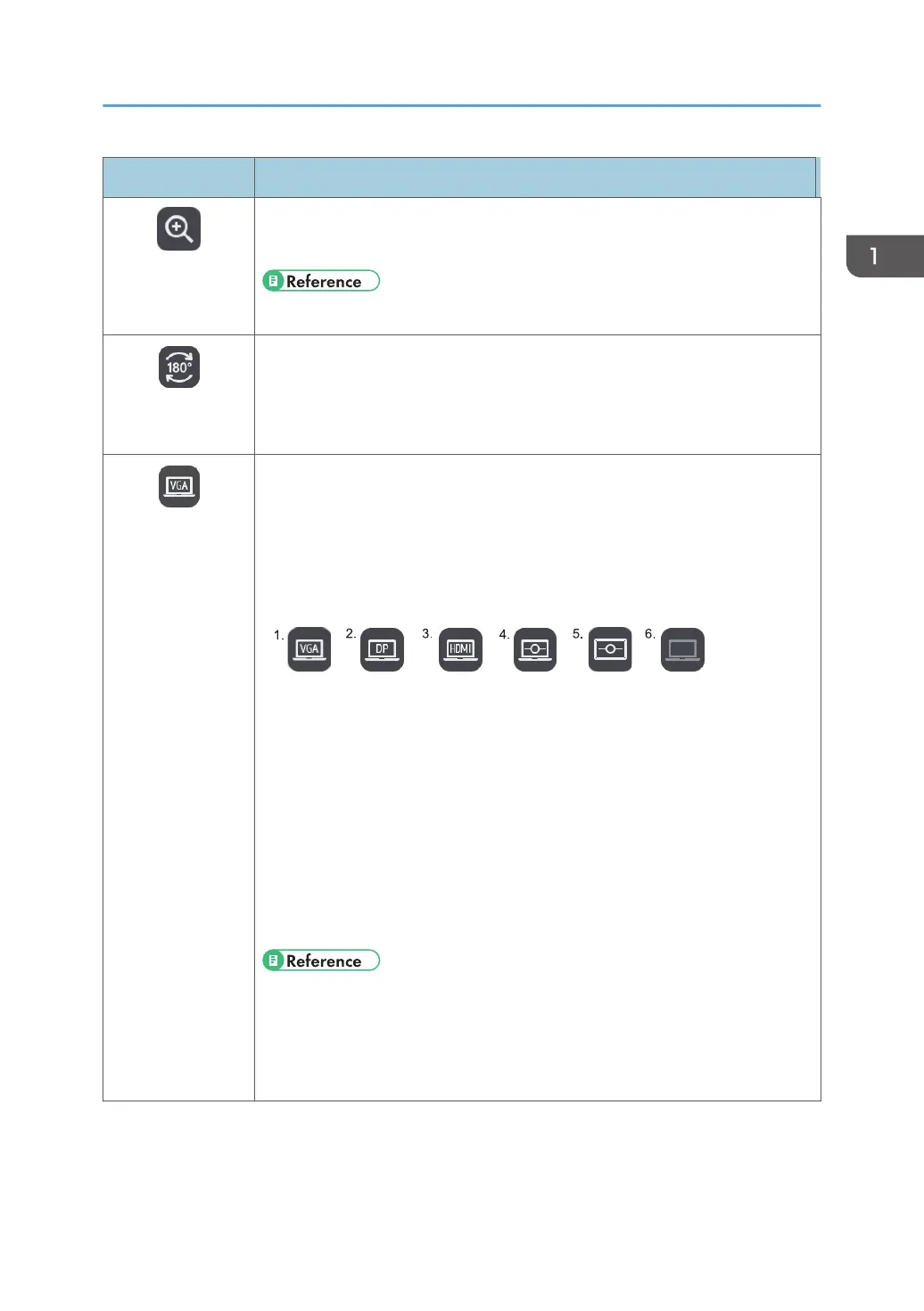
• The available icons are as follows:
1. When the image from the VGA Input is selected
2. When the image from the DisplayPort Input is selected
3. When the image from the HDMI Input is selected
4. When using the IWB Remote Desktop Software
5. When an externally input image of the whiteboard that is shared by
remote whiteboard is being displayed
6. If the handwritten entry is still displayed when the external input is
disconnected
• See page 99 "Connecting a Computer or Tablet to the Machine".
• See page 129 "Using the Machine to Perform Operations on a Computer
Screen".
• See page 139 "Using a Remote Whiteboard to Share the Screen".
Icons Displayed on the Interactive Whiteboard
25



 To Next Page