100
Changing Printing Paper Information
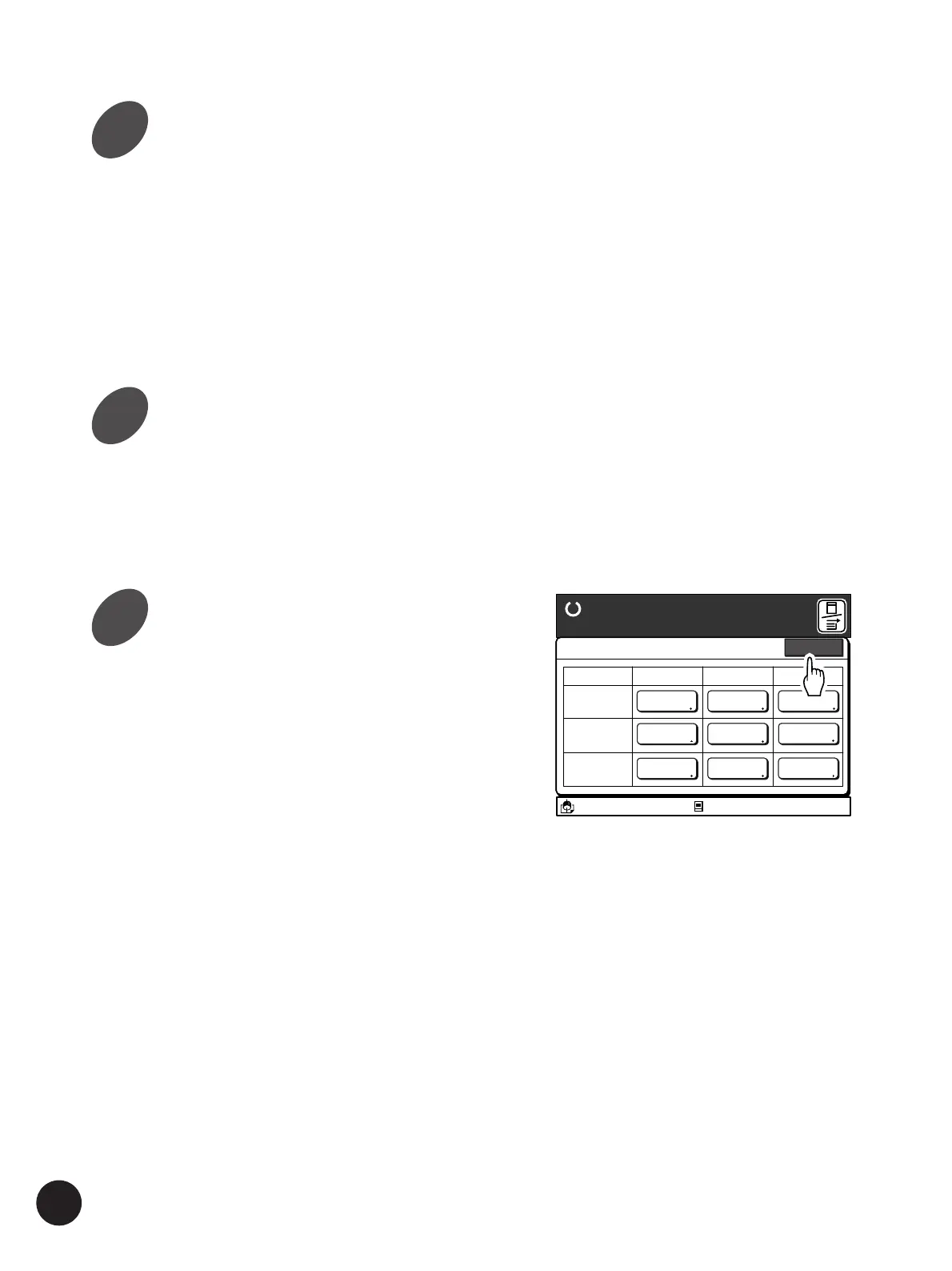
Touch the required Paper Finish
button.
When the optional utility software, RISO-
MONITOR, is used, the information specified in
this window can be confirmed with your personal
computer.
For detailed information about the RISO-
MONITOR, refer to the dedicated operation guide.
Touch the [OK] button.
The window returns to the [Paper Data Entry]
window.
Touch the [Close] button.
The window returns to the [Functions] window.
A 3/Black
13:59
Close
Paper Data Entry
Ready to Make Master
Size Type Finish
Standard-T
A 4 Card Stock Standard
Idle
M
Feed Tray1
Feed Tray2
Standard Standard
Standard Standard
A 4
B 4
11
12
13



 To Next Page