96
START
START
STOP
RESET
CENTER
PRINT
POSITION
SLOW
FAST
SPEED
DENSITY
LIGHT
DARK
TEST PRINT
12345
12345
12
3
START
STOP
RESET
CENTER
PRINT
POSITION
SLOW
FAST
SPEED
DENSITY
LIGHT
DARK
TEST PRINT
12345
12345
12
3
START
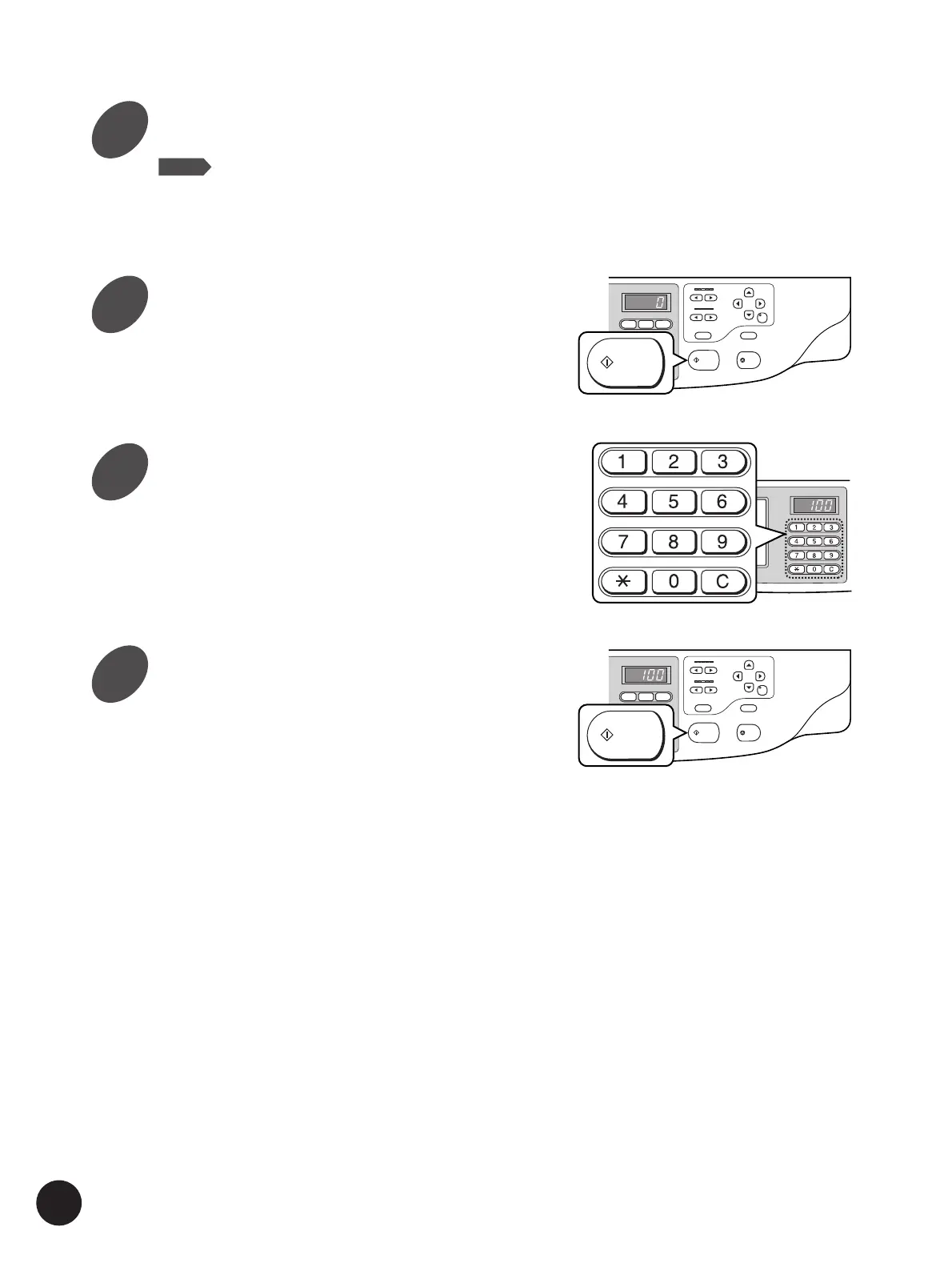
Printing other Originals Side by Side
Press the Start key.
Enter the number of copies to be
printed.
Specify the number of copies to be printed using
the Print Quantity keys.
Make other necessary settings.
NOTE
• The following functions can be specified for each original.
- Image processing ([Line], [Duo], [Photo], [Dot], etc.)
- Scanning contrast adjustment
- Reproduction size (Reduction/ Enlargement)
Press the Start key again.
8
9
10
11



 To Next Page