1. OUTLINE
IMR02C15-E4
1-10
Display units
Measured value (PV) display [Green] Displays Measured value (PV) or various parameter symbols.
Unit display [Green] Displays the temperature units (°C or °F) of displayed data and the units (%) of
the Manipulated output value (MV).
Set value (SV) display [Orange] Displays Set value (SV), Manipulated output value (MV) or various parameter set values.
Set lock display [Orange] Lights when the settings are locked.
Indication lamps
Autotuning (AT) lamp [Green]
Flashes when Autotuning is activated. (After Autotuning is completed: AT lamp will go out)
Light during Startup tuning (ST) execution.
Output (OUT) lamp [Green]
OUT1: Lights when output 1 is turned on.
OUT2: Lights when output 2 is turned on.
Lamp indication becomes as follows for current output and voltage output.
For an output of less than 0 %: Extinguished
For an output of more than 0 %: Lit
Manual (MAN) mode lamp [Green]
Lights when operated in Manual (MAN) mode.
STOP lamp [Green]
Lights when control is stopped (STOP).
Blinks when control is stopped (STOP) by the Timer function (P. 7-5).
Digital output (DO) lamp [Green]
Lights when the Event (RB100: DO1, DO2 RB400/500/700/900: DO1 to DO4) output
corresponding to each lamp is ON.
STEP set value lamp [Orange]
When the Step SV function (P. 7-2) or the Timer function (P. 7-5) is used, the lamp
corresponding to the currently used Set value (SV1 to SV4) lights.
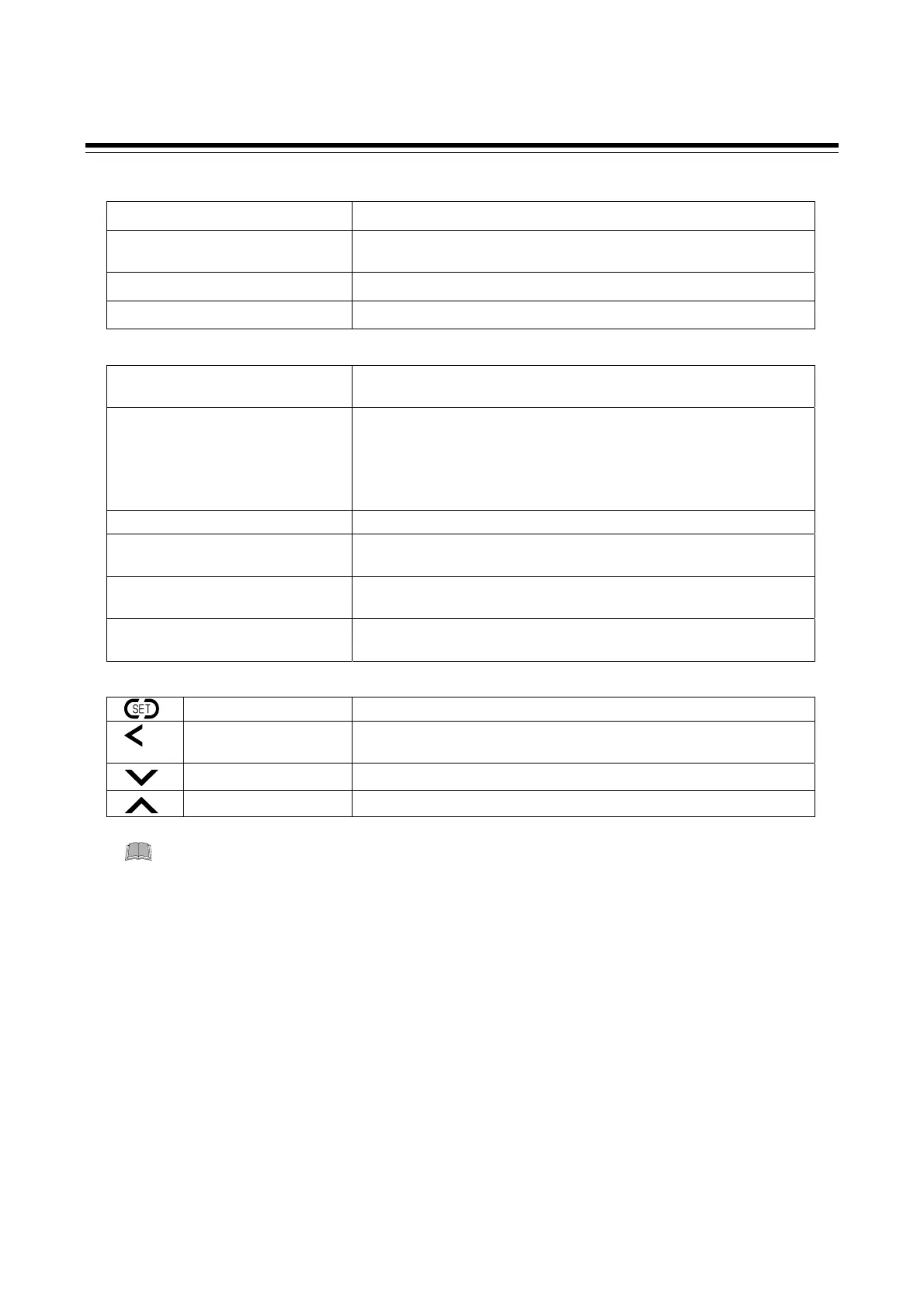
Operation keys
Set (SET) key
Used for parameter calling up and set value registration.
R/S
Shift key
Shift digits when settings are changed.
Used to switch monitor items, RUN/STOP, and modes.
Down key *
Decrease numerals.
Up key *
Increase numerals.
* Also used to switch items within Mode switching (AUTO/MAN, Set data lock, and Interlock release).
To avoid damage to the instrument, never use a sharp object to press keys.



 To Next Page
 Loading...









