Configuring the Access Point
Configuring Wireless Settings
ZoneFlex Indoor Access Point 9.8.1 User Guide, 800-70601-001 Rev C 138
Use of WPA-PSK (also known as WPA-Personal) allows automatic key generation
based on a single passphrase. WPA-PSK provides strong security for small and
medium organizations and does not require a RADIUS server, but may not be
supported on older wireless devices. In some cases, the older devices can be
upgraded with adapters to take advantage of WPA-PSK.
If you configure the WLAN with WPA-PSK, wireless users are not able to connect
to your WLAN unless their devices support WPA-PSK and are configured with the
same passphrase.
1 Go to Configuration > Wireless or Configuration > Radio 2.4G or
Configuration > Radio 5G. The Configuration > Wireless > Common page
appears.
2 Click the Wireless # tab that you want to configure. The Configuration > Wireless
> Wireless[#] page appears.
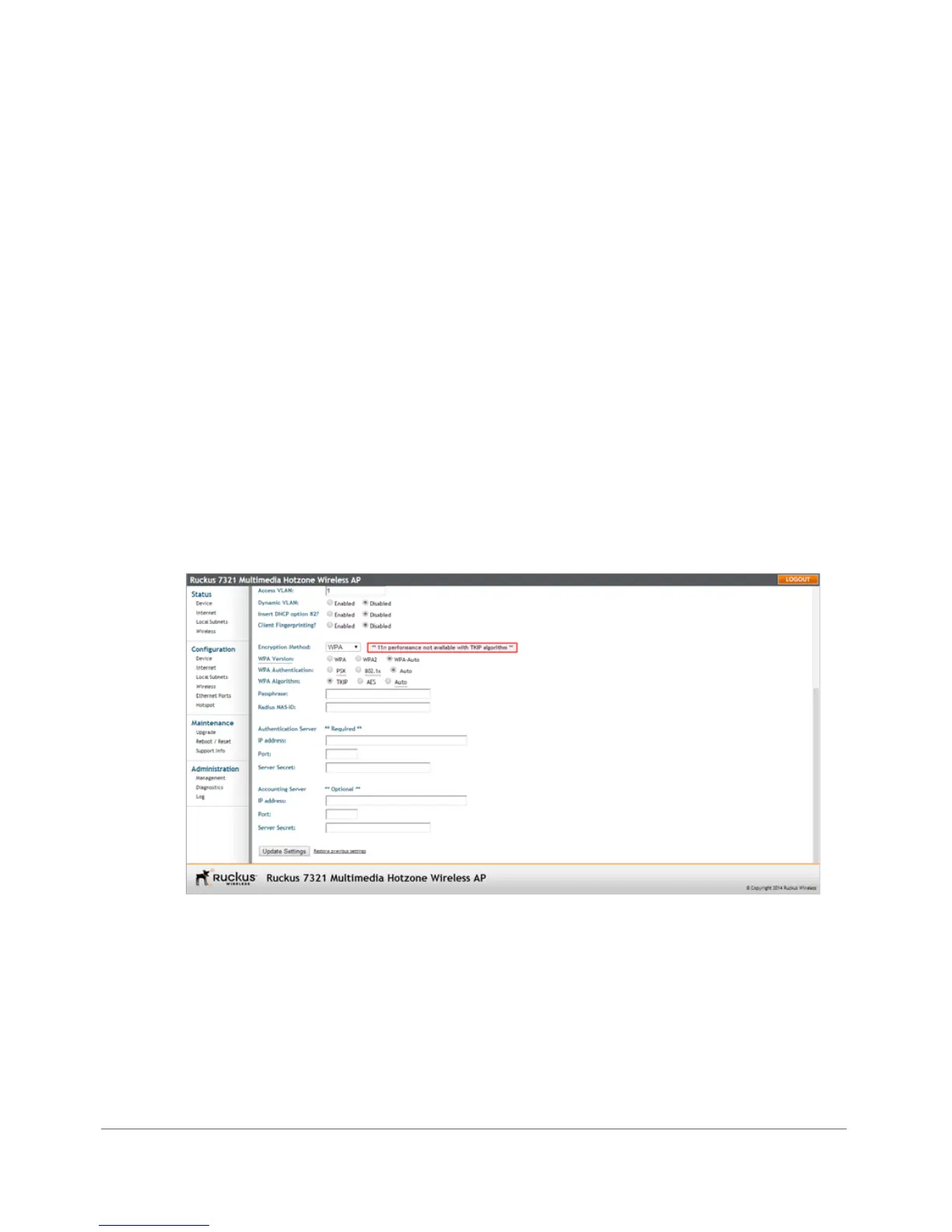
3 Select WPA from the Encryption Method menu. An additional set of WPA-
specific options appear on this page.
Figure 68. WPA settings










 To Next Page