Configuring the Access Point
Configuring Wireless Settings
ZoneFlex Indoor Access Point 9.8.1 User Guide, 800-70601-001 Rev C 132
Configuring Wireless # Settings
The Access Point provides up to eight wireless LANs per radio that can be
individually configured to provide different kinds of services for different kinds of
wireless clients, traffic types or different user groups. Each WLAN can be configured
with separate security settings, VLANs, access controls and rate limiting policies,
among other settings.
1 Go to Configuration > Wireless (or Configuration > Radio 2.4G/Radio 5G).
The Configuration > Wireless > Common page appears.
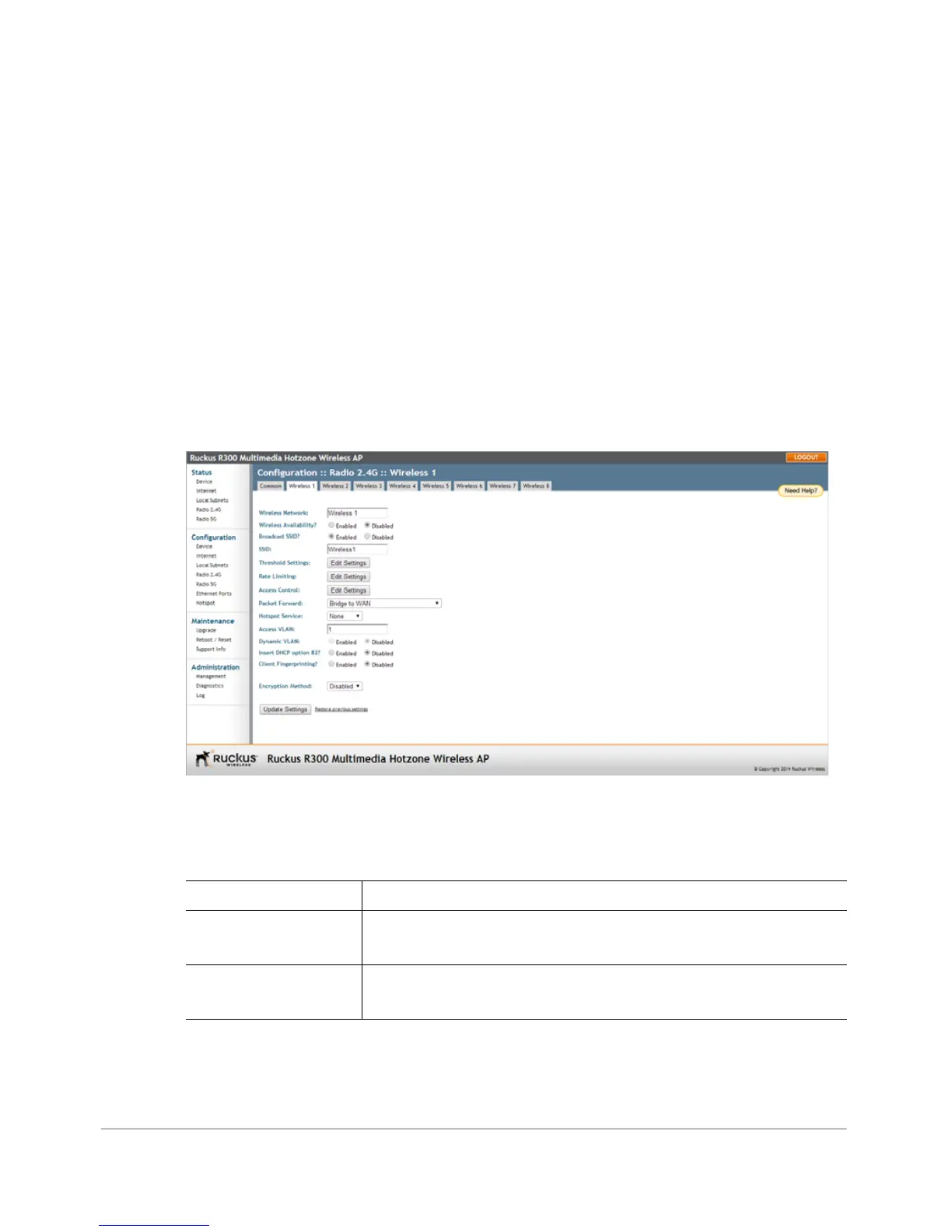
2 Click one of the eight Wireless (#) tabs. The Configuration > Wireless > Wireless
[#] page appears.
Figure 66. Wireless # settings
3 Review the WLAN options listed in Tab le 4 8, and then make changes as required.
Table 48. WLAN options
Option Description
Wireless Network This wireless network name is for management purposes only,
and is not visible to the user.
Wireless Availability This option controls whether or not the wireless network is
available to users (Enabled or Disabled).










 To Next Page