Managing the Access Point
Viewing Associated Wireless Clients
ZoneFlex Indoor Access Point 9.8.1 User Guide, 800-70601-001 Rev C 166
Viewing Associated Wireless Clients
A usage-monitoring capability has been built into the Access Point to help you
monitor wireless clients that are associated with your wireless network.
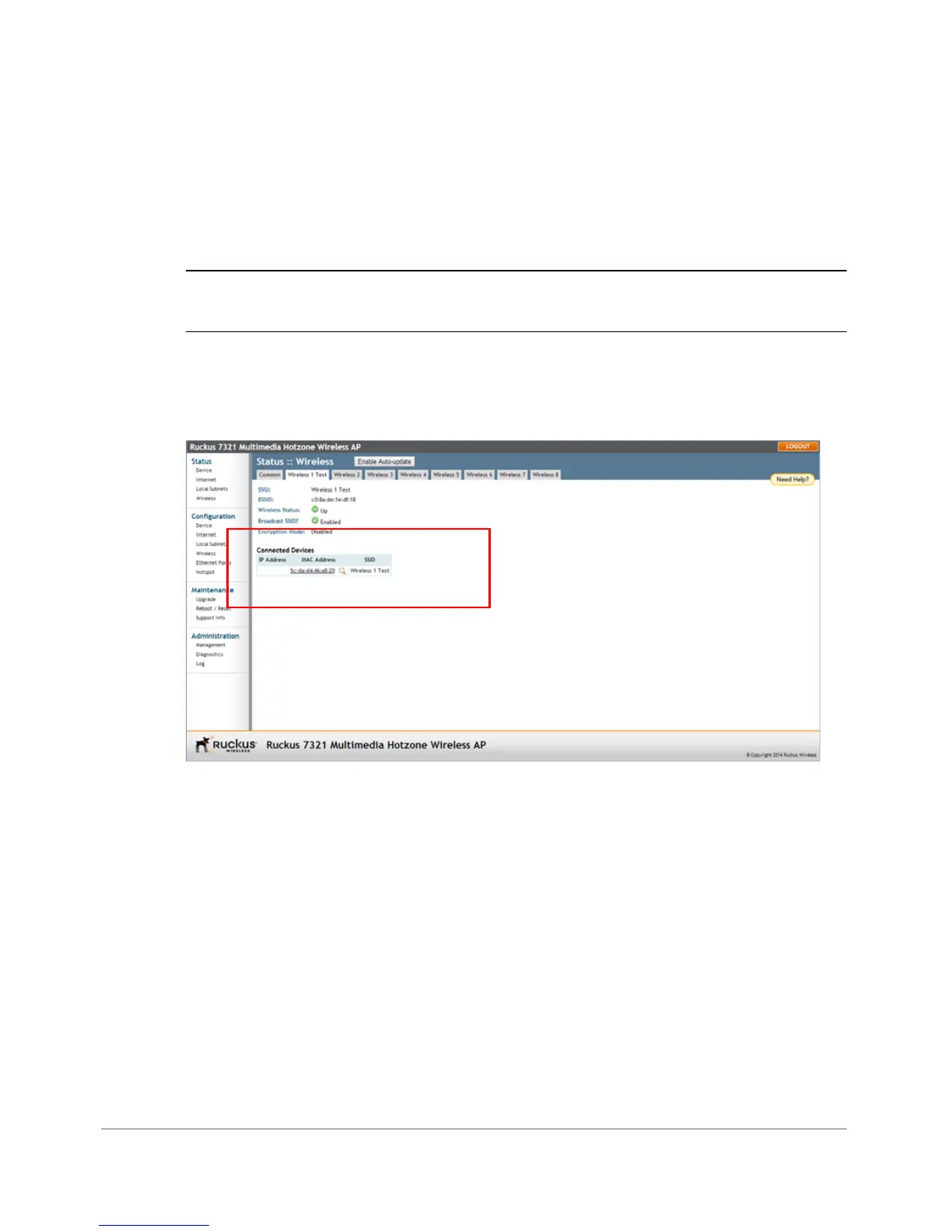
1 Go to Status > Wireless. The Status > Wireless page appears.
NOTE If you are using a dual band ZoneFlex AP, go to Status > Radio 2.4G or
Status > Radio 5G.
2 Click any of the Wireless # tabs. Wireless clients that are associated with this
particular wireless network appear under Connected Devices.
Figure 82. Viewing connected devices










 To Next Page