Configuring the Access Point
Configuring Wireless Settings
ZoneFlex Indoor Access Point 9.8.1 User Guide, 800-70601-001 Rev C 144
Rate Limiting
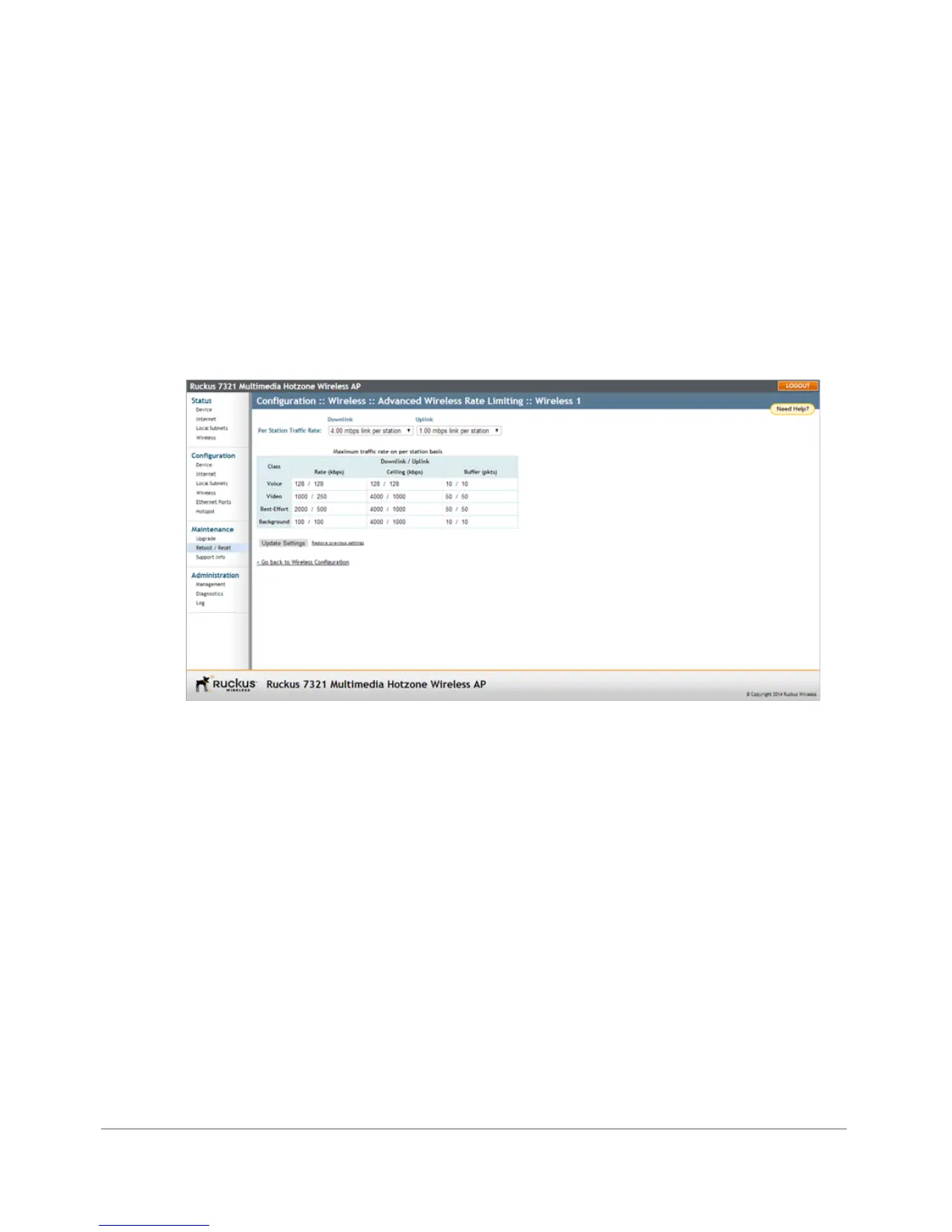
Rate Limiting allows you to cap the per client data transfer rates for a specific WLAN.
1 Go to Configuration > Wireless or Configuration > Radio 2.4G or
Configuration > Radio 5G.
2 Select the WLAN that you want to configure from the tabs at the top of the page.
3 Click the Edit Settings button next to Rate Limiting. The Rate Limiting page
appears.
Figure 71. Limit per station traffic rates on a specific WLAN
4 Set the maximum Downlink and Uplink rate per station.
5 The table under the Downlink and Uplink selections updates to show the
maximum transfer rate per station for each traffic type.
6 Click Update Settings to save your changes.










 To Next Page