Introducing the ZoneFlex Access Point
Getting to Know the Access Point Features
ZoneFlex Indoor Access Point 9.8.1 User Guide, 800-70601-001 Rev C 45
ZoneFlex 7372 Access Point
NOTE The ZoneFlex 7372 requires a minimum of ZoneFlex firmware version 9.5.1
and later, SmartCell Gateway (SCG) 2.1 and later, or virtual SmartCell Gateway
(vSCG) 2.5 and later to operate.
ZoneFlex 7372 features five LEDs on its front panel and buttons and connectors on
its rear panel.
Front Panel
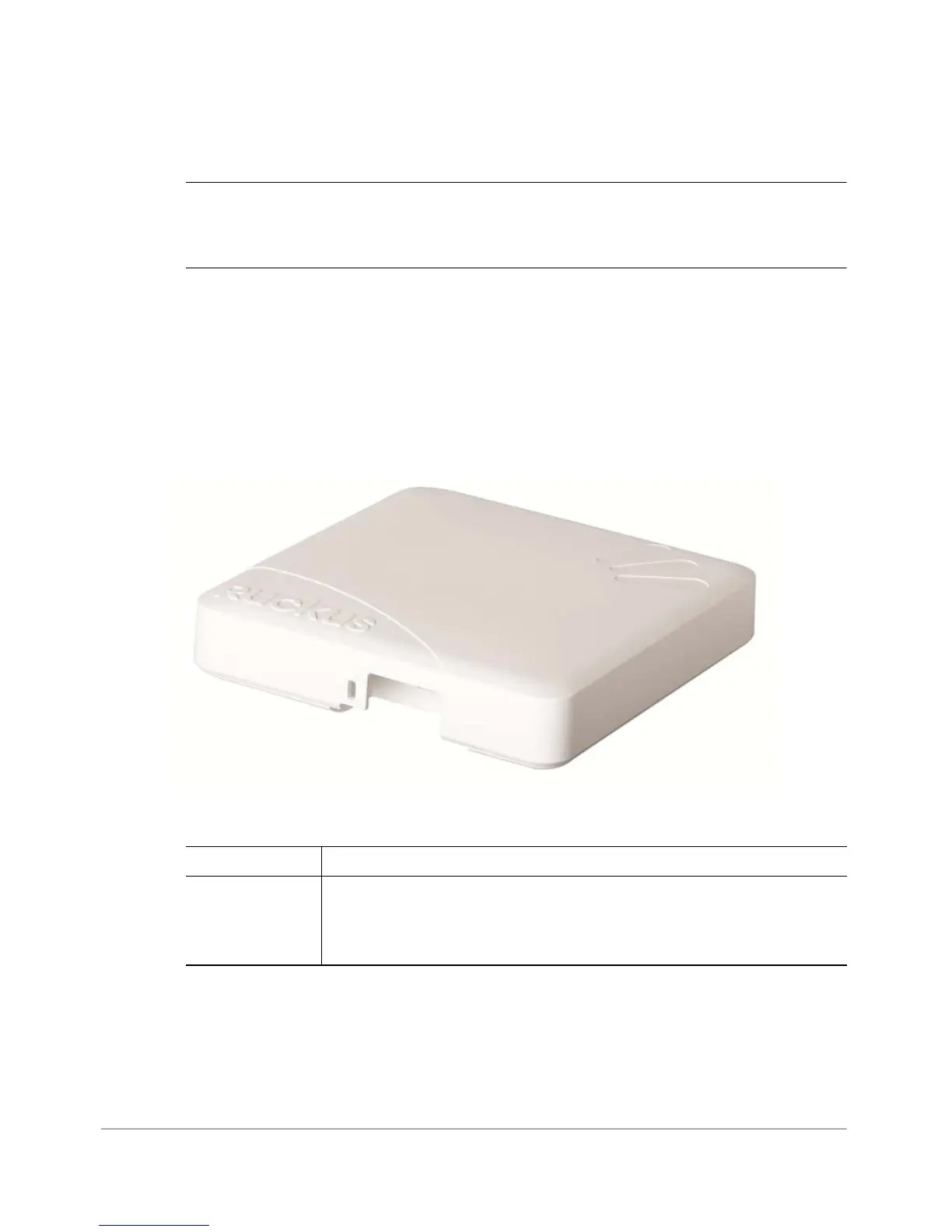
Figure 20 shows the top view of the ZoneFlex 7372. For a description of each front
panel part, refer to Ta ble 2 3 .
Figure 20. ZoneFlex 7372 top view
Table 23. ZoneFlex 7372 front panel elements
LED Description
Power LED • Off: Off.
• Red: Boot up in process.
• Green: On.










 To Next Page