Introducing the ZoneFlex Access Point
Getting to Know the Access Point Features
ZoneFlex Indoor Access Point 9.8.1 User Guide, 800-70601-001 Rev C 28
Rear Panel
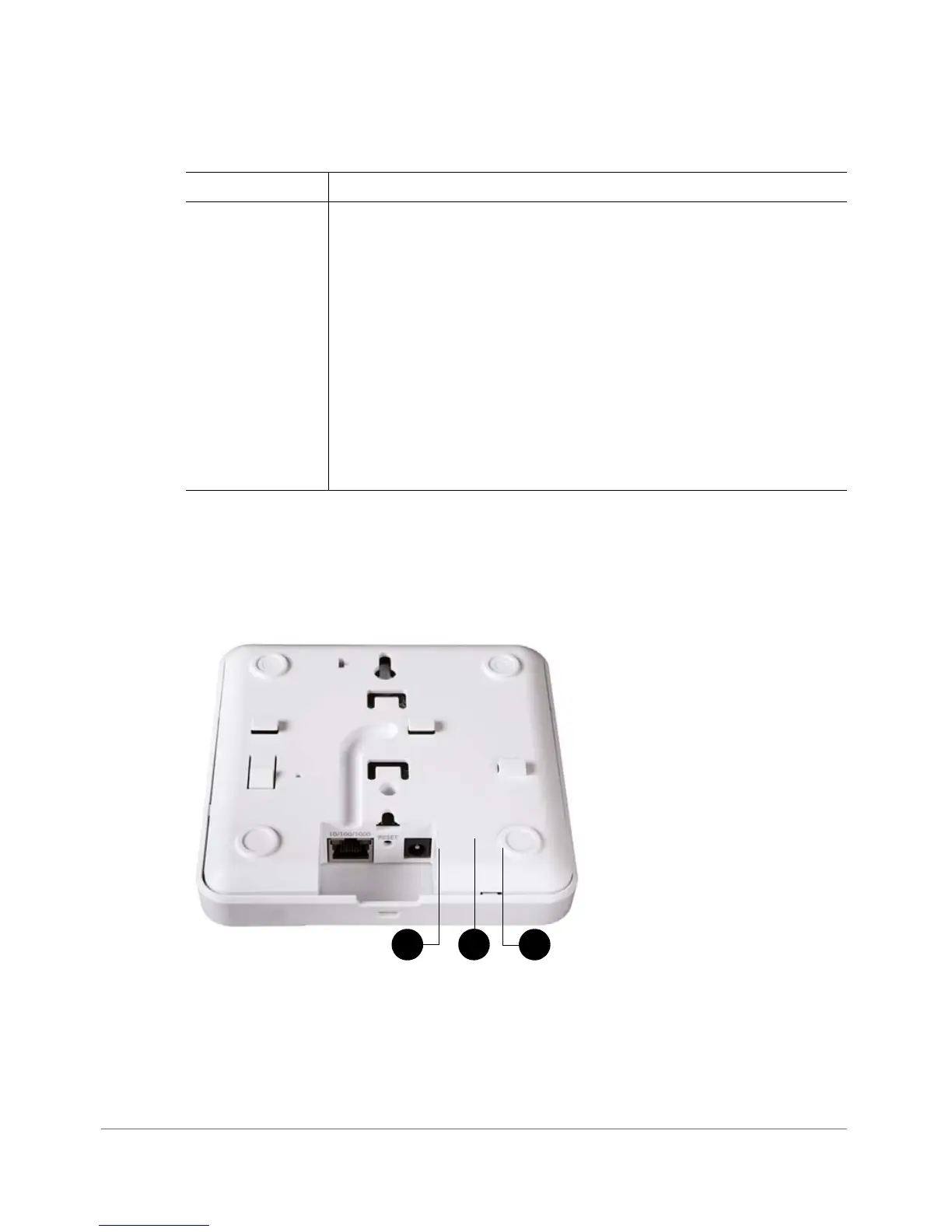
Figure 10 shows the bottom view of ZoneFlex 7321. For a description of each rear
panel part, refer to Ta ble 1 2 .
Figure 10. ZoneFlex 7321 rear panel
5G LED (WLAN) • Off: The WLAN service is down.
• Amber: The WLAN is up, but no clients are associated and no
downlink MAPs are connected.
• Green: The WLAN is up and at least one client is associated. No
downlink MAPs are connected.
• Slow flashing green (one flash every two seconds): The WLAN is
up and at least one downlink MAP is connected. No clients are
associated.
• Fast flashing green (two flashes every second): The WLAN is up,
at least one downlink MAP is connected, and at least one client
is associated.
Table 11. ZoneFlex 7321 front panel elements (Continued)
LED Description










 To Next Page