Configuring the Access Point
Configuring Hotspot Service
ZoneFlex Indoor Access Point 9.8.1 User Guide, 800-70601-001 Rev C 159
4 Click Update to save your entry.
You can create up to 64 entries in the Walled Garden Hosts table.
Removing entries from the Walled Garden hosts table
1 Click the check box next to the entry you want to remove, under the Remove?
column.
2 Click Update. The entry is removed from the list.
Allowing Unrestricted Access by MAC Address
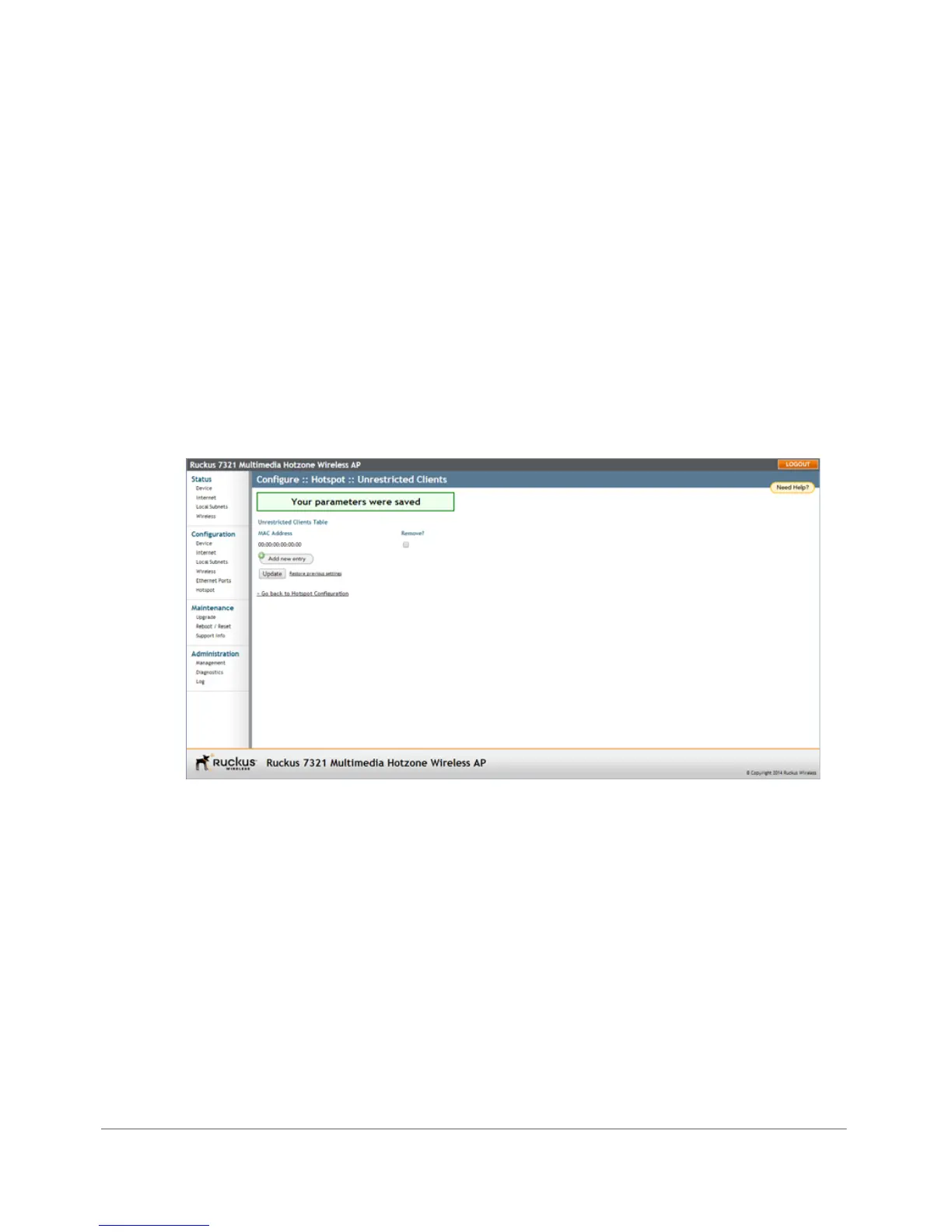
1 Go to Configuration > Hotspot > Unrestricted Clients.
Figure 77. Configuring Hotspot unrestricted clients table
2 Click Add new entry, and enter the MAC address of each client in the fields
provided.
3 Click Update to save your changes.










 To Next Page