Managing the Access Point
Working with Event Logs and Syslog Servers
ZoneFlex Indoor Access Point 9.8.1 User Guide, 800-70601-001 Rev C 173
Working with Event Logs and Syslog Servers
Both the Maintenance > Support Info and Administration > Log pages can be used
to view the AP’s current log file text. You can use the former to send the log to
Ruckus Wireless support directly or save it to a local file, and use the latter to
configure automatic delivery of log files to a syslog server:
• Enabling Logging and Sending Event Logs to a Syslog Server
• Sending a Copy of the Log File to Ruckus Wireless Support
• Sending a Copy of the Log File to Ruckus Wireless Support
Enabling Logging and Sending Event Logs to a Syslog
Server
If you have a syslog server on the network, you can configure the Access Point to
send the device logs to the server. You need to enable logging (if disabled) and
configure the Access Point to send logs to the syslog server.
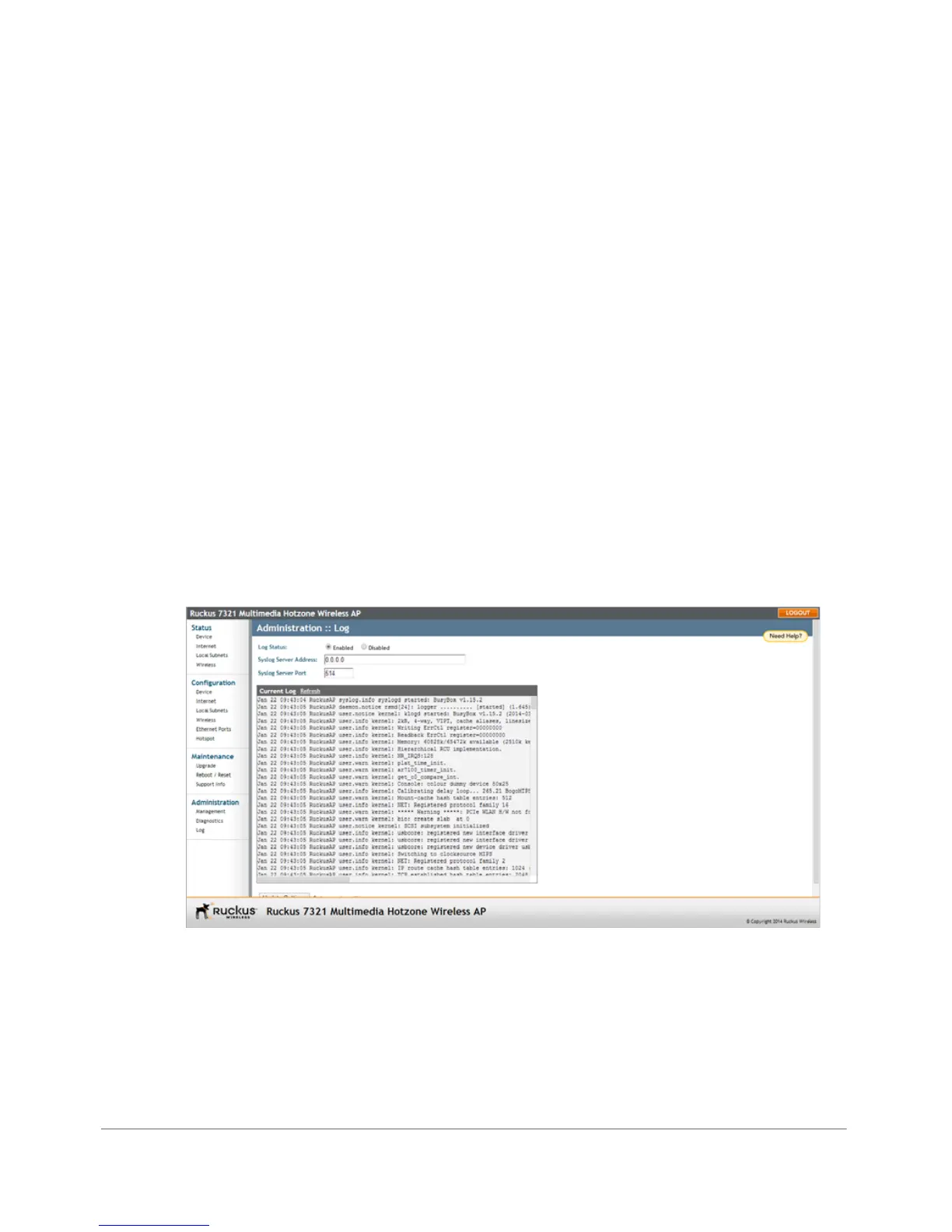
1 Go to Administration > Log. The Administration > Log page appears.
Figure 86. The Administration > Log page
2 Look for Log Status, and then click Enabled.
3 After enabling logging, configure the following options:
• Syslog Server Address: To enable the AP to send messages to a syslog
server as they appear, enter the IP address of the syslog server.










 To Next Page