Configuring the Access Point
Configuring Ethernet Ports
ZoneFlex Indoor Access Point 9.8.1 User Guide, 800-70601-001 Rev C 147
Configuring Ethernet Ports
The Ethernet Ports configuration page allows you to define how the Access Point’s
Ethernet ports behave. You can disable ports entirely, define trunking and packet
forwarding behavior, configure 802.1X authentication settings, and configure VLAN
settings for each port individually from this page.
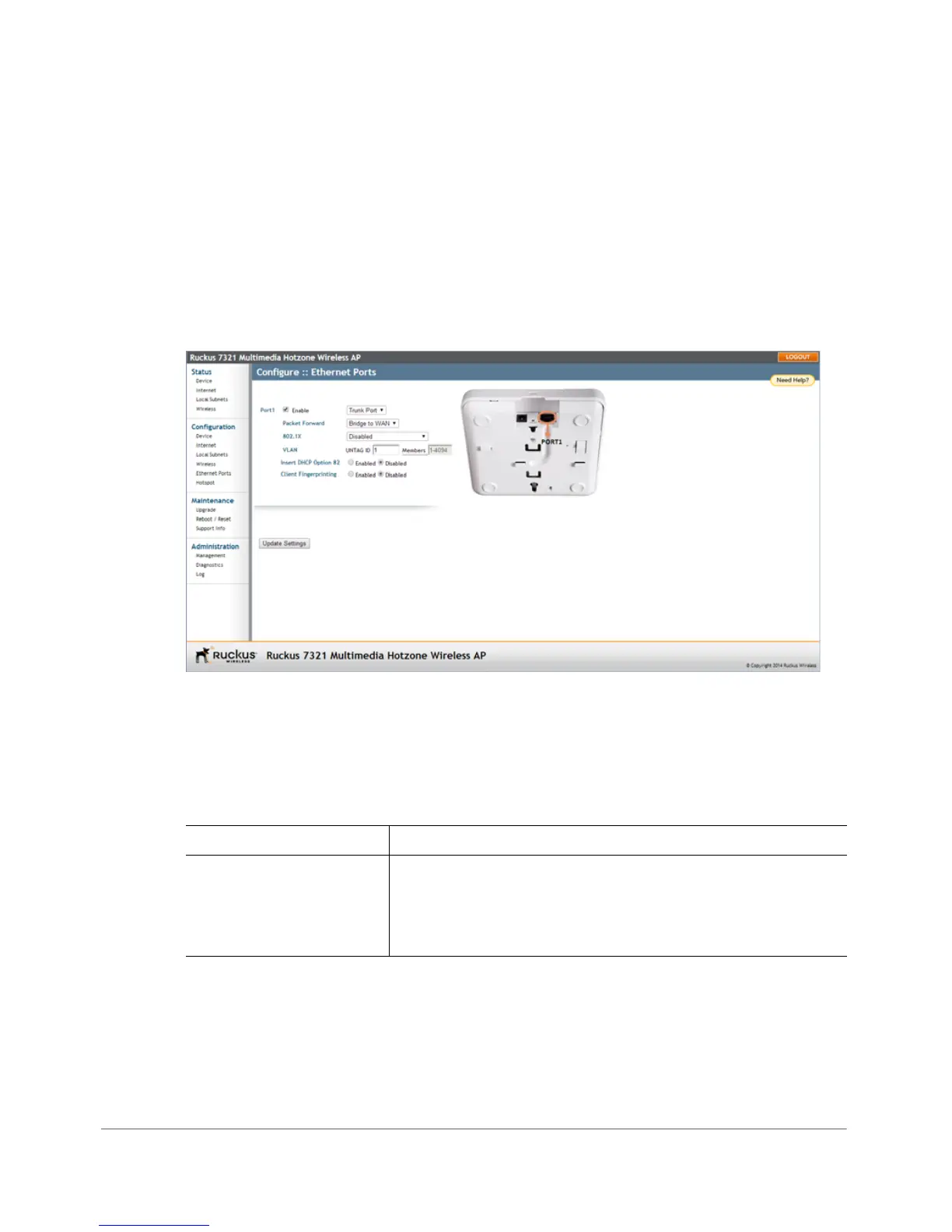
1 Go to Configuration > Ethernet Ports.
Figure 73. The Configuration > Ethernet Ports page
2 Review Tab l e 52 and make changes as needed for each of the ports labeled
PORT 1 through PORT 4 (depending on AP model), which correspond to the
AP’s Ethernet ports.
Table 52. Configuring Ethernet ports
Setting Description
Enable All Ethernet ports are enabled by default. Unchecking this
box next to a port disables that port entirely. If you do not
want to provide wired access through the AP, uncheck
(clear) the
Enable box next to each LAN port.










 To Next Page