Managing the Access Point
Enabling Other Management Access Options
ZoneFlex Indoor Access Point 9.8.1 User Guide, 800-70601-001 Rev C 171
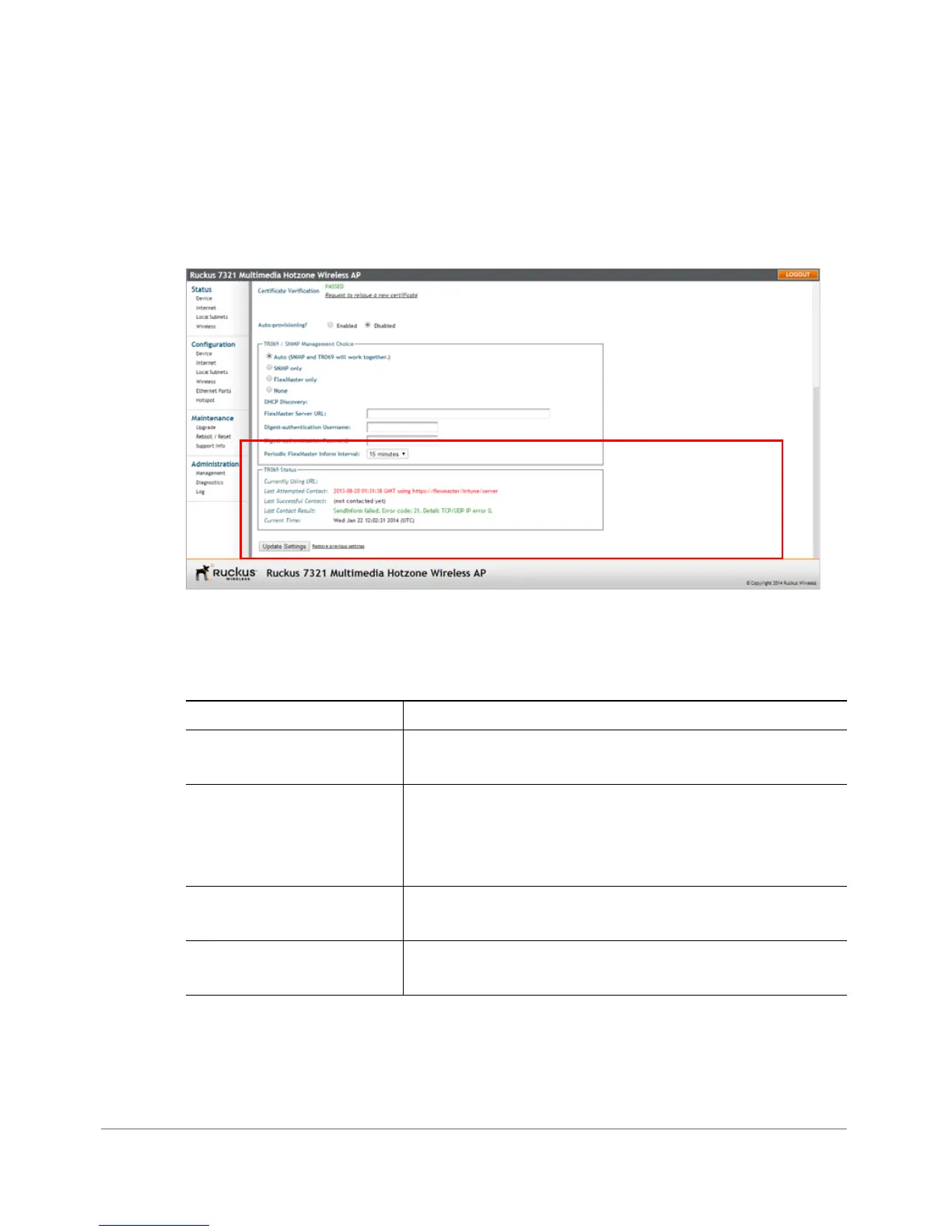
Viewing FlexMaster Management Status
If you configure the AP to be managed by FlexMaster, you can view the TR-069
Status section on the Administration > Management page.
Figure 85. TR-069 status information
Tab l e 6 0 lists the TR-069 status information that the AP provides.
Table 60. TR-069 status information
Status Information Description
Currently using URL Shows the FlexMaster server IP address or URL with
which the AP is currently registered.
Last Attempted Contact Shows the date and time of the AP’s last attempt to
contact FlexMaster. Date and time are specified in GMT
(or UTC), which are accurate if a Network Time Protocol
(NTP) server is configured.
Last Successful Contact Shows the date and time of the AP’s last successful
contact with FlexMaster.
Last Contact Result Shows the result of the last attempt to contact FlexMaster
(success or failure, and failure error code if applicable).










 To Next Page