Configuring the Access Point
Configuring Wireless Settings
ZoneFlex Indoor Access Point 9.8.1 User Guide, 800-70601-001 Rev C 141
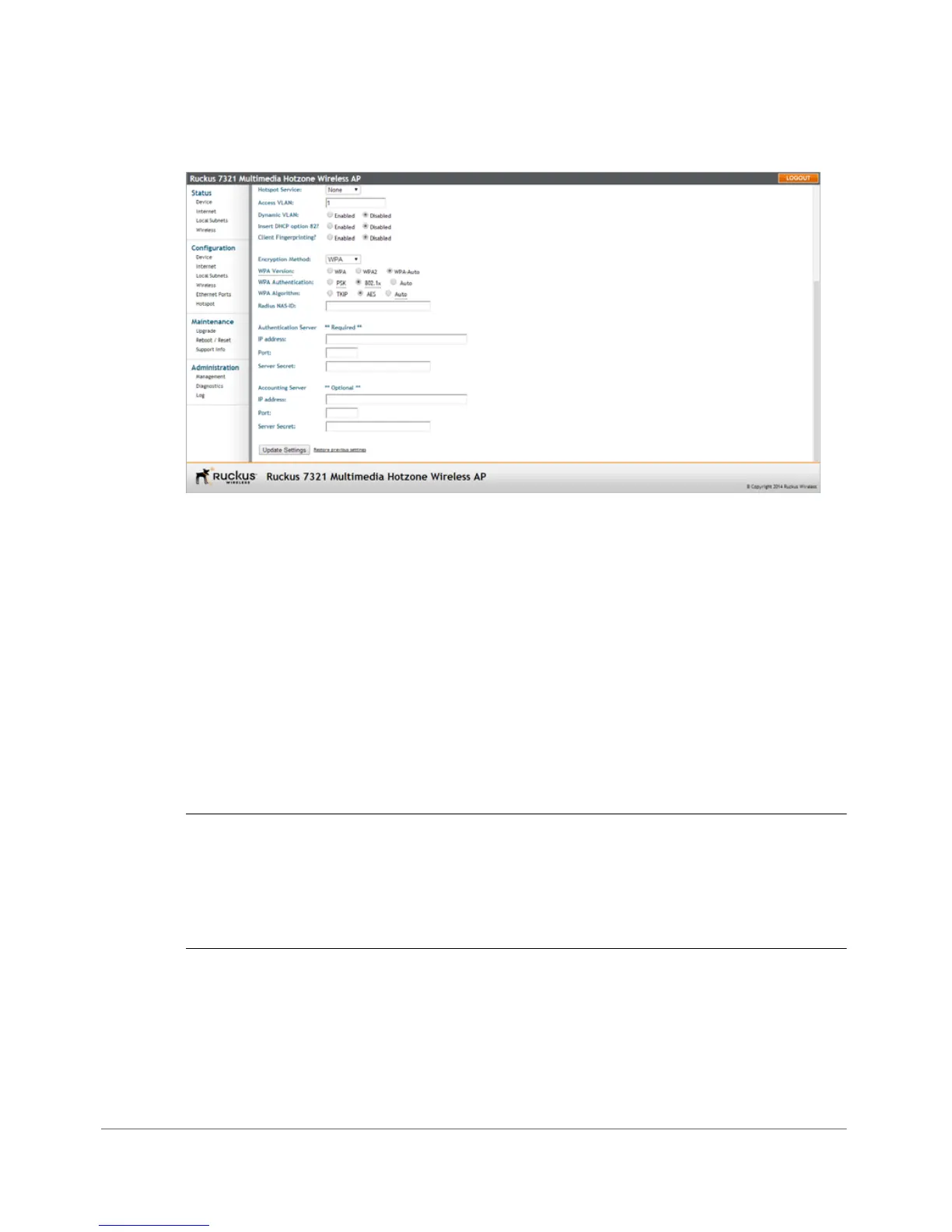
Figure 69. 802.1X settings
5 Configure the following settings to customize your 802.1X authentication:
• RADIUS NAS-ID: Enter the Network ID assigned to your Access Point in the
RADIUS server Client list.
• Authentication Server: Enter the information needed to establish a connec-
tion between the Access Point and the RADIUS server.
• Accounting Server: Optionally, enter the information needed to establish
this connection.
6 Click Update Settings to save and apply the changes. A confirmation message
appears at the top of this page.
7 Click Go back to Wireless Configuration to reopen the previous page.
NOTE Ruckus Wireless APs do not support arbitrary rate values for 802.1X clients
(if client rate limiting attributes are configured on the RADIUS server). ZoneFlex APs
support only those WLAN rate limiting values that can be set using the AP web
interface. If the rate returned by the RADIUS server does not match one of these
values exactly, it is approximated.










 To Next Page