3 – 40 HS40 Service Manual
Applications
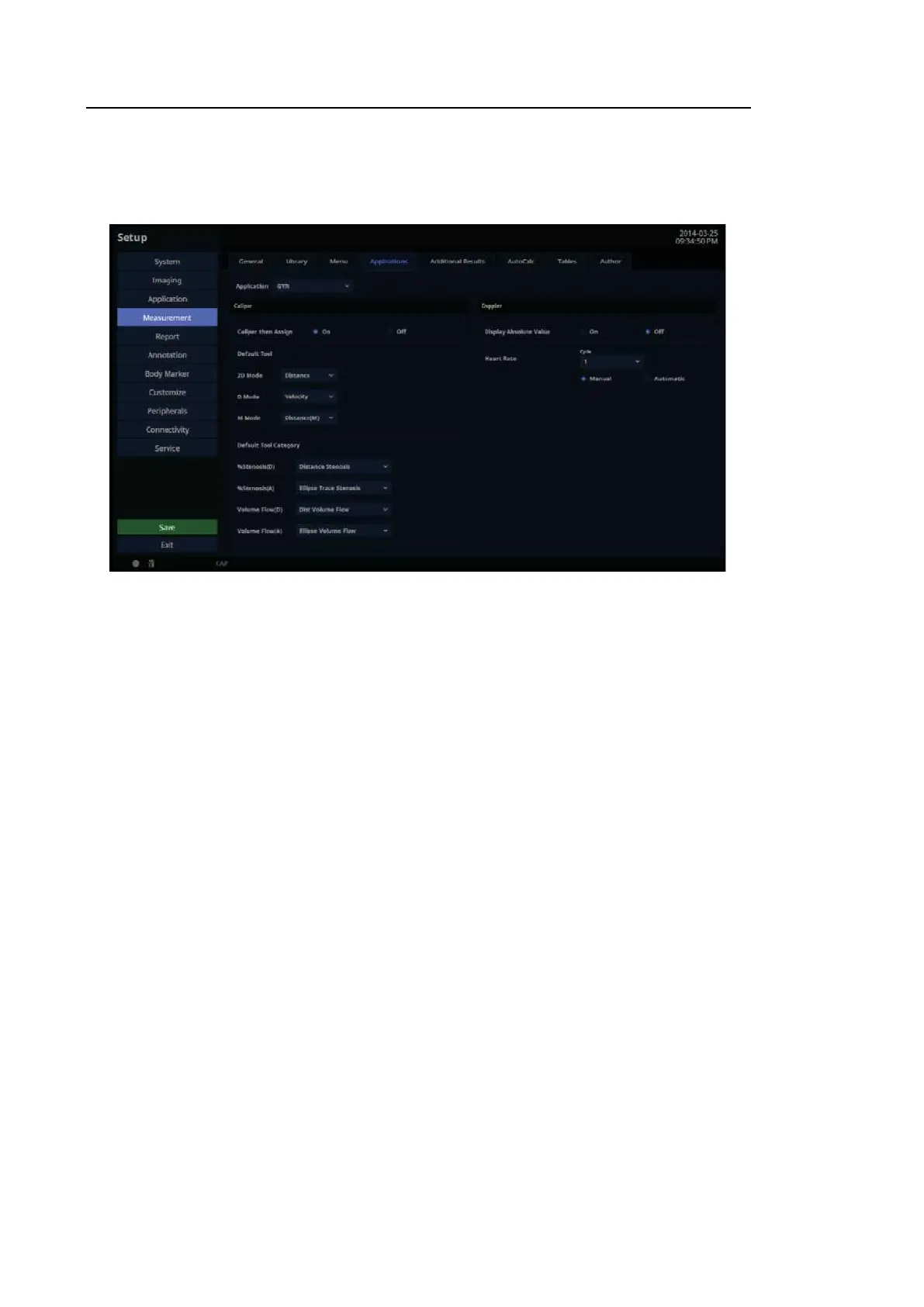
In the Setup screen, select the Application tab in the Measurement category.
[Figure 3.23 Setup – Measurement – Applications]
3.6.10.10. Caliper
■ Caliper then Assign
After taking a Basic Measurement, the measurement result may be set as a Label. Enable or
disable this by choosing On or Off.
■ Default Tool
Select the default tool that functions in the measurement cursor state for each Image mode.
– 2D Mode: Distance, Trace, Trace Length, Ellipse, Open Spline, Closed
Spline, %Stenosis(D), %Stenosis(A), 2 Lines Angle, 3 Points Angle,1 Dist Volume, 2 Dist
Volume, 3 Dist Volume, Ellipse Volume, Ellipse+ Dist Vol, Disk Volume
– D Mode: Velocity, Accel, Time(D), HR(D), RI, Limited Trace, Manual Trace, Volume
Flow(D), Volume Flow(A), S/D Ratio, D/S Ratio
– M Mode: Distance(M), Slope, Time(M), HR(M)



 To Next Page