3 – 72 HS40 Service Manual
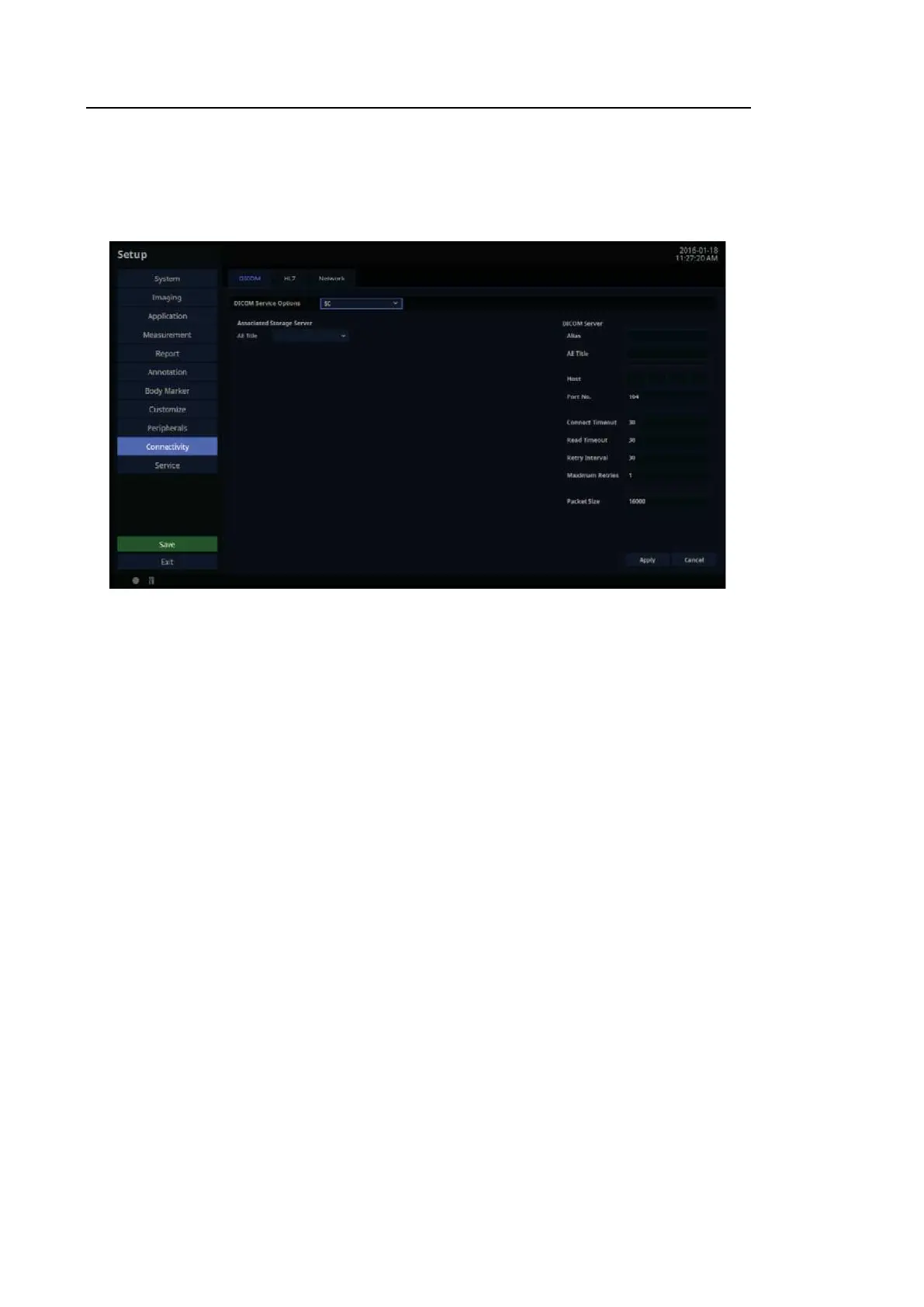
SC Server Information
Select ‘SC’ (Storage Commitment) as the DICOM Service Options item. Configure the Storage
Commitment Service using DICOM. The Storage Commitment Service is used after a diagnosis
is finished and all saved images and reports are sent.
[Figure 3.41 DICOM Service Options – SC]
■ Associated Storage Server
Select an Image Storage server to connect to.



 To Next Page