Chapter 3. Installing Product 3 – 73
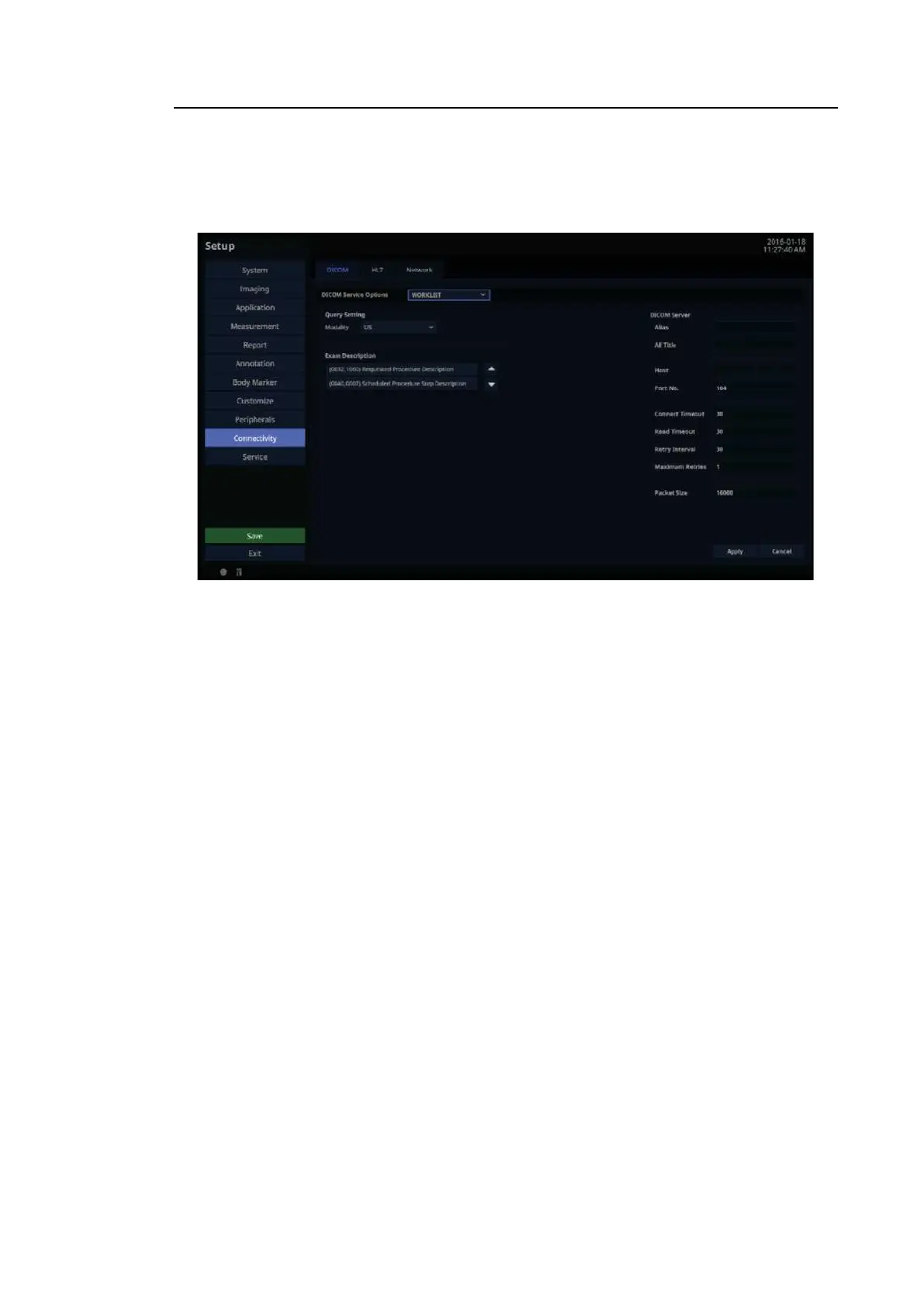
WORKLIST Server Information
Select WORKLIST as the DICOM Service Options item. Set Modality Worklist service by using
DICOM.
[Figure 3.42 DICOM Service Options – WORKLIST]
■ Query Setting
Select the type of Modality to retrieve when updating the worklist.
– Modality: Select either ultrasound images (US) or all images (All).
TIP
After setting up the Worklist service, press the Patient button on the control
panel to go to the Worklist page.



 To Next Page