3 – 80 HS40 Service Manual
■ Repository
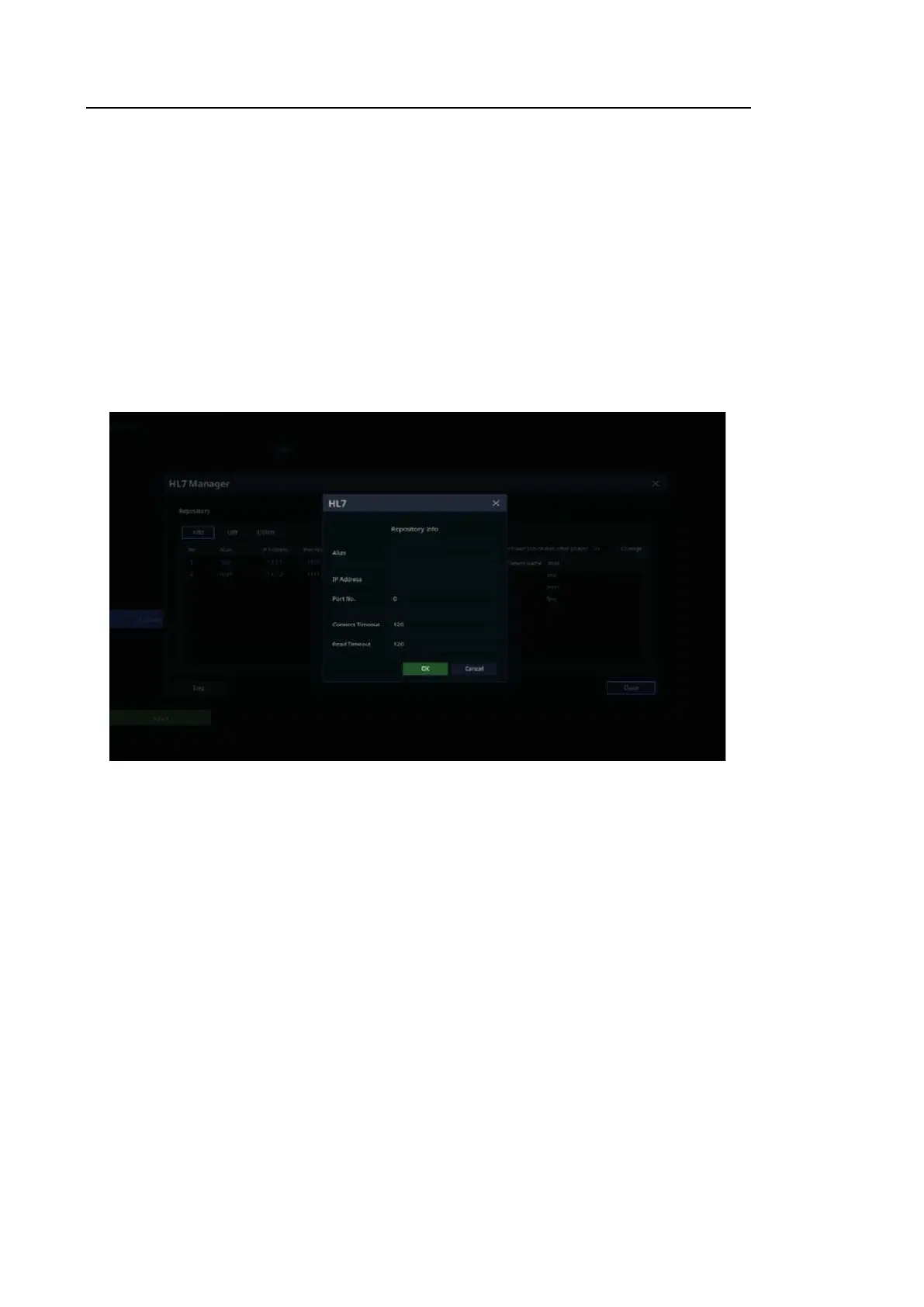
Register, edit, and delete a report repository server to send reports to.
– Add Repository: Add a repository to send an HL7 message.
– Alias: Refers to a name of the HL7 repository server to send an HL7 message to.
– IP Address: Enter an IP address for the HL7 repository server.
– Port No: Enter the port number of the HL7 repository server. (a value between 0 and
65535)
– Connect Timeout: Select a time for transfer standby in seconds. (a value between 120
and 300)
– Read Timeout: Set the standby time for transmission in seconds. (a value between
120 and 300)
[Figure 3.47 DICOM HL7 – HL7 Manager]
– Edit Repository: Edit the repository server information.
– Delete Repository: Delete the repository server information.
– Active/Inactive Repository: Select whether or not to use the repository server by selecting
the Active checkbox for the registered repository.



 To Next Page