Chapter 3. Installing Product 3 – 81
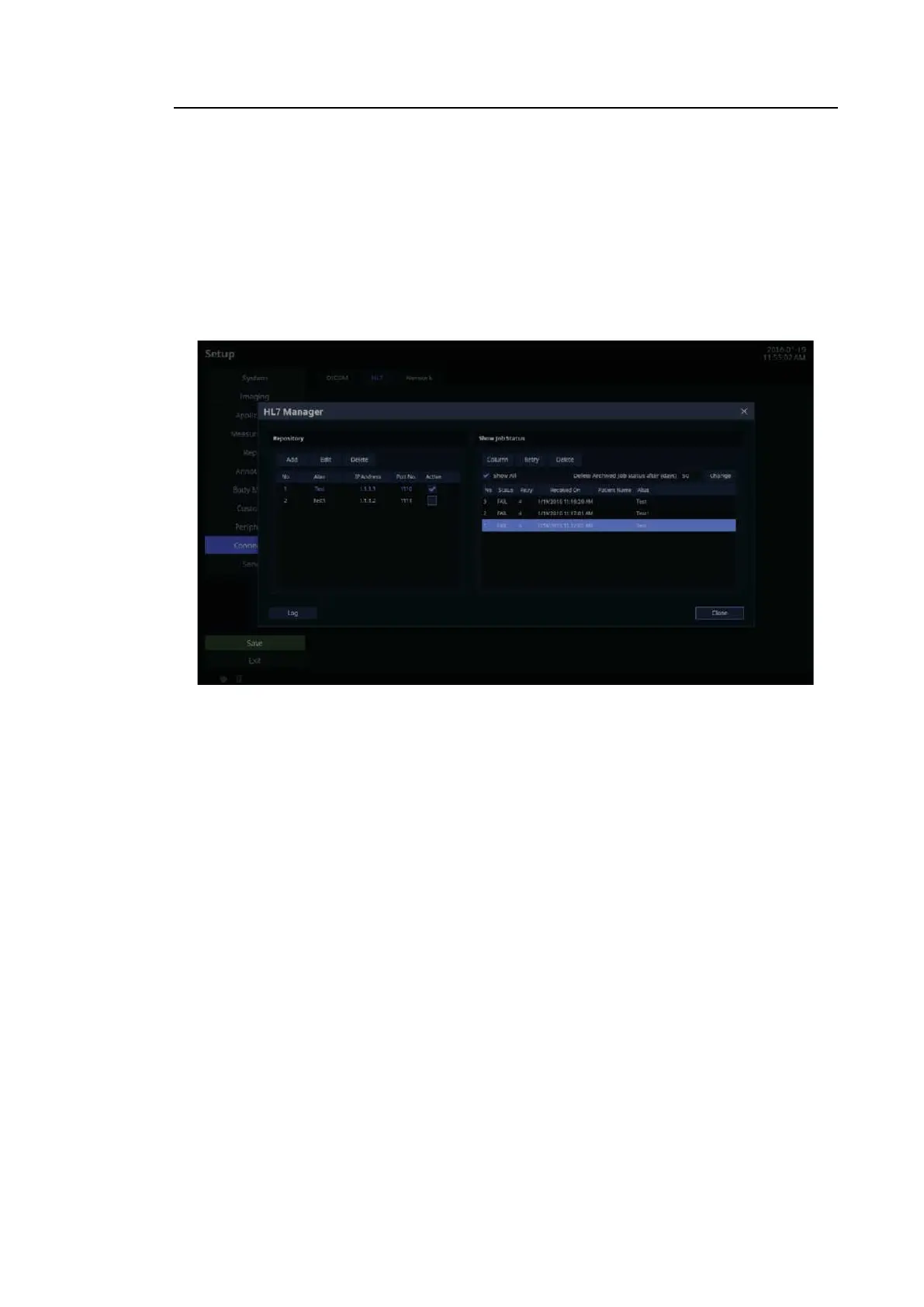
■ Show Job Status
Shows the information regarding the transfer of the HL7 report into an HL7 message.
– Colums: The user can select columns to check.
– Retry: The user can select and retry the failed jobs.
– Delete: The user can delete a job, whether the status is ‘SUCCESS’ or ‘FAIL’.
– Show All: Shows all jobs.
– Delete Archived Job Status after(days): Delete archived jobs for the selected dates.
[Figure 3.48 DICOM HL7 – HL7 Manager]



 To Next Page