Chapter 3. Installing Product 3 – 83
Network
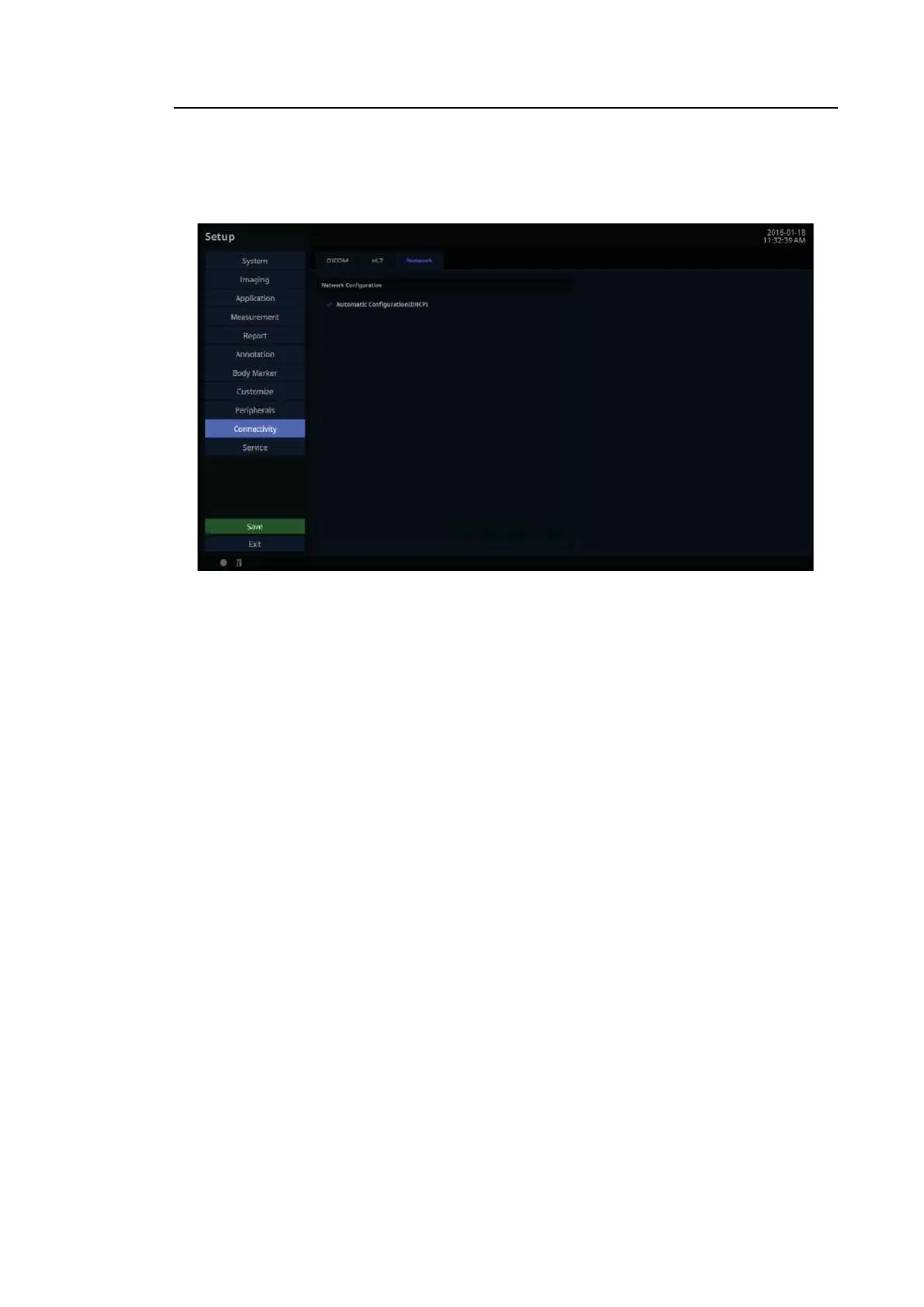
In the Setup screen, select the Network tab in the Connectivity category. Or tap Connectivity
on the touch screen. You can manage the network information for the current equipment.
[Figure 3.50 Setup – Connectivity – Network]
3.6.16.7. Network Configuration
Set up the network information for the current equipment.
■ Automatic Configuration (DHCP)
If the checkbox is selected, the IP information will be configured automatically.
■ Static Configuration
If the checkbox is empty (Automatic Configuration), you can enter a static IP address.
Specify the IP Address, Subnet Mask, Gateway, and DNS information.
■ Revert
Clear the currently entered information and revert to the default settings.
■ Apply
Use the information entered currently to set up the IP.



 To Next Page