3 – 84 HS40 Service Manual
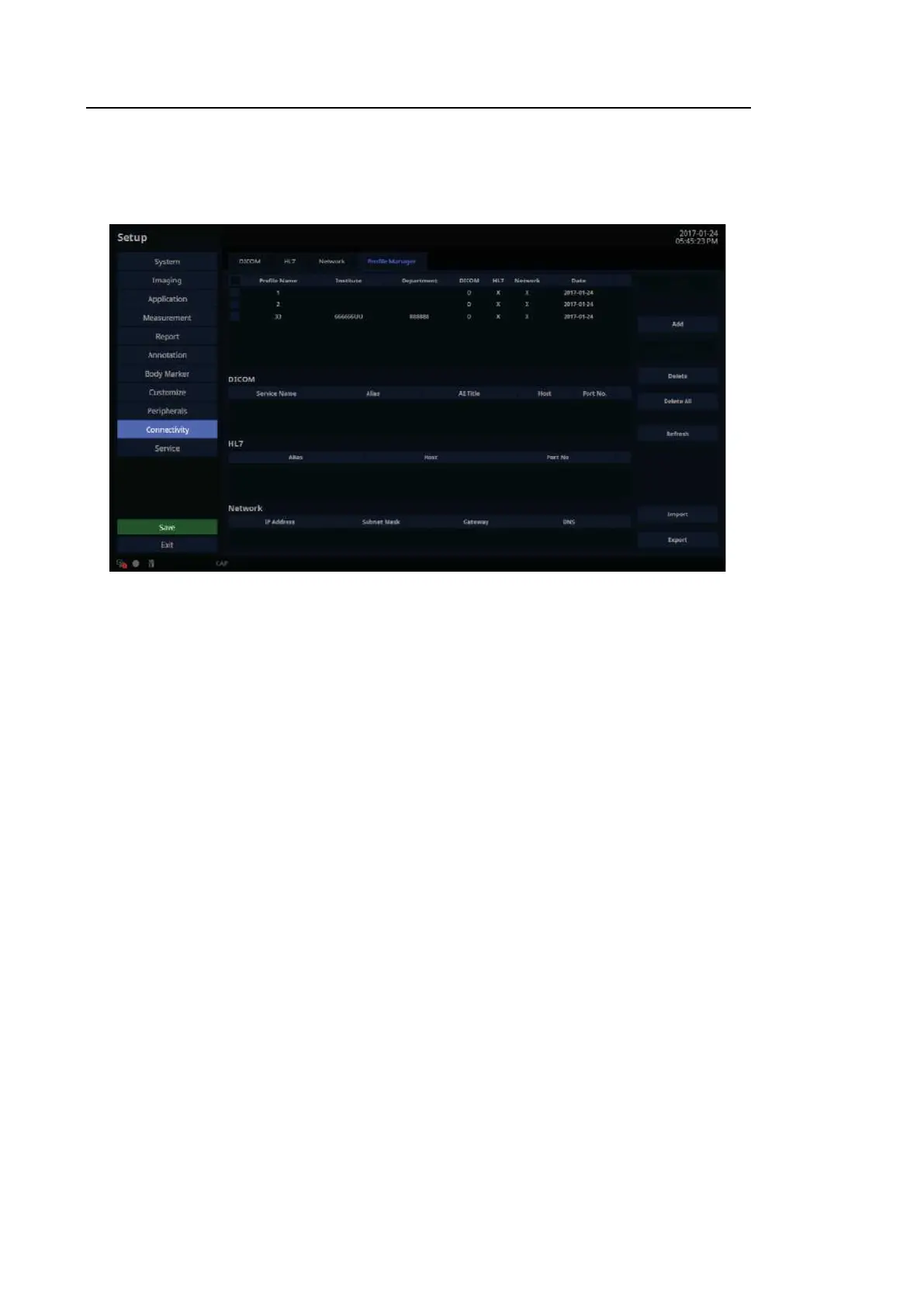
Profile Manager
This function allows you to back up and restore the Connectivity Setup data.
[Figure 3.51 Setup – Connectivity – Profile Manager]
■ Add
Save the current Dicom Service list, HL7 Repository list, and Local Network Setting
information.
■ Modify
Edit the Institute and Department information of the saved Profile (other information cannot
be edited).
■ Refresh
Update the saved Profile List and display it on the screen.
■ Import
Import Profile settings from an external storage device (USB drive). (You can only execute
one import at a time; the target profile names are displayed in the Import UI.)
■ Export
Export the Profile settings to an external storage device (USB drive).
■ Delete/Delete All
Delete the selected Profile or all Profiles.



 To Next Page