1 – 10 HS40 Service Manual
1.2.2.1. Functions of the Control Panel
The following are the descriptions and instructions for the controls on the control panel. For
more information on controls with multiple functions, see ‘Chapter 3. Utilities’ and later in this
manual.
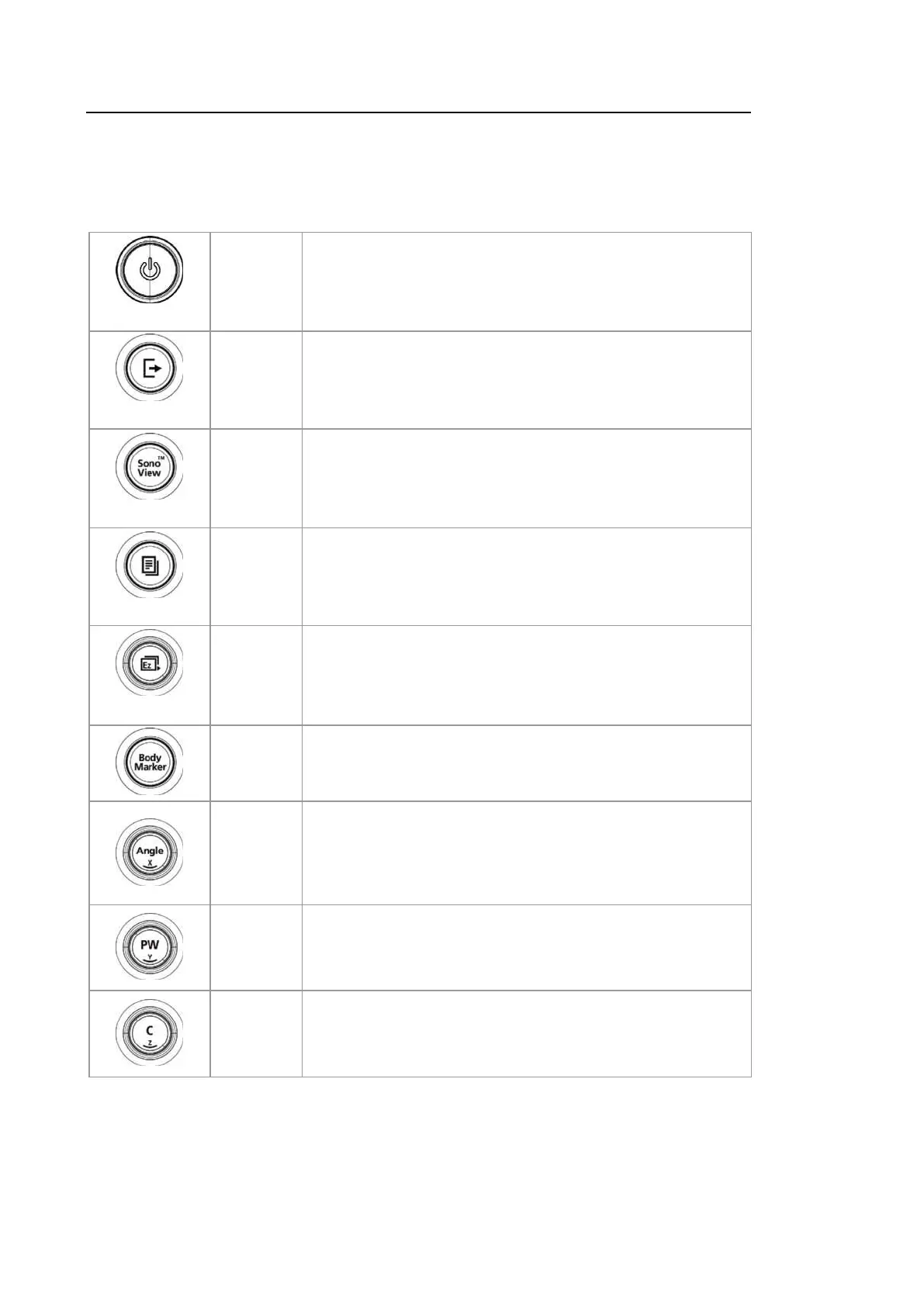
On/Off
Button Turns the system on/off.
End Exam
Button
Finishes the exam of the currently selected patient and resets
the related data.
SonoView
Button Displays the screen for viewing and managing stored images.
Report
Button
Displays the Report screen that shows the measurement
results of the current application and other information.
EzExam
Dial-button
When you press the dial-button, the menu items that are
available in the current scan mode are shown on screen.
Rotating the EzExa m dial-button to the right selects the menu
one row above the current menu selected, and rotating it to the
left selects the menu one row below.
Button Allows the user to enter a Body Marker over an image.
Dial-button
Adjusts the angle of the sample volume in Spectral Doppler
mode. It is also used to adjust the Arrow’s angle or the probe
angle for a Body Marker.
In 3D View, turning this dial-button will rotate the image around
the x-axis.
Dial-button
Enter or exit PW Spectral Doppler Mode. Rotate this dial-
button to adjust the Gain value.
In 3D View, turning this dial-button will rotate the image around
the y-axis.
Dial-button
Enter or exit Color Doppler Mode. Rotate this dial-button to
adjust the Gain value.
In 3D View, turning this dial-button will rotate the image around
the z-axis.



 To Next Page