Chapter 1. Introduction 1 – 11
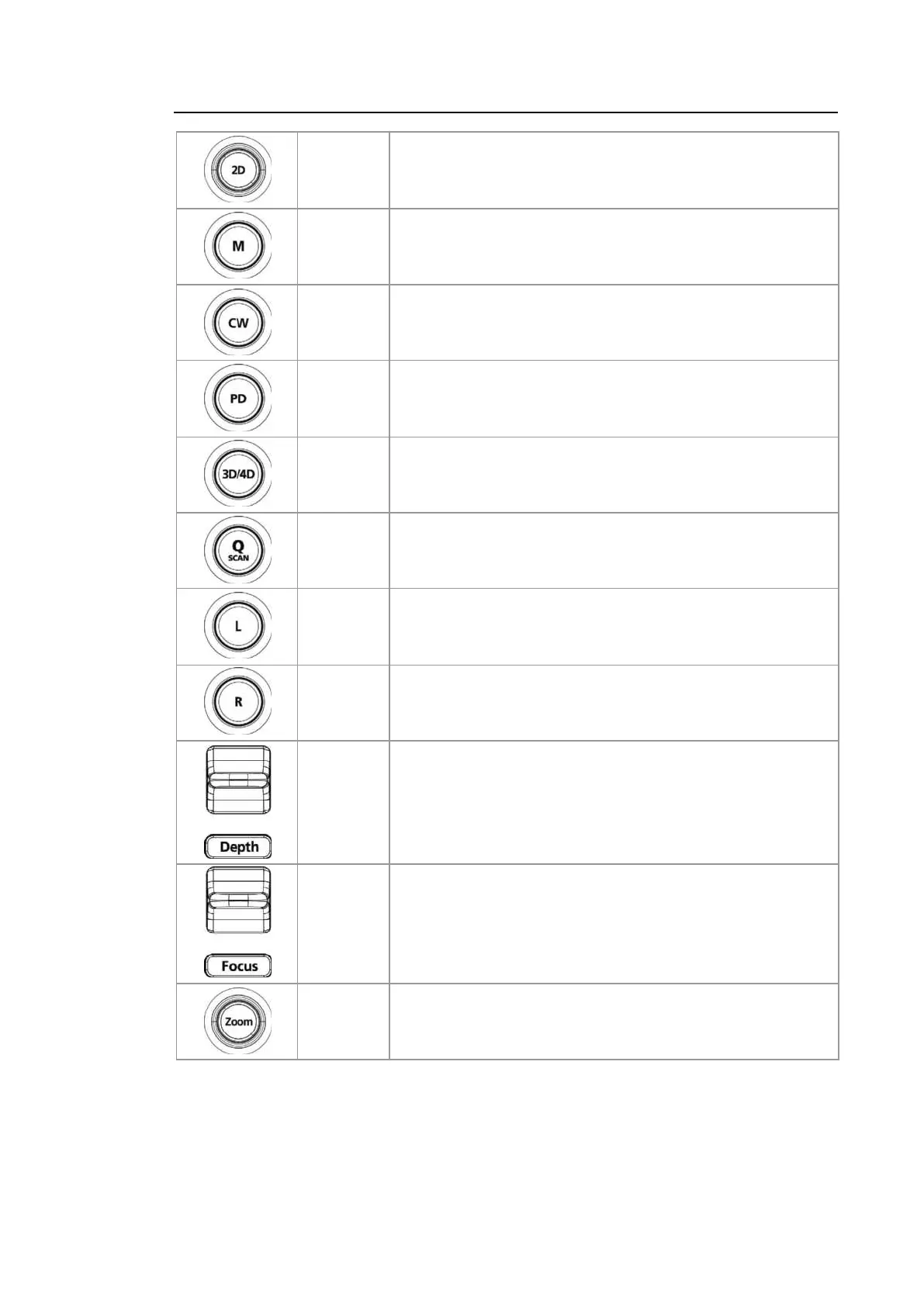
Dial-button
Press this button to enter 2D Mode. Rotate this dial-button to
adjust the Gain value.
Button
Enter or exit M Mode. Rotate this dial-button to adjust the Gain
value.
Button
Enter or exit CW Spectral Doppler Mode. Available only with
the phased array probe.
Button Enter or exit Power Doppler Mode.
Button Use this button to enter or exit 3D or 4D Mode.
Button
Press this button to turn the Quick Scan function on. The ‘Q
scan’ mark will appear at the top of the image. This can be
used in applications for all probes.
Button
Compares two independent images. The active image mode is
shown on the left.
Button
Compares two independent images. The activated image
mode is shown on the right.
Switch Adjusts the scanning depth of the image.
Switch Moves the focus to the target area for observation.
Dial-button
Makes the Zoom Box appear. In order to exit Zoom Mode,
press the Exit button.



 To Next Page