1 – 12 HS40 Service Manual
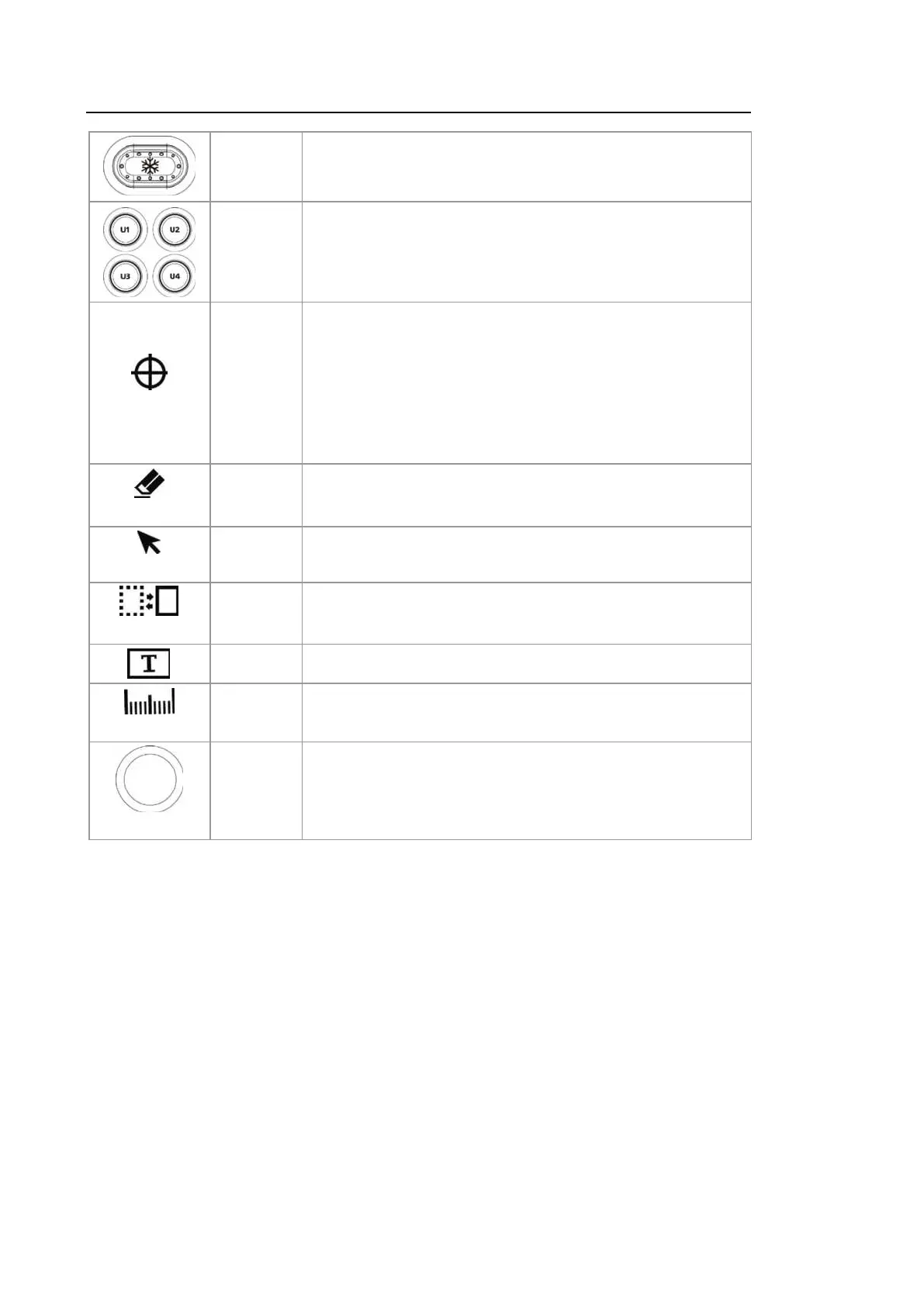
Button
Pauses an image being scanned or reactivates a paused
image.
Button
Stands for User Key; the user can assign functions they need
to each button. The function for each button can be assigned
in Setup > Customize > Buttons.
Set/Exit
Button
The user can select, set up, and use Set/Set, Set/Ex it, or
Exit/Set. The function for each button can be assigned in
Setup > Customize > Buttons.
– Set: Selects an item or value using the trackball.
Alternatively, this can be used to change the function of the
trackball.
– Exit: Exits the function currently being used and returns to
the previous screen.
Clear
Button
Deletes text, Arrows, Body Markers, measurement results,
etc., displayed on an image.
Pointer
Button
In Scan Mode, an arrow-shaped pointer appears on the
screen.
Change
Button
Changes to a different function that can be supported by the
current trackball setting.
Button Allows the user to place text over an image.
Calculator
Button Starts measurements by application.
Trackball
Trackball
Moves the cursor on the screen. Also, scrolls through Cine
images.



 To Next Page