Chapter 1. Introduction 1 – 15
1.2.2.3. Adjusting the Control Panel
Do not apply excessive force to the control panel.
Use the handles on the console when moving the product.
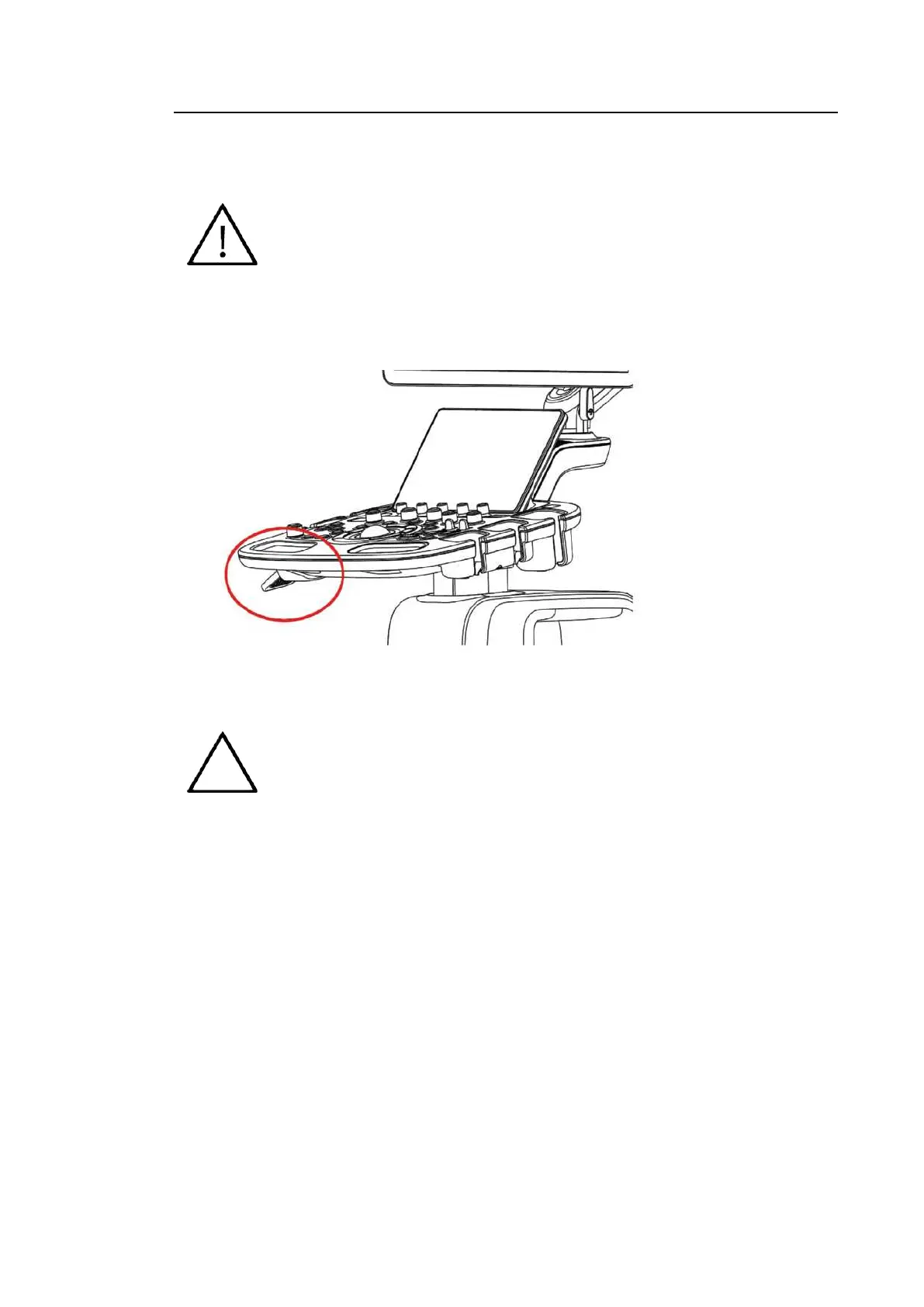
■ Adjusting the Height
[Figure 1.6 Control Panel]
NOTE
You can move the control panel up and down only while pulling the lever at the
side of the control panel.



 To Next Page