Chapter 3. Installing Product 3 – 11
3.4.2.1. External Peripheral Devices
These are peripheral devices that can be connected for use when needed and are connected
via the USB port located on the rear panel.
When using a peripheral device via a
USB port, always turn the power off
before connecting/disconnecting the device. Connecting or disconnecting a
USB device while the power is turned on may cause the system and/or the
USB device to malfunction.
NOTE
To remove the removable disk, go to Utility > Storage manager.
USB ports are located both on the console and its rear panel.
We recommend that you connect USB storage devices (flash memory
media, etc.) to the ports on the console, and other USB peripheral devices
to the rear panel, for convenience.
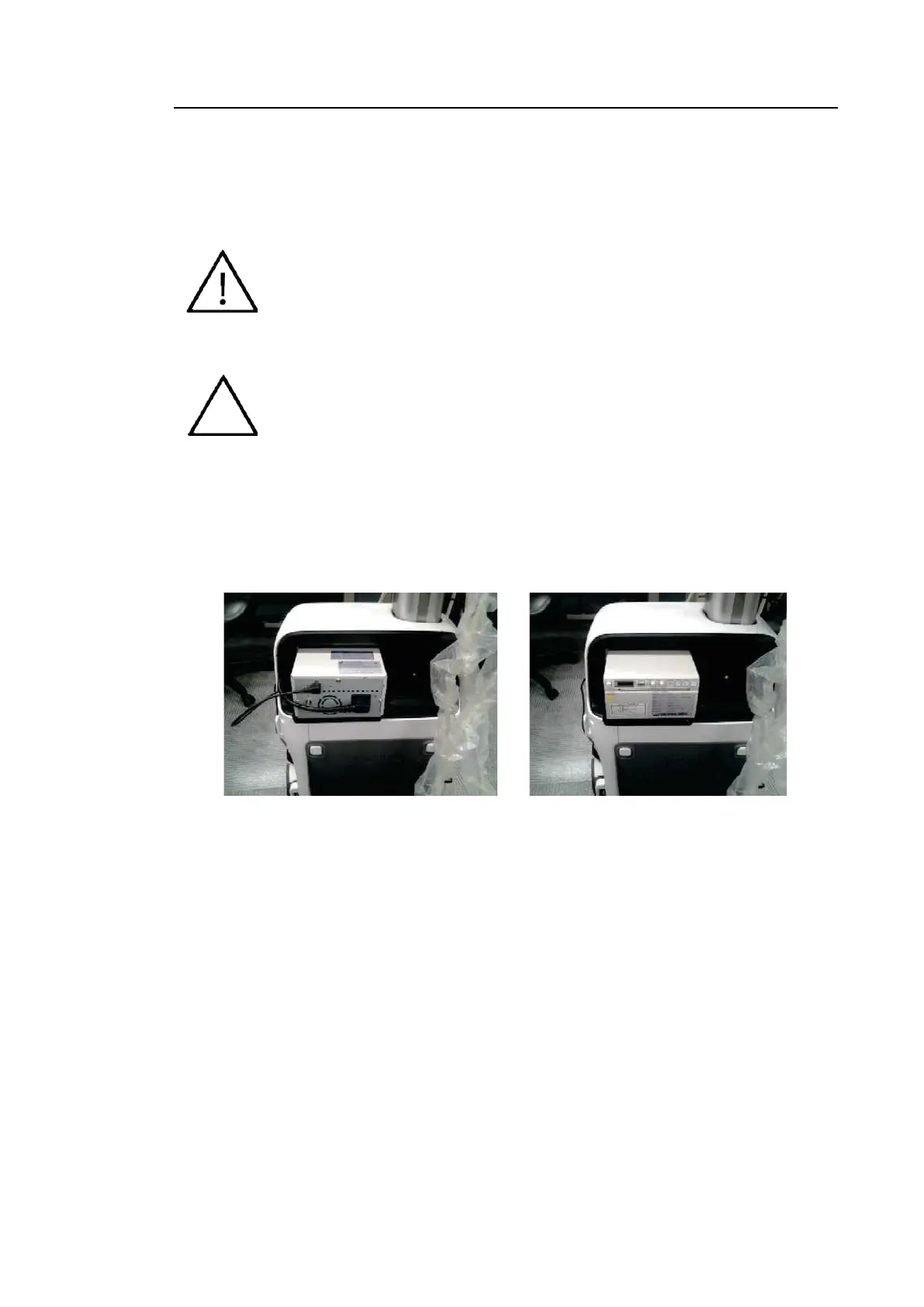
■ USB Video Printer
The following products are recommended:
• BW: Mitsubishi P-95DE, Sony UP-D897, Sony UP-X898MD, Sony UP-D898MD
[Figure 3.6 B/W Printer Installation Screen]
• Color: Mitsubishi CP-30DW, Sony UP-D25MD



 To Next Page