3 – 12 HS40 Service Manual
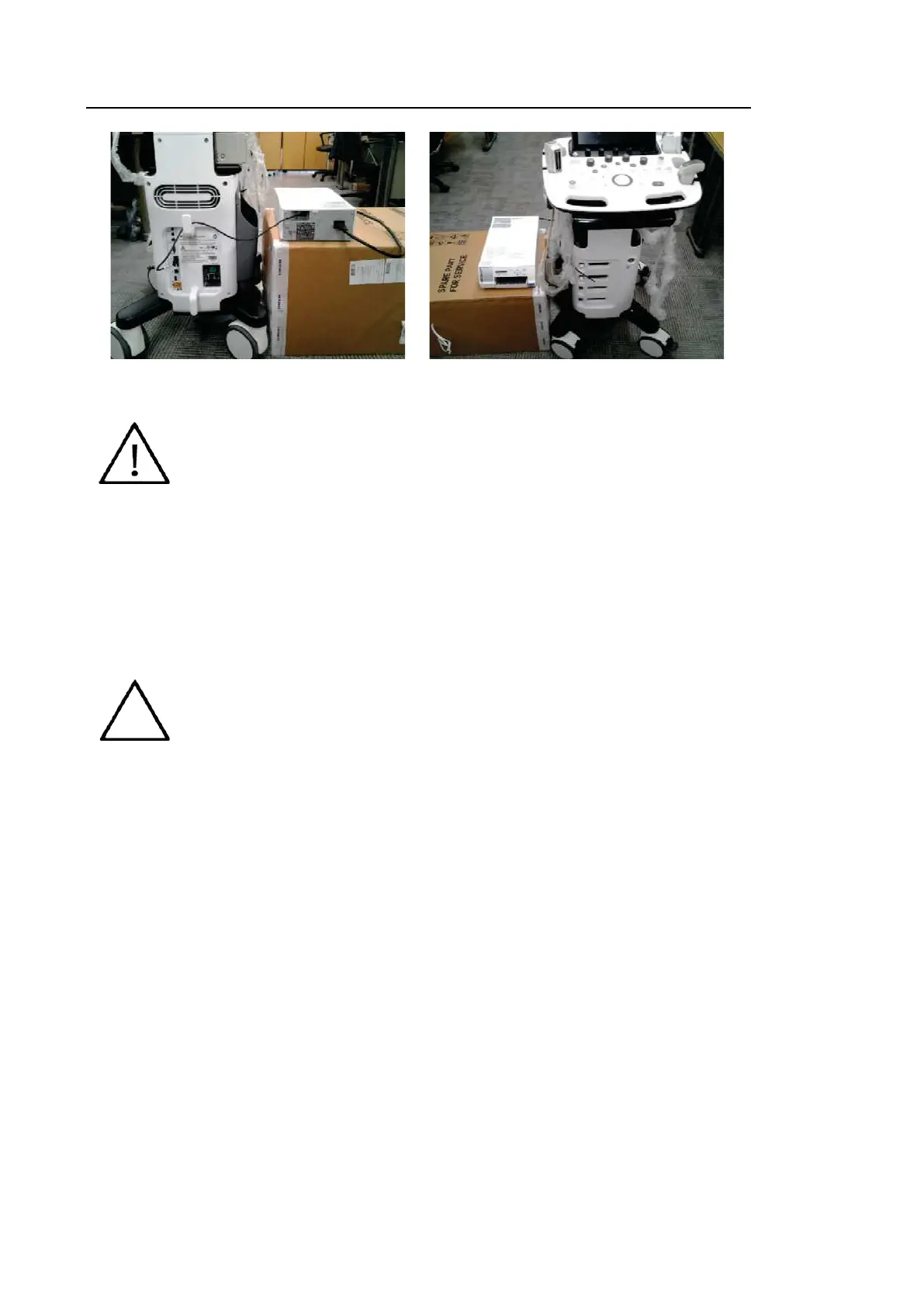
[Figure 3.7 Color Printer Installation Screen]
CAUTION
You must install a printer and driver compatible with the English version of
Microsoft Windows 7. Contact the Samsung Medison customer service
department if you have questions about printer driver installation.
When connecting the printer ensure that it is configured under Microsoft
Windows or system setup and has been chosen as the default printer.
Please check which port the printer uses before connecting. Printers should
be connected to the printer port while USB printers should be connected to
the USB port.
■ Other
Flash Memory Media
NOTE
The system cannot recognize USB 1.1 flash memory. Remove the flash
memory from the console and equip again with an appropriate device.
When using a flash memory device which supports functions other than
saving files, please check first to see if it is possible to save the file on a
desktop PC.
Do not use flash memory media which contains anti-virus programs or is
defective. Otherwise, the product may fail to work properly.



 To Next Page