Date Code 20001006 Serial Port Communications and Commands 10-1
SEL-351 Instruction Manual
SECTION 10: SERIAL PORT COMMUNICATIONS AND
COMMANDS
INTRODUCTION
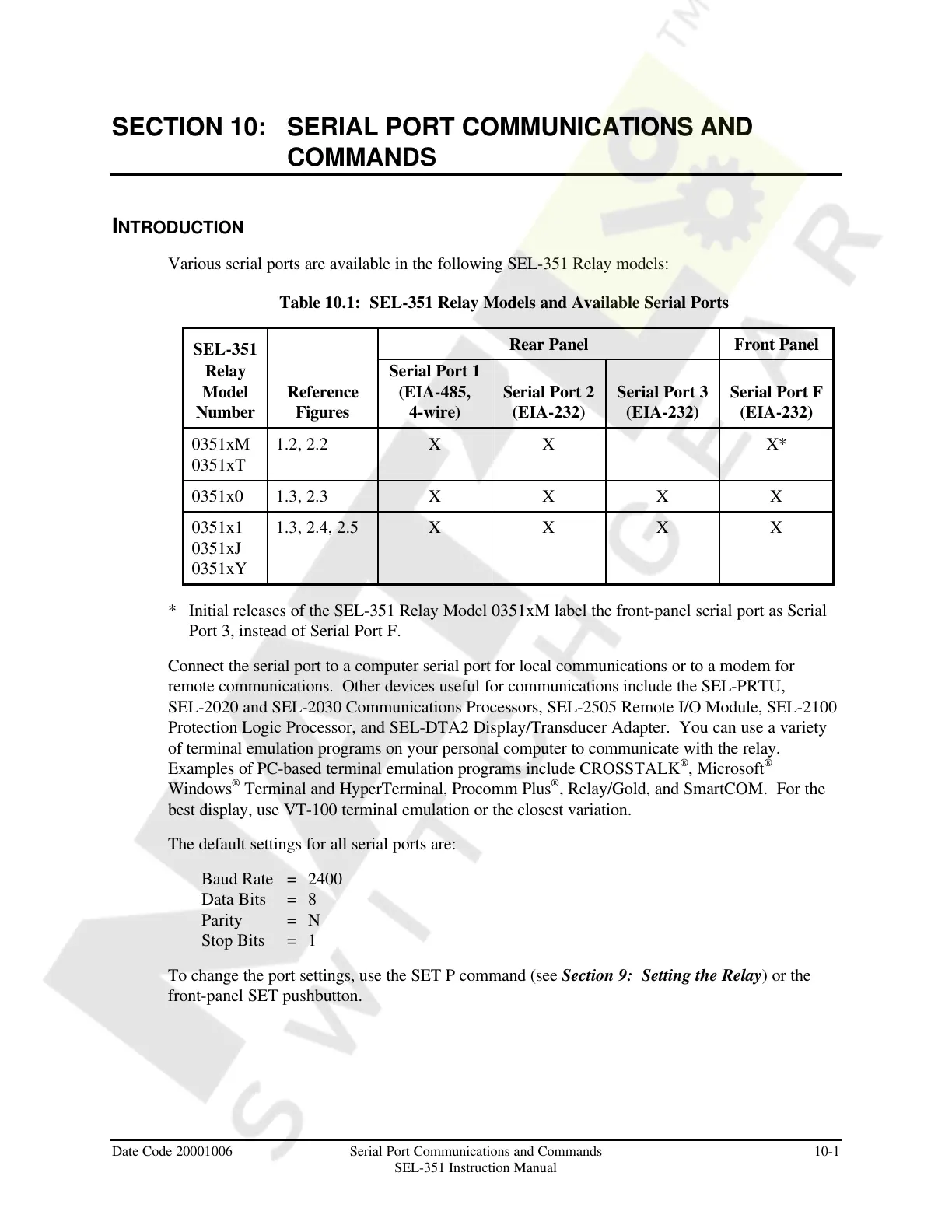
Various serial ports are available in the following SEL-351 Relay models:
Table 10.1: SEL-351 Relay Models and Available Serial Ports
SEL-351
Rear Panel Front Panel
Relay
Model
Number
Reference
Figures
Serial Port 1
(EIA-485,
4-wire)
Serial Port 2
(EIA-232)
Serial Port 3
(EIA-232)
Serial Port F
(EIA-232)
0351xM
0351xT
1.2, 2.2 X X X*
0351x0 1.3, 2.3 X X X X
0351x1
0351xJ
0351xY
1.3, 2.4, 2.5 X X X X
* Initial releases of the SEL-351 Relay Model 0351xM label the front-panel serial port as Serial
Port 3, instead of Serial Port F.
Connect the serial port to a computer serial port for local communications or to a modem for
remote communications. Other devices useful for communications include the SEL-PRTU,
SEL-2020 and SEL-2030 Communications Processors, SEL-2505 Remote I/O Module, SEL-2100
Protection Logic Processor, and SEL-DTA2 Display/Transducer Adapter. You can use a variety
of terminal emulation programs on your personal computer to communicate with the relay.
Examples of PC-based terminal emulation programs include CROSSTALK
®
, Microsoft
®
Windows
®
Terminal and HyperTerminal, Procomm Plus
®
, Relay/Gold, and SmartCOM. For the
best display, use VT-100 terminal emulation or the closest variation.
The default settings for all serial ports are:
Baud Rate = 2400
Data Bits = 8
Parity = N
Stop Bits = 1
To change the port settings, use the SET P command (see Section 9: Setting the Relay) or the
front-panel SET pushbutton.
Courtesy of NationalSwitchgear.com



 To Next Page