10-36 Serial Port Communications and Commands Date Code 20001006
SEL-351 Instruction Manual
Access Level 2 Commands
CON Command (Control Remote Bit)
The CON command is a two-step command that allows you to control Relay Word bits RB1
through RB8 (see Row 26 in Table 9.4). At the Access Level 2 prompt, type CON, a space, and
the number of the remote bit you wish to control (1-8). The relay responds by repeating your
command followed by a colon. At the colon, type the Control subcommand you wish to perform
(see Table 10.8).
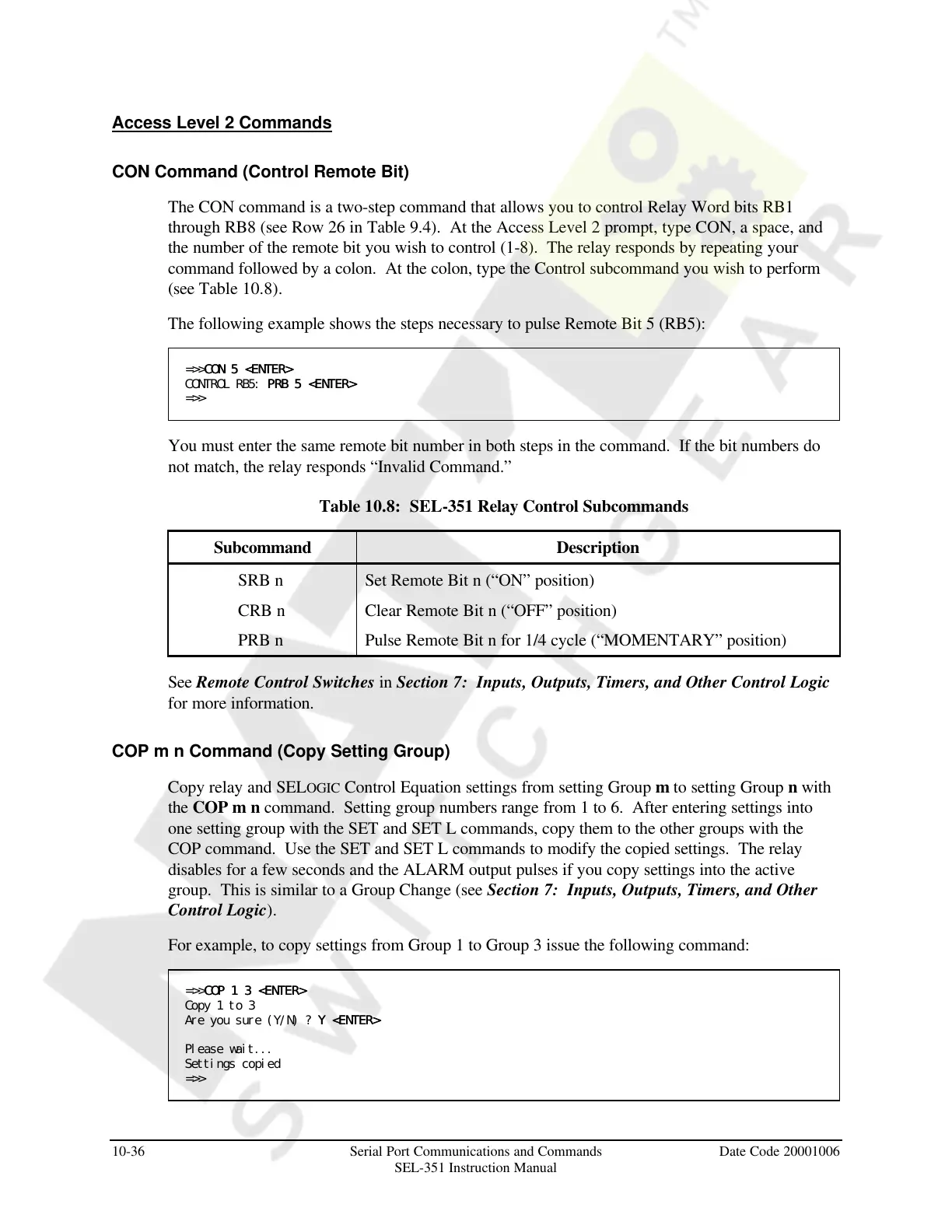
The following example shows the steps necessary to pulse Remote Bit 5 (RB5):
=>>CON 5 <ENTER>CON 5 <ENTER>
CONTROL RB5: PRB 5 <ENTER>PRB 5 <ENTER>
=>>
You must enter the same remote bit number in both steps in the command. If the bit numbers do
not match, the relay responds “Invalid Command.”
Table 10.8: SEL-351 Relay Control Subcommands
Subcommand Description
SRB n Set Remote Bit n (“ON” position)
CRB n Clear Remote Bit n (“OFF” position)
PRB n Pulse Remote Bit n for 1/4 cycle (“MOMENTARY” position)
See Remote Control Switches in Section 7: Inputs, Outputs, Timers, and Other Control Logic
for more information.
COP m n Command (Copy Setting Group)
Copy relay and SELOGIC Control Equation settings from setting Group m to setting Group n with
the COP m n command. Setting group numbers range from 1 to 6. After entering settings into
one setting group with the SET and SET L commands, copy them to the other groups with the
COP command. Use the SET and SET L commands to modify the copied settings. The relay
disables for a few seconds and the ALARM output pulses if you copy settings into the active
group. This is similar to a Group Change (see Section 7: Inputs, Outputs, Timers, and Other
Control Logic).
For example, to copy settings from Group 1 to Group 3 issue the following command:
=>>COP 1 3 <ENTER>COP 1 3 <ENTER>
Copy 1 to 3
Are you sure (Y/N) ? Y <ENTER>Y <ENTER>
Please wait...
Settings copied
=>>
Courtesy of NationalSwitchgear.com



 To Next Page