10-28 Serial Port Communications and Commands Date Code 20001006
SEL-351 Instruction Manual
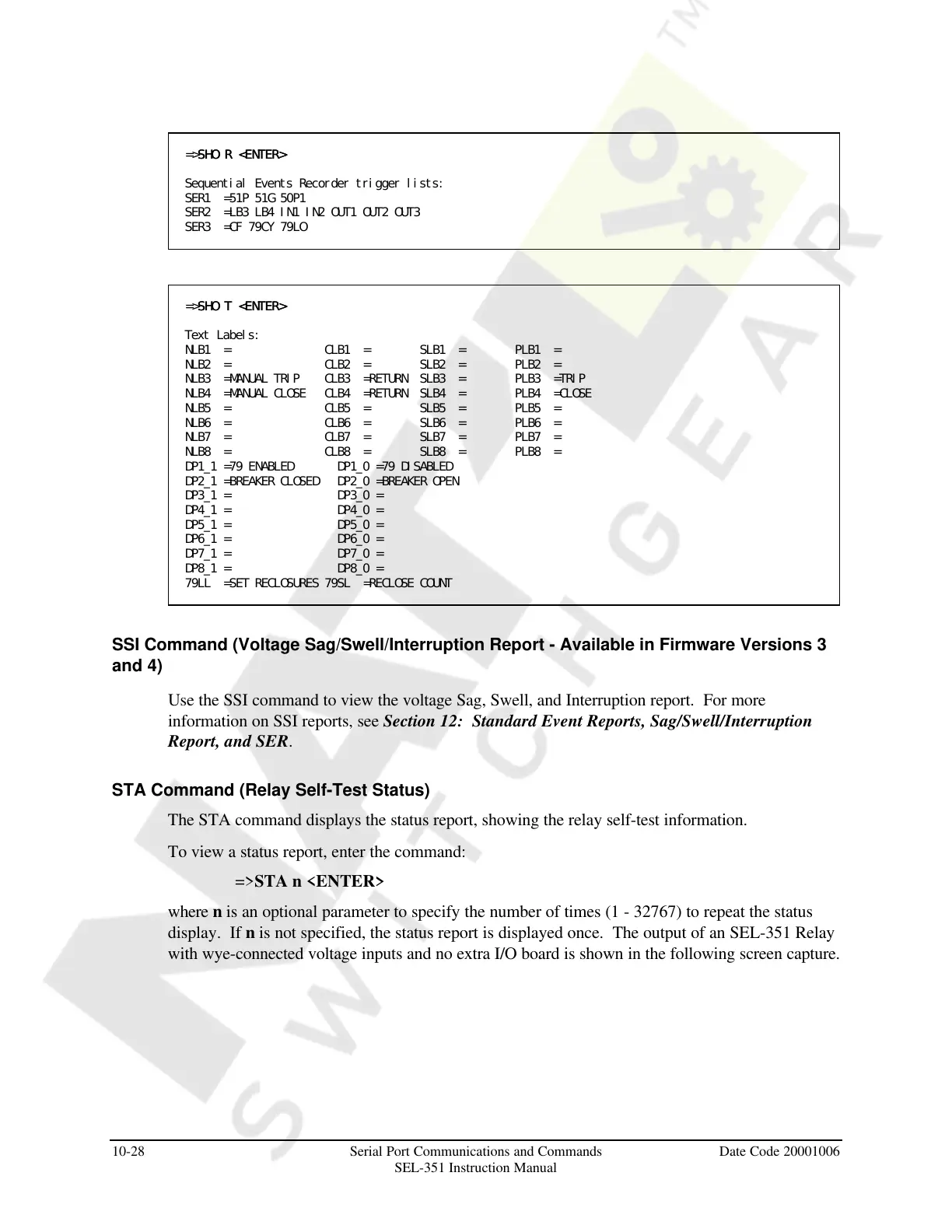
=>SHO R <ENTER>SHO R <ENTER>
Sequential Events Recorder trigger lists:
SER1 =51P 51G 50P1
SER2 =LB3 LB4 IN1 IN2 OUT1 OUT2 OUT3
SER3 =CF 79CY 79LO
=>SHO T <ENTER>SHO T <ENTER>
Text Labels:
NLB1 = CLB1 = SLB1 = PLB1 =
NLB2 = CLB2 = SLB2 = PLB2 =
NLB3 =MANUAL TRIP CLB3 =RETURN SLB3 = PLB3 =TRIP
NLB4 =MANUAL CLOSE CLB4 =RETURN SLB4 = PLB4 =CLOSE
NLB5 = CLB5 = SLB5 = PLB5 =
NLB6 = CLB6 = SLB6 = PLB6 =
NLB7 = CLB7 = SLB7 = PLB7 =
NLB8 = CLB8 = SLB8 = PLB8 =
DP1_1 =79 ENABLED DP1_0 =79 DISABLED
DP2_1 =BREAKER CLOSED DP2_0 =BREAKER OPEN
DP3_1 = DP3_0 =
DP4_1 = DP4_0 =
DP5_1 = DP5_0 =
DP6_1 = DP6_0 =
DP7_1 = DP7_0 =
DP8_1 = DP8_0 =
79LL =SET RECLOSURES 79SL =RECLOSE COUNT
SSI Command (Voltage Sag/Swell/Interruption Report - Available in Firmware Versions 3
and 4)
Use the SSI command to view the voltage Sag, Swell, and Interruption report. For more
information on SSI reports, see Section 12: Standard Event Reports, Sag/Swell/Interruption
Report, and SER.
STA Command (Relay Self-Test Status)
The STA command displays the status report, showing the relay self-test information.
To view a status report, enter the command:
=>STA n <ENTER>
where n is an optional parameter to specify the number of times (1 - 32767) to repeat the status
display. If n is not specified, the status report is displayed once. The output of an SEL-351 Relay
with wye-connected voltage inputs and no extra I/O board is shown in the following screen capture.
Courtesy of NationalSwitchgear.com



 To Next Page