Date Code 20001006 Serial Port Communications and Commands 10-31
SEL-351 Instruction Manual
TAR R
Clears front-panel tripping target LEDs TRIP, INST,
COMM, SOTF, 50, 51, 81, A, B, C, G, and N. Unlatches
the trip logic for testing purposes (see Figure 5.1). Shows
Relay Word Row 0.
Note: The TAR R Command cannot reset the latched
targets if a TRIP condition is present.
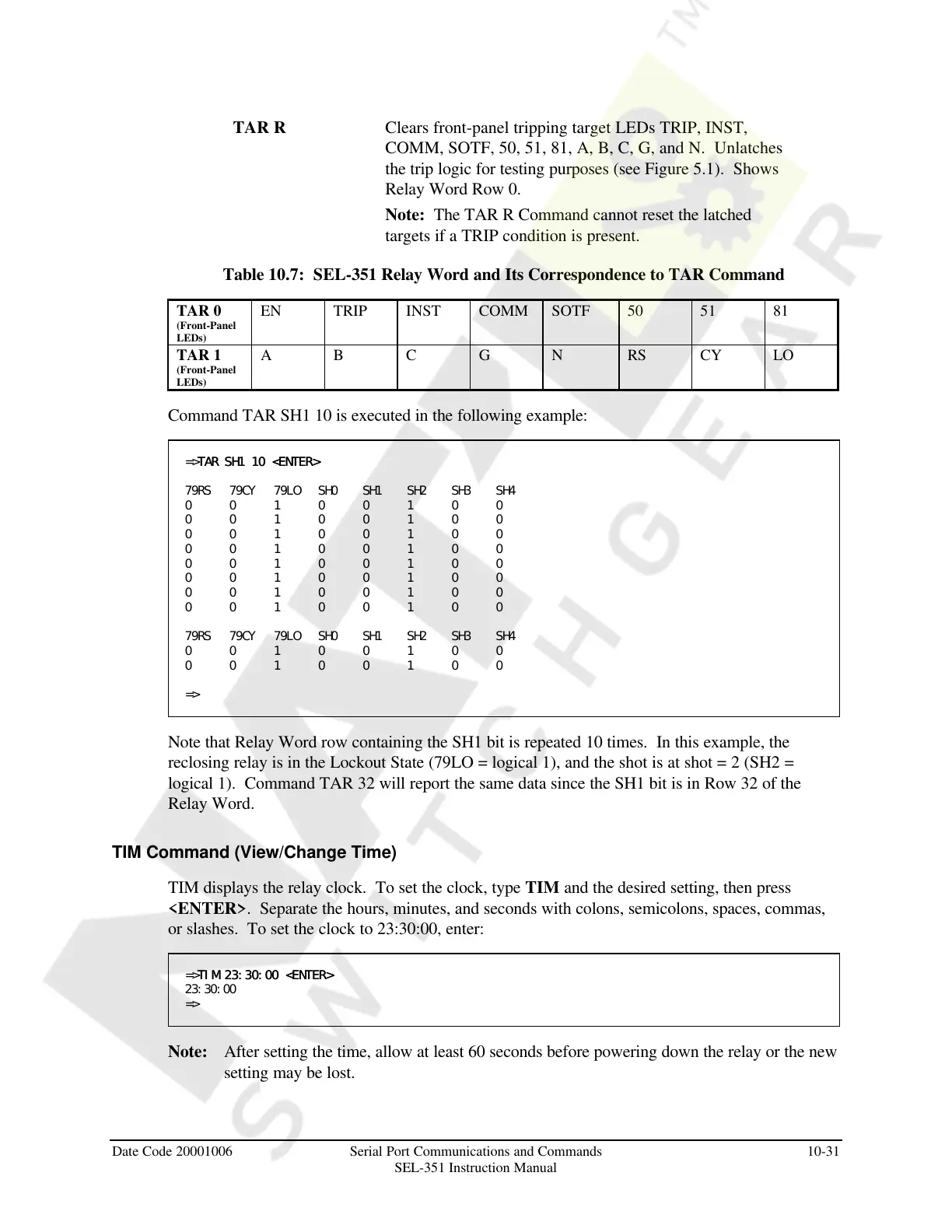
Table 10.7: SEL-351 Relay Word and Its Correspondence to TAR Command
TAR 0
(Front-Panel
LEDs)
EN TRIP INST COMM SOTF 50 51 81
TAR 1
(Front-Panel
LEDs)
A B C G N RS CY LO
Command TAR SH1 10 is executed in the following example:
=>TAR SH1 10 <ENTER>TAR SH1 10 <ENTER>
79RS 79CY 79LO SH0 SH1 SH2 SH3 SH4
0 0 1 0 0 1 0 0
0 0 1 0 0 1 0 0
0 0 1 0 0 1 0 0
0 0 1 0 0 1 0 0
0 0 1 0 0 1 0 0
0 0 1 0 0 1 0 0
0 0 1 0 0 1 0 0
0 0 1 0 0 1 0 0
79RS 79CY 79LO SH0 SH1 SH2 SH3 SH4
0 0 1 0 0 1 0 0
0 0 1 0 0 1 0 0
=>
Note that Relay Word row containing the SH1 bit is repeated 10 times. In this example, the
reclosing relay is in the Lockout State (79LO = logical 1), and the shot is at shot = 2 (SH2 =
logical 1). Command TAR 32 will report the same data since the SH1 bit is in Row 32 of the
Relay Word.
TIM Command (View/Change Time)
TIM displays the relay clock. To set the clock, type TIM and the desired setting, then press
<ENTER>. Separate the hours, minutes, and seconds with colons, semicolons, spaces, commas,
or slashes. To set the clock to 23:30:00, enter:
=>TIM 23:30:00 <ENTER>TIM 23:30:00 <ENTER>
23:30:00
=>
Note: After setting the time, allow at least 60 seconds before powering down the relay or the new
setting may be lost.
Courtesy of NationalSwitchgear.com



 To Next Page