11-4 Front-Panel Interface Date Code 20001006
SEL-351 Instruction Manual
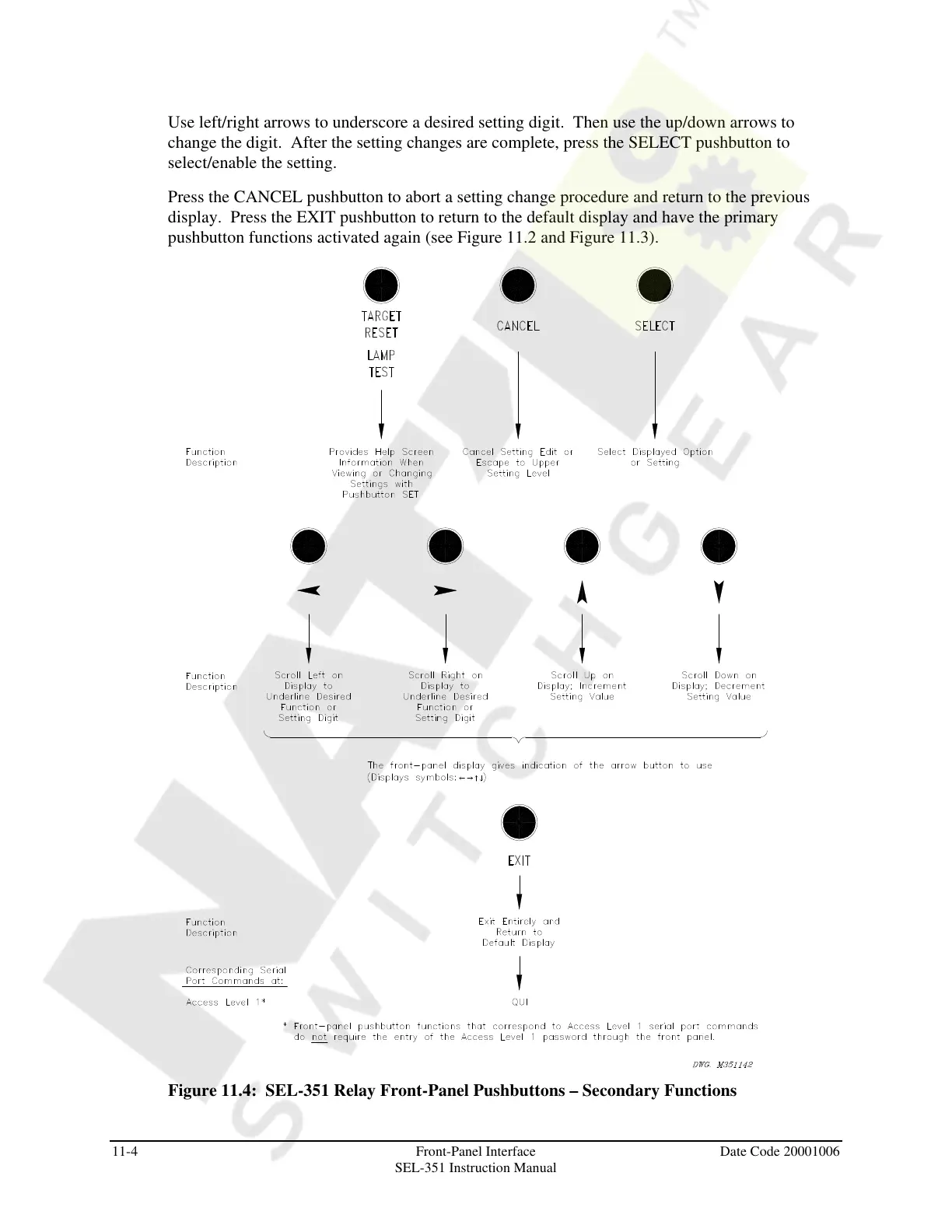
Use left/right arrows to underscore a desired setting digit. Then use the up/down arrows to
change the digit. After the setting changes are complete, press the SELECT pushbutton to
select/enable the setting.
Press the CANCEL pushbutton to abort a setting change procedure and return to the previous
display. Press the EXIT pushbutton to return to the default display and have the primary
pushbutton functions activated again (see Figure 11.2 and Figure 11.3).
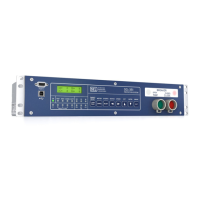
Figure 11.4: SEL-351 Relay Front-Panel Pushbuttons – Secondary Functions
Courtesy of NationalSwitchgear.com


 To Next Page