SEEDMASTER 2023
106
VIPER 4+ RUN SCREENS
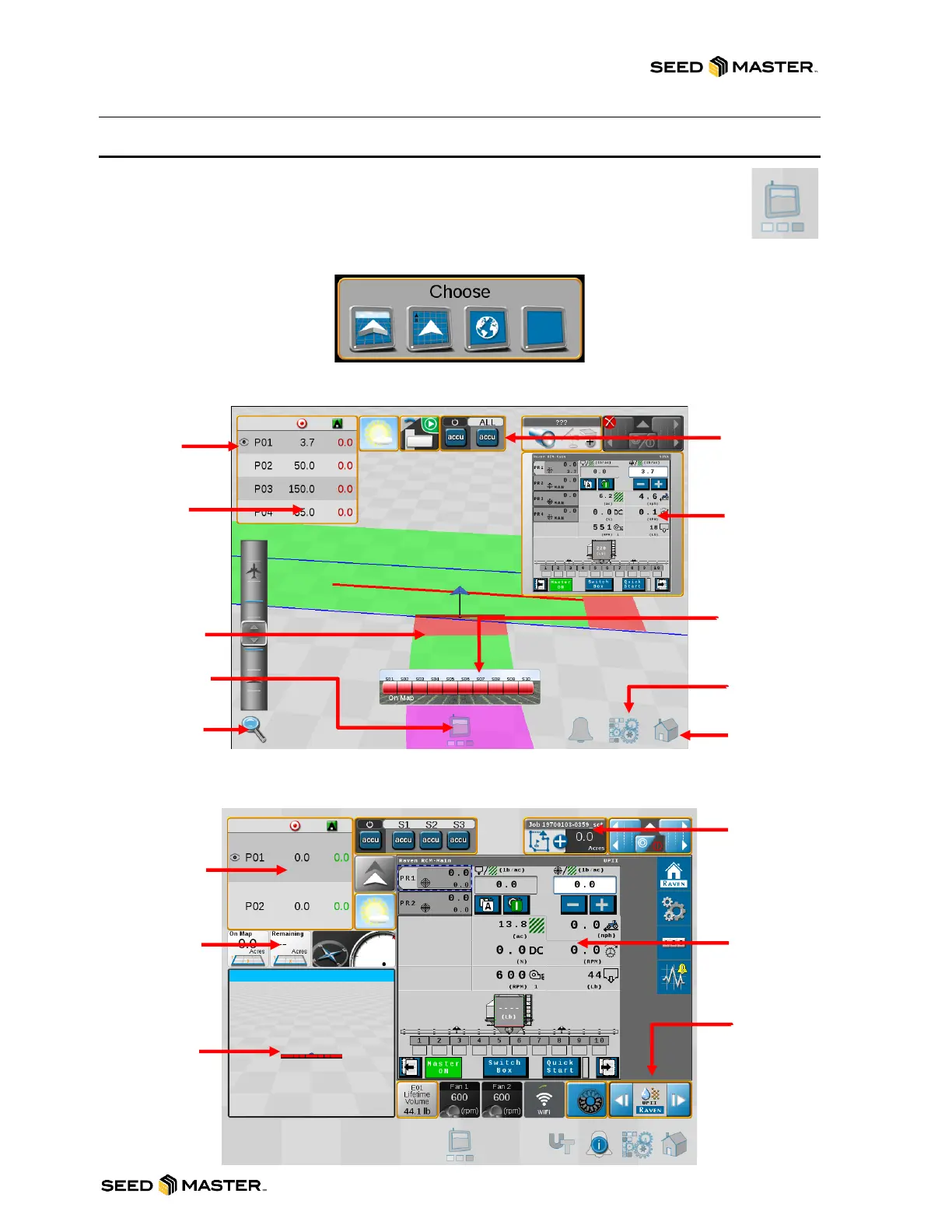
There are 3 different operator run screens: 3D Guidance, Field Review, and Widget View.
After starting a job, you can easily toggle each view by touching the computer icon located
on the bottom in the middle of the screen. A selection widget will pop up. The icons from left
to right are 3D Guidance View, Field Review map, Browser Page (if V4+ is connected to the
internet), and Widget View.
GUIDANCE VIEW
WIDGET VIEW



 To Next Page