SEEDMASTER 2023
113
3
RD
PARTY GPS
The Viper 4+ system requires a GPS differential correction from a GPS receiver. The GPS receiver that
connects to the Viper 4+ is required to output the correct NEMA strings. The NEMA strings required are:
1. GGA @ 10hz
2. VTG @ 10hz
3. RMC or ZDA @ 1HZ
4. Minimum BAUD Rate Setting of 19200bps.
Obtain the correct patch cable and connect to the Viper 4+ main console harness (connection is labeled
DGPS, it is a 9pin Male RS232 connector). Ensure the 3
rd
party GPS receiver has been correctly
configured. It is a simple procedure on the Viper 4+ to connect the GPS receiver.
To access the Serial Devices page:
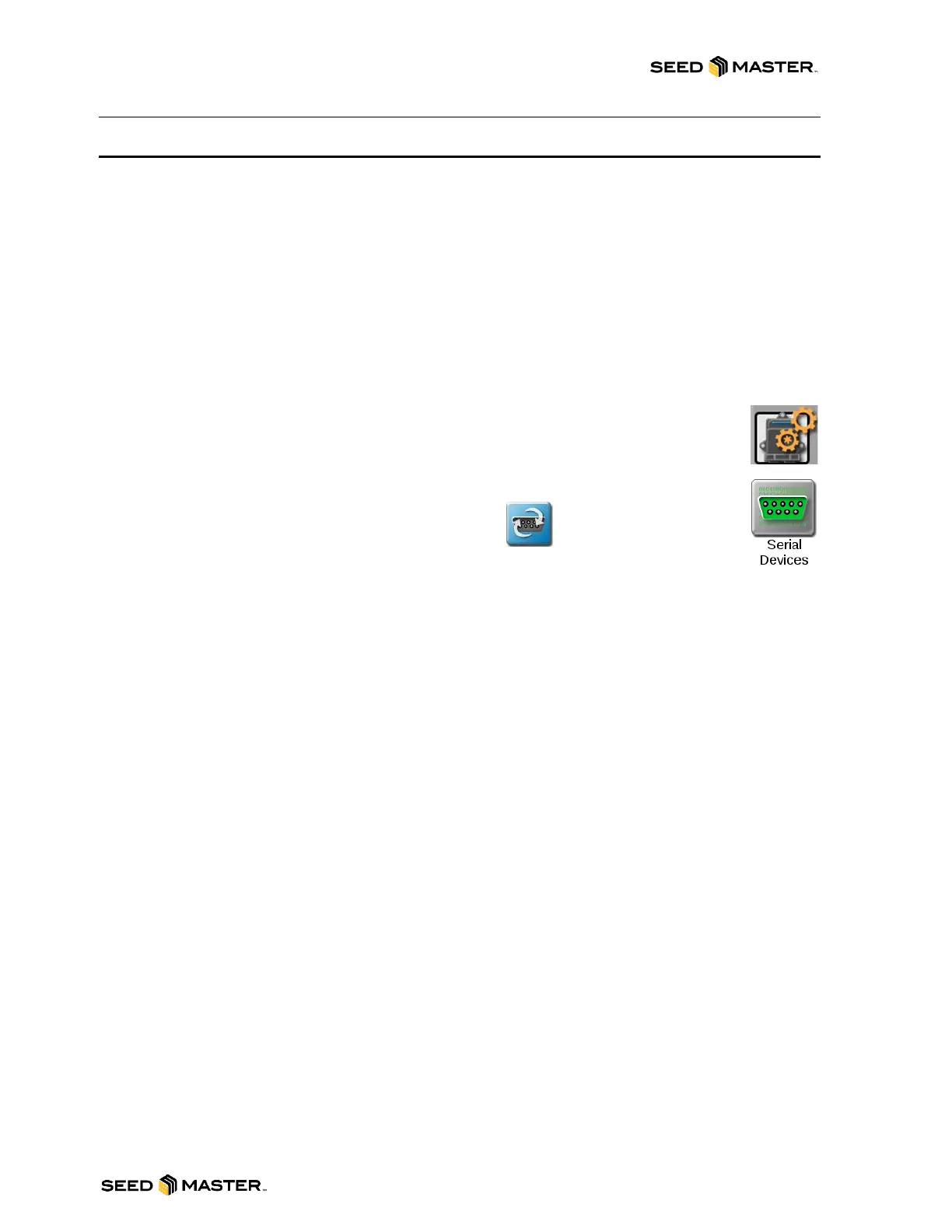
1. Touch the Can System Configuration Icon on the main screen to begin setting up
the system.
2. The CAN configuration icons screen will be displayed. Swipe the pages left until you
see the Serial Devices Icon. Touch the Serial Devices Icon.
3. The Serial Device Settings page will be displayed.
4. Touch the Serial Devices Reset / Redetect button.
The Viper 4+ will search for the installed GPS receiver. If it is not found, check your connections and
GPS receiver setup. If found the GPS icon in the top right will go green.
NOTE: There are Commonly used 3
rd
Party GPS Patch Cables. Please contact your GPS supplier to
obtain the correct patch cable.
Please refer to your 3
rd
party GPS receiver manual or Dealer for instructions on setting up NEMA strings
and outputting GPS.
Note: If you are connecting to a Raven DGPS receiver, the receiver will be configured to output the
correct NEMA strings to your Viper 4+ Field Computer. Raven DGPS receivers are also available for
purchase. Please contact your dealer for more details.



 To Next Page