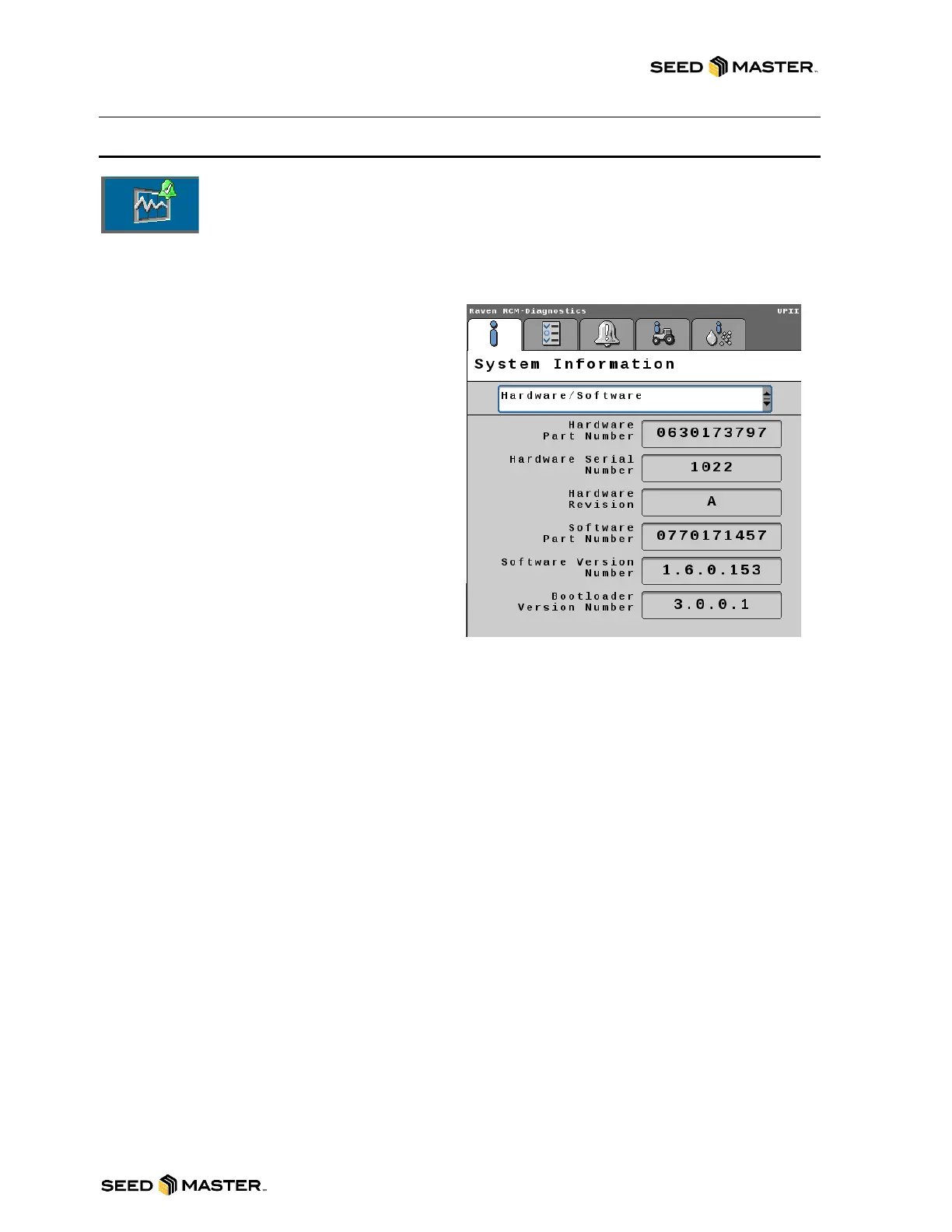
The System Information Tab displays hardware
and software information about the RCM.
SELECT ONE OF THE FOLLOWING FROM
THE DROP-DOWN MENU TO VIEW
INFORMATION
Hardware/Software: Displays the
manufacturer’s information for the Raven Rate
Control Module hardware and software.
Switchbox: Displays if an external switchbox is
present and the status of the switches.
Delivery System: Shows application information
for the selected product.
Section Status: Shows if each section valve is
currently open or closed.
System Voltages: Shows voltage and current
information for the Raven Rate Control Module.
Working Parameters: Displays the implement
width, current speed, and speed source.
Switches/Status: Displays the status of the Master switch.
Pressure Sensors: Displays voltage and pressure information for each pressure sensor.
Bin Level Sensors: Displays whether each bin level sensor is covered or uncovered.
RPM Sensors: Shows the signal detected by each RPM sensor.
Tank Fill Monitor: Displays the fill rate and volume detected by the tank fill monitor.
Task Totals: Shows the area covered and volume applied for the current task.



 To Next Page