SEEDMASTER 2023
23
ISO TOOLBAR QUICK START PROCEDURE
Before you go to the field, please review the steps below to ensure your ISO Toolbar is field ready.
1. Turn safety switch ON: Before turning the safety switch on, please
ensure the toolbar is free of any persons, animals, or objects that could
damage your equipment. Touch the RED safety switch in the Soft Key
Area. The Safety Switch will turn green indicating that the system is
ready.
2. Engage System Pressure: Engage the tractors hydraulic remote for
system pressure. The System Pressure will display in the System
Information Area. NOTE: System Pressure must operate with a pressure greater than 2600psi
and less than 3000psi. Ensure tractor remote is set to constant flow. Adjust flow as necessary to
avoid fluctuation.
3. Unfold Drill: Start unfolding the drill by touching the Drill Unfold Soft Key. BEFORE
UNFOLDING MAKE SURE THE WING TRANSPORT SAFETY CHAINS ARE
REMOVED AND THAT WINGS ARE FREE AND CLEAR OF ANY OBJECTS
THAT COULD CAUSE HARM TO YOU OR ANYONE ELSE. Start by unfolding the
Inner Wings first then the Outer Wings. NOTE: The buttons need to be held down during the
unfold process.
4. Set Packing Pressure: Ensure that the packing pressure
is set to your desired mode. Recommended mode is
AUTO, but field conditions may require Manual mode.
After setting the mode to Auto, the desired packing
pressure must be set. The recommended starting point is 1000psi. NOTE: PACKING
PRESSURE NEEDS TO CHANGE WITH FIELD CONDITIONS.
5. Engage Opener Pressure: Engage the tractor’s hydraulic remote for Opener Pressure. NOTE:
Ensure tractor remote is set to constant flow for Smart Openers. Recommended flow is 75%.
6. Test Openers Function UP/DWN: You will need to note
what your master switch configuration is. The machine
comes from factory with a foot switch, so the system is set
on foot switch. BEFORE ENGAGING THE OPENERS MAKE SURE THE OPENERS ARE
FREE AND CLEAR OF ANY OBJECTS THAT COULD CAUSE HARM TO YOU OR ANYONE
ELSE. Begin with engaging the Master Switch by stepping on the foot pedal. After engaging the
master, the openers will go to the ground and start building pressure. You will see the Master
Switch Icon turn green. To lift the openers, step on the foot switch to disengage the packing
pressure. NOTE: If the openers are not going up and down your hydraulic pressure on the
tractors remote could be reversed or a hose could have popped out of the tractor SCV. Also
note that if the openers are not going down that the Opener transport shipping bolts may need
to be removed.
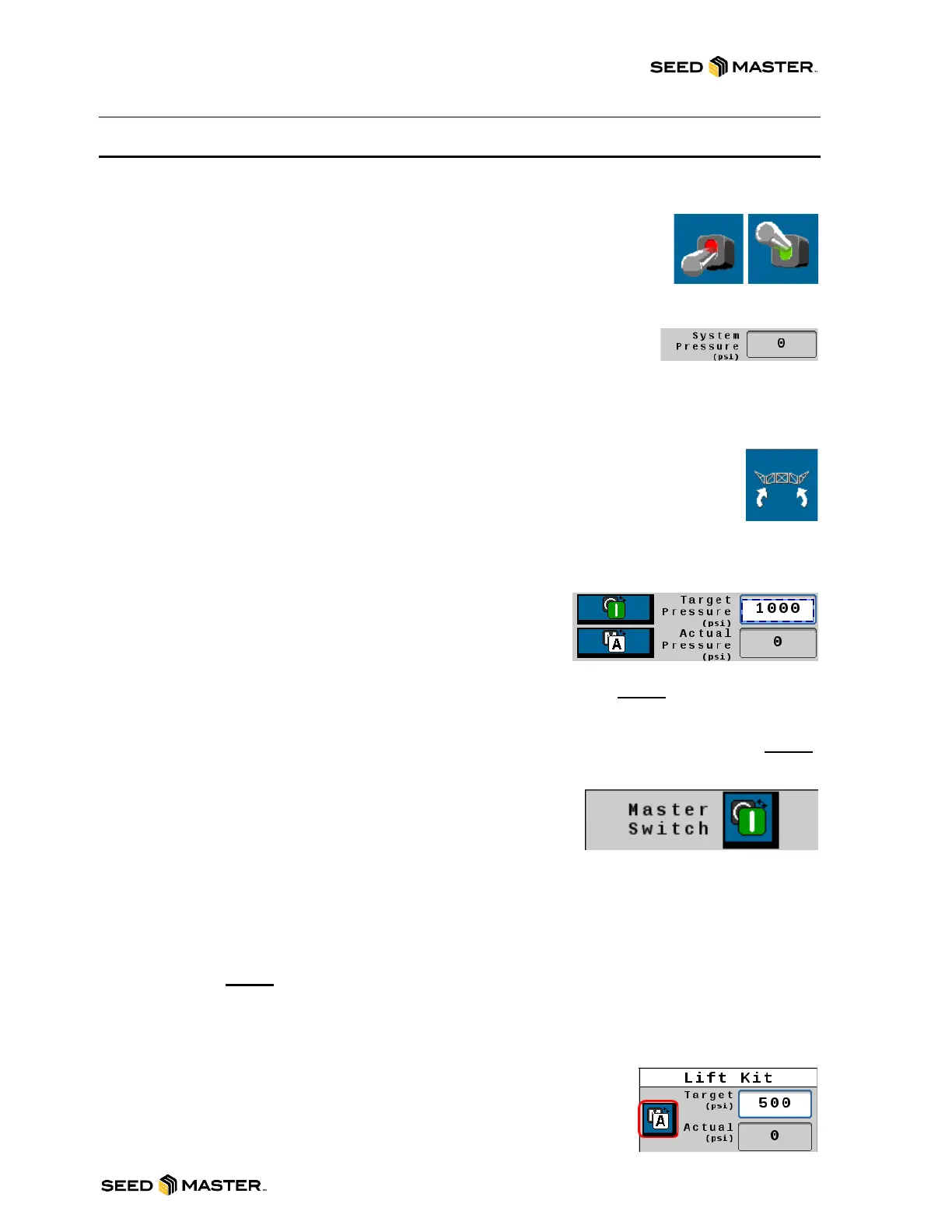
7. Review Lift Kit Mode: Touch the Settings button in the Soft Key
Area to access the Lift Kit settings page. Touch the status button to
toggle between “Auto” and “Manual”. Factory default is set to
200psi.



 To Next Page