SEEDMASTER 2023
117
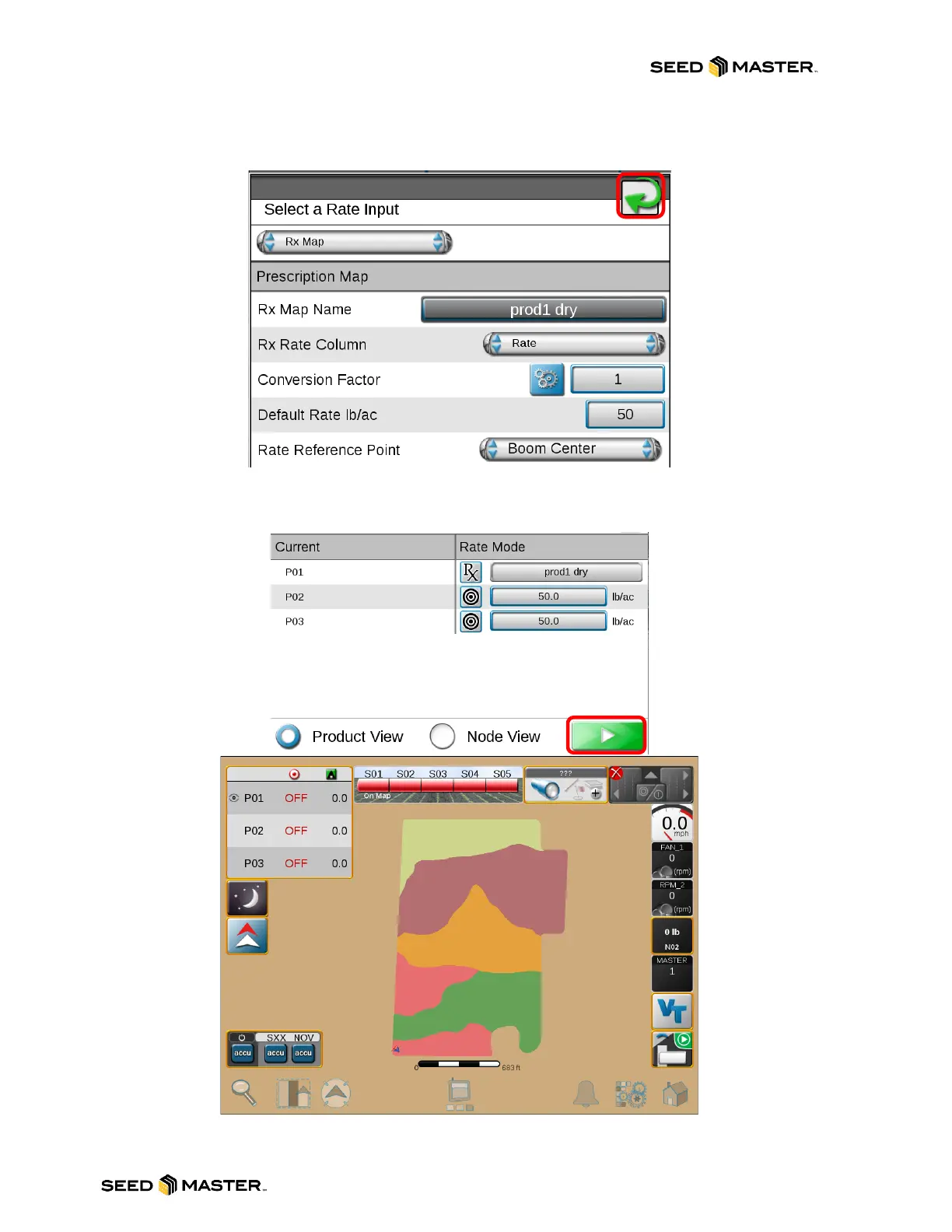
9. The rate reference defaults to the center of the machine.
10. The RX map is ready for applying. Touch the green arrow to continue to job setup.
11. If multiple RX maps are being applied, please repeat the above steps.
12. When finished, touch the play button to open the job.
NOTE: THE RX MAP WIDGET CAN BE ADDED TO THE RUN SCREENS FOR RX MAP SETTINGS
DURING JOB OPERATION



 To Next Page