SEEDMASTER 2023
31
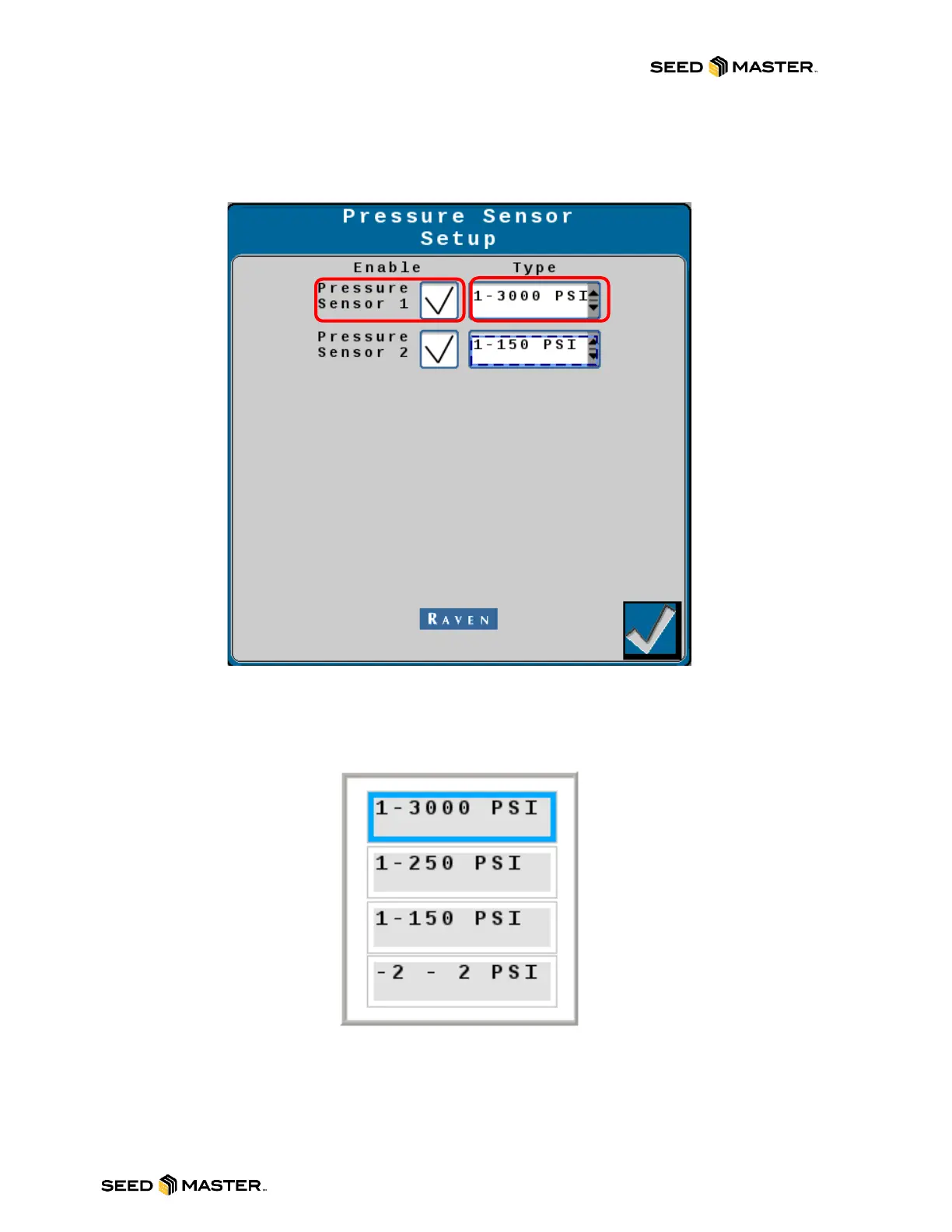
3. For Sensors 1 and 2, a checkmark box is available to enable the sensor on the System
Information area. Touch the “Type” drop-down menu to change the sensor to the
appropriate style for the sensor display.
4. For System Pressure, choose the “1-3000 PSI” sensor.
5. For Air Tank Pressure, choose the “1-150 PSI” sensor.



 To Next Page