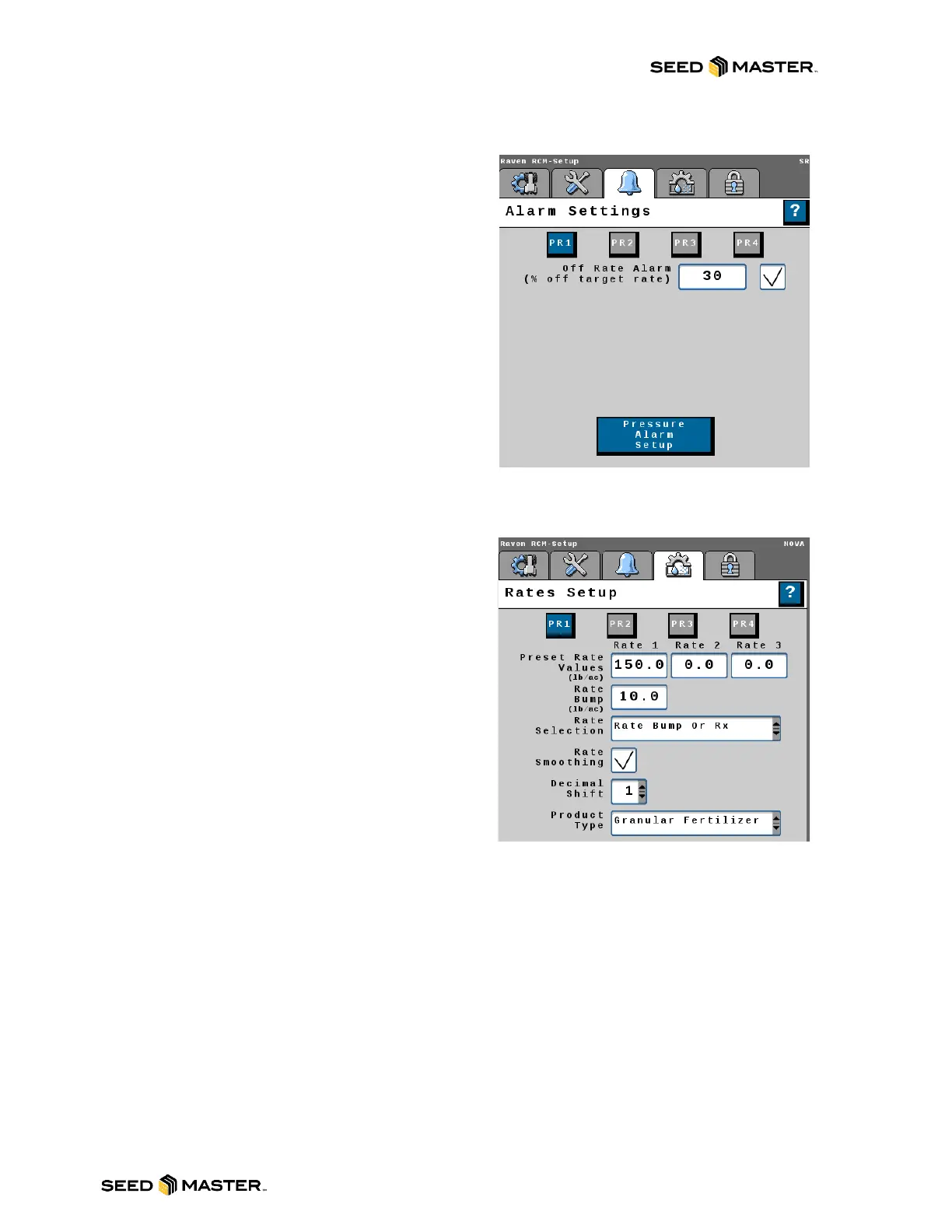
The Alarm Settings tab allows the operator to change
alarm settings after creating a profile with the setup
wizard.
- Enter the desired Off Rate Alarm percentage.
The Rates Setup tab allows the operator to change
the rate settings after creating a profile with the setup
wizard.
Select the Rate Selection from the drop-down Menu
to choose the rate type displayed on the main run
page.
- Predefined or RX: Displays selection buttons
for Preset Rate Values. Enter up to three
Preset Rate values. Rate 1 Preset value is
required. If a job is setup with a prescription
map, the target rate will be generated from
the map.
- Rate Bump or RX: Displays plus (+) and
minus (-) buttons that increase or decrease
the target rate by the Rate Bump Value. Enter
the Rate Bump. If a job is set up with a
prescription map, the target rate will be
generated from the map.
- UT Rate Entry: Enter the desired rate.
- Ensure the Rate Smoothing check box is
selected.



 To Next Page