14-18
Computer Link
14
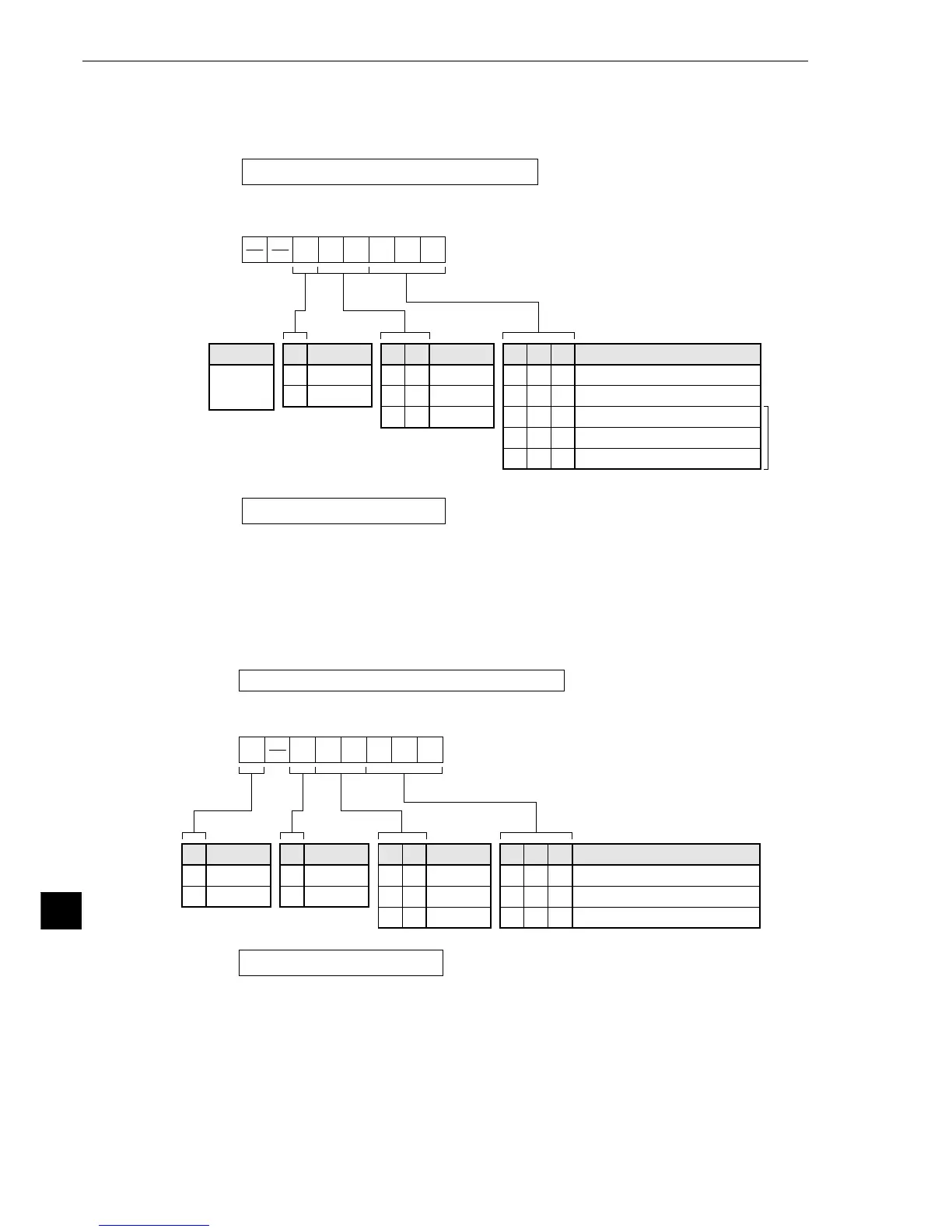
2. When communication port 2 (PG/COMM2 port) is used.
Store the communication conditions in system memory addresses #222, #236 and #237. Either
RS-232 or RS-422 cable can be connected to the PG/COMM2 port.
In the initial state, addresses #222, #236 and #237 are set to 000.
*
#236
76543210
#237
#222
Communication method for the PG/COMM2 port
(00
(H)
)
Set to 00
(H)
.
D5
0
1
D4
0
0
1
D3
0
1
0
D1
0
0
1
1
0
D0
1
0
1
0
1
D2
0
0
1
1
1
Set bits D
0
to D
5
in memory address #236.
Transmission speed (k bit/sec)
9.6
19.2
38.4
57.6
115.2
7 bits,
fixed
Data
Stop
1 bit
2 bits
Parity
None
Odd
Even
* Applicable only to
the JW-32CUH1/M1 and JW-33CUH1/H2/H3
Station No.
(001 to 037
(8)
)
Enter the station No. for the current station.
33
33
3 When a JW-1324K/1342K/1424K/1442K/1624K/1642K is used
1. When the communication port is used
Store the communication conditions in system memory addresses #234, #236 and #237.
In the initial state, addresses #234, #236 and #237 are set to 000.
Set bits D
0
to D
5
and D
7
in memory address #236.
#236
#234 (00
(H)
)
76543210
#237
D
5
0
1
D
4
0
0
1
D
3
0
1
0
D
1
0
0
1
D
0
1
0
1
D
2
0
0
1
D
7
0
1
Data
7 bits
8 bits
Communication mode for the communication port
Set to 00
(H)
(computer link).
Stop
1 bit
2 bits
Parity
None
Odd
Even
Transmission speed (k bit/sec)
9.6
19.2
38.4
Station No.
(001 to 037
(8)
)
Enter the station No. for the current station.



 To Next Page