Commissioning and parameterization
FLOWSIC200 · Operating Instructions · 8013271/1CJ9/V2-0/2022-01 · © SICK Engineering GmbH 77
4.2.9 Setting the response time (damping time)
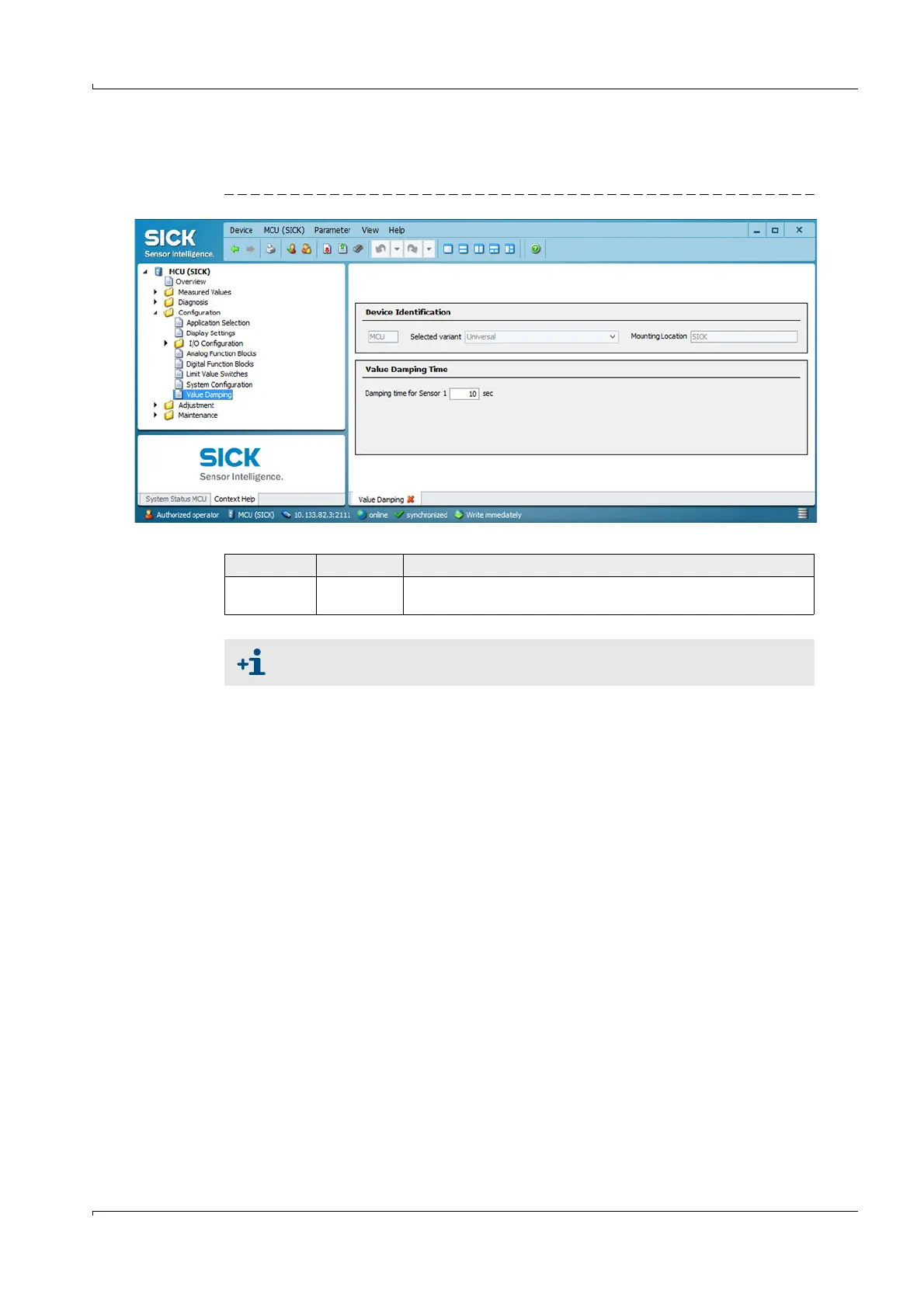
Select directory “Configuration / Value Damping” to set the response time.
Fig. 64 Directory “Configuration / Value Damping (display for a connected sender/receiver unit)
Field Parameter Remark
Damping time
for Sensor 1
Value in s Response time for the selected measured variable (
p. 27, §2.3.3)
If several sender/receiver units are connected (
p. 15, Fig. 3), a separate input
window exits for each measuring point to set an individual response time.













 To Next Page