Commissioning and parameterization
FLOWSIC200 · Operating Instructions · 8013271/1CJ9/V2-0/2022-01 · © SICK Engineering GmbH 67
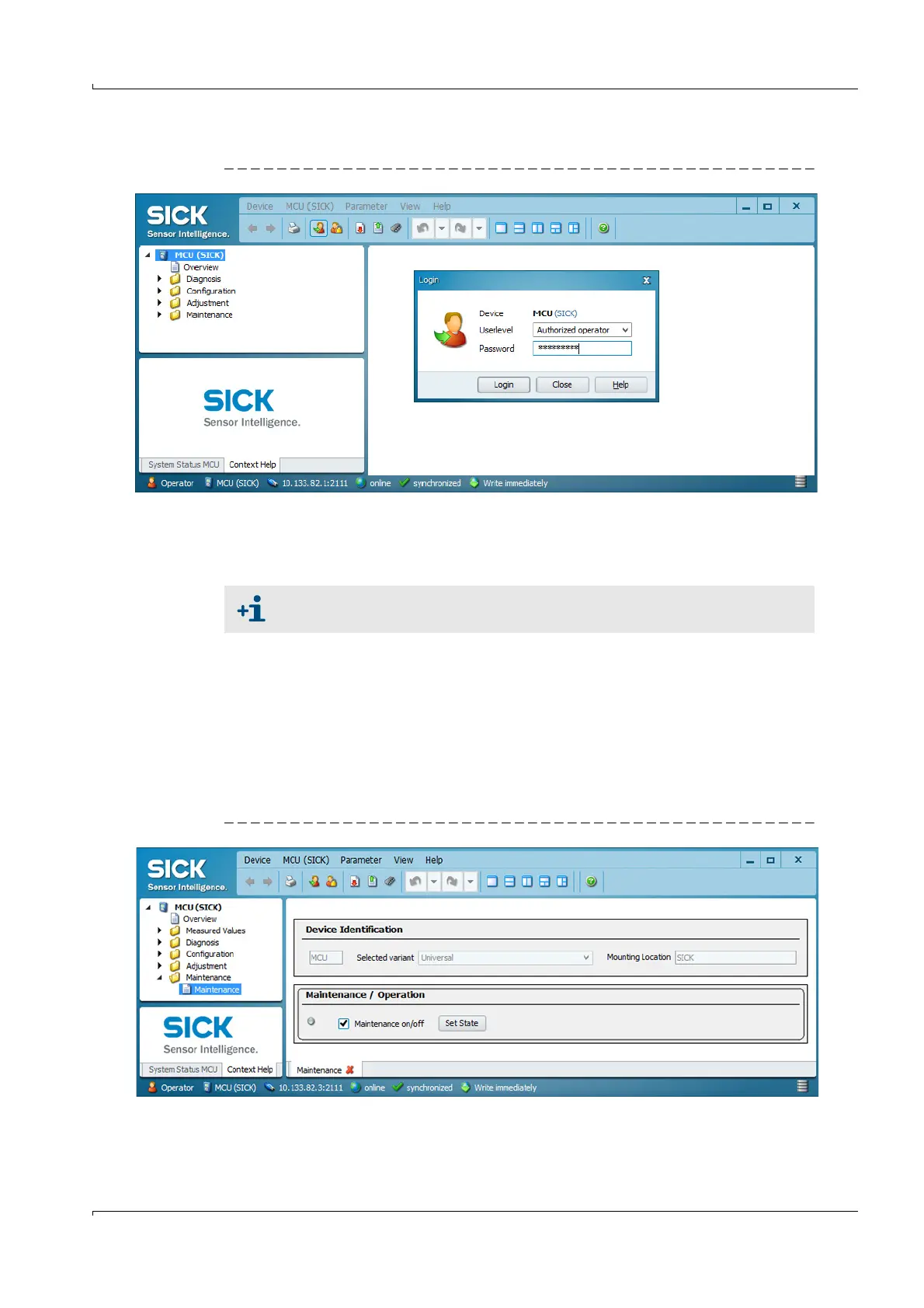
The level 1 default password is included in the Annex.
Fig. 53 Entering the password
4.2 Standard commissioning procedure
This Section describes all the settings required for the device function.
To set/change the parameters, carry out the following procedure:
Connect the measuring system to the SOPAS ET program, scan the network and add the
required device file ( MCU, FLOWSIC200 M/FLOWSIC200 H/FLOWSIC200 H-M ) to the
current project (
p. 64, §4.1.4).
Enter the Level 1 password (
p. 64, §4.1.4) and open directory “Maintenance /
Maintenance / Operation”.
Activate checkbox “Maintenance” (MCU) or “Sensor maintenance” (sender/receiver
unit) and click “Set State”.
Fig. 54 Switching to Maintenance mode
Error message “Error Parameter” is output as long as the plant data (
p. 71,
§4.2.4) have not been entered completely.













 To Next Page