66 FLOWSIC200 · Operating Instructions · 8013271/1CJ9/V 2-0/2022-01 · © SICK Engineering GmbH
Commissioning and parameterization
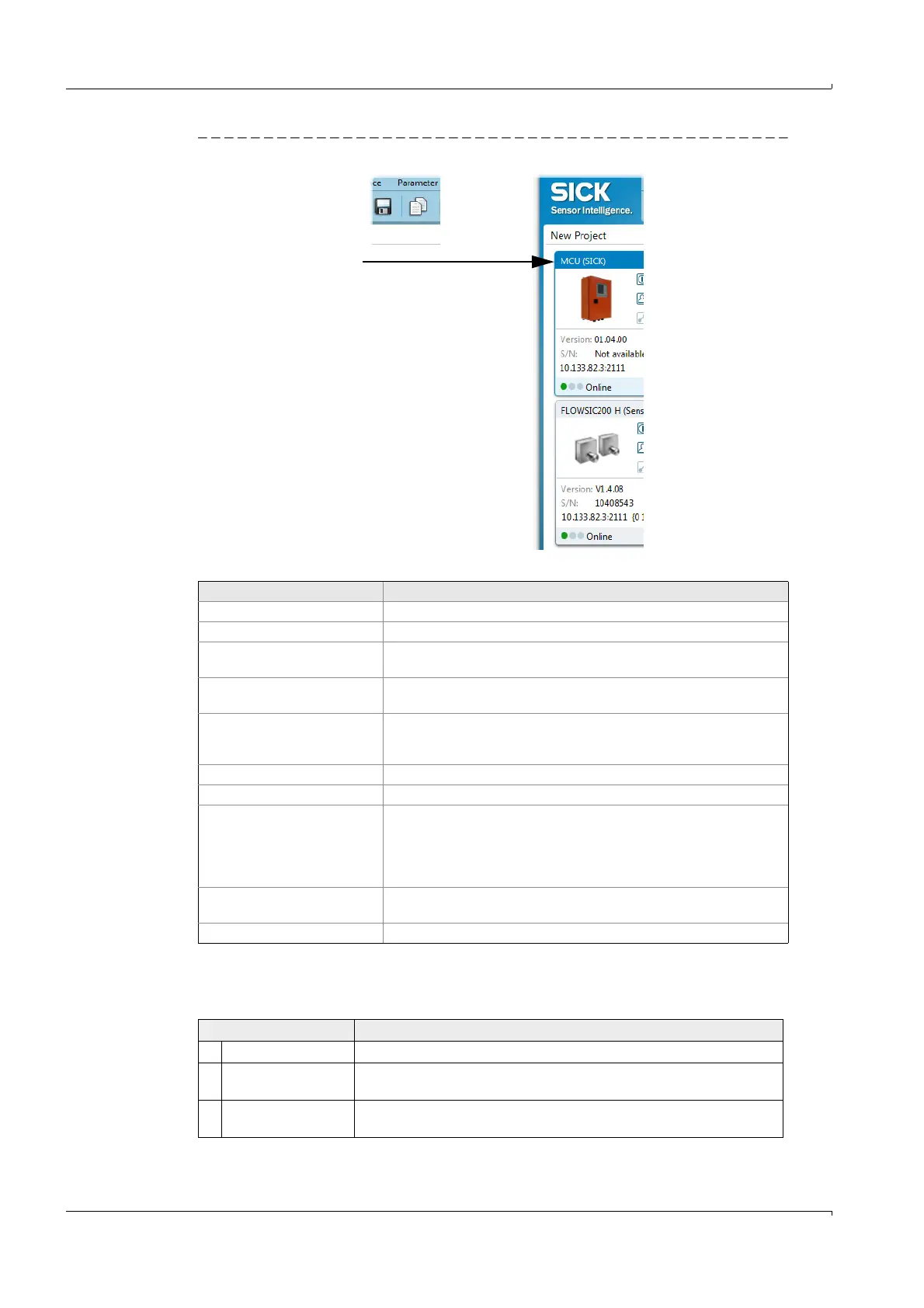
Fig. 52 Device context menu
Table 1 Contents of device context menu
Password
Certain device functions are first accessible after a password has been entered (
Fig. 53).
Access rights are assigned in 3 levels:
Context menu Description
Go online Establishes the connection between SOPAS ET and the device.
Go offline Interrupts the connection between SOPAS ET and the device.
Connection Select Connection: Changes the connection settings.
Deselect Connection: Deletes the connection settings.
Upload from device Uploads all parameter values from the connected device and transfers
them to SOPAS ET.
Download to device Downloads the parameter values from SOPAS ET to the connected
device. Only those parameter values which can be written at the
currently logged in user level are downloaded.
Login Opens the login dialog.
Logout Logs out the user from the device.
Import Imports a suitable device from the *.sopas file and overwrites the
parameter values with the values saved in the *.sopas file. During
import to an online device, the parameters are immediately down-
loaded to the device. Only those parameter values which can be written
at the currently logged in user level are downloaded.
Export Exports the device information and the associated project information
and saves them in a *.sopas file.
Delete device Deletes the device from the project.
User level Access to
0 “Machine supervisor” Displays measured values and system states
1 “Authorized Client” Displays, inquiries and parameters required for commissioning or
adjustment to customer-specific demands and diagnosis
2 “Service” Displays, inquiries as well as all parameters required for service tasks (e.g.,
diagnosis and clearance of possible malfunctions)













 To Next Page