82 FLOWSIC200 · Operating Instructions · 8013271/1CJ9/V 2-0/2022-01 · © SICK Engineering GmbH
Commissioning and parameterization
4.2.12 Starting normal measuring operation
Set the measuring system to “Measurement” mode after entering or modifying
parameters. By deactivating Maintenance mode, the normal measuring operation is
started:
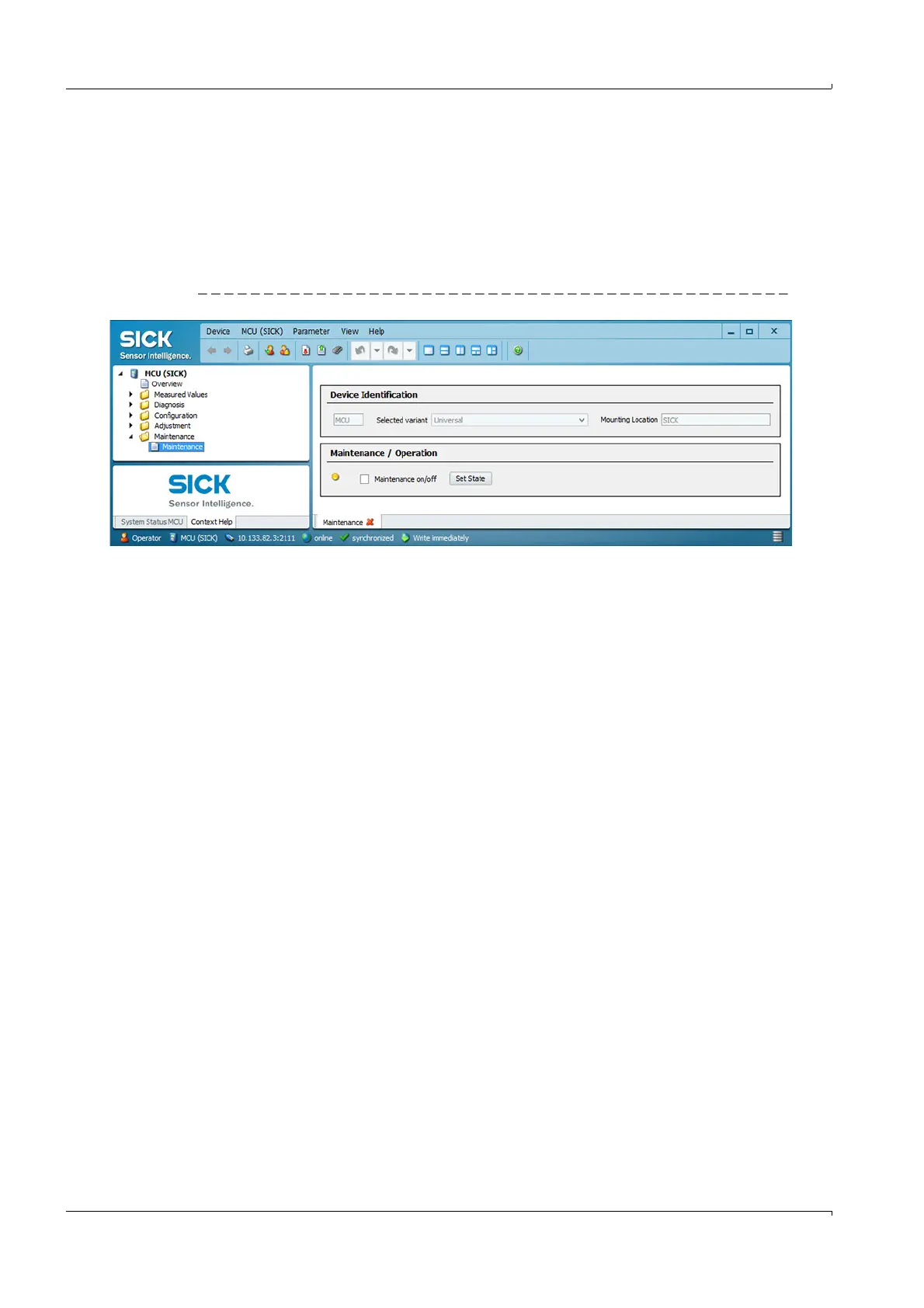
Open directory “Maintenance/Maintenance”.
Deactivate checkbox “Maintenance on/off” or “Sensor maintenance” (sender/receiver
unit) and click “Set State”.
Fig. 71 Setting the operational state
Checking the signal waveform
Checking the signal waveform allows an assessment on the quality of the received
ultrasonic signals.
For display on the screen, open the device file “FLOWSIC200 M” or “FLOWSIC200 H” or
“FLOWSIC200 H-M” and select the directory “Diagnosis/Sensor values” (operating mode
“Measurement”).
The ultrasonic signals of both transducers are then displayed in the “Signal Display” field
alternating as raw signal and envelope curve.
Setting the “View Envelope Curve” function shows the envelope curves of both transducers.
The signal waveform should match the waveforms in the
p. 83, Fig. 72 to
p. 84, Fig. 75.













 To Next Page